Increase average order value with personalized product recommendations at Shopify checkout. Trusted by 600+ Shopify Plus merchants.


Summer lily dress
$99.99
Add a product for free shipping!
Creation
Sample pack
$39.99
Protein Water
Vintage White
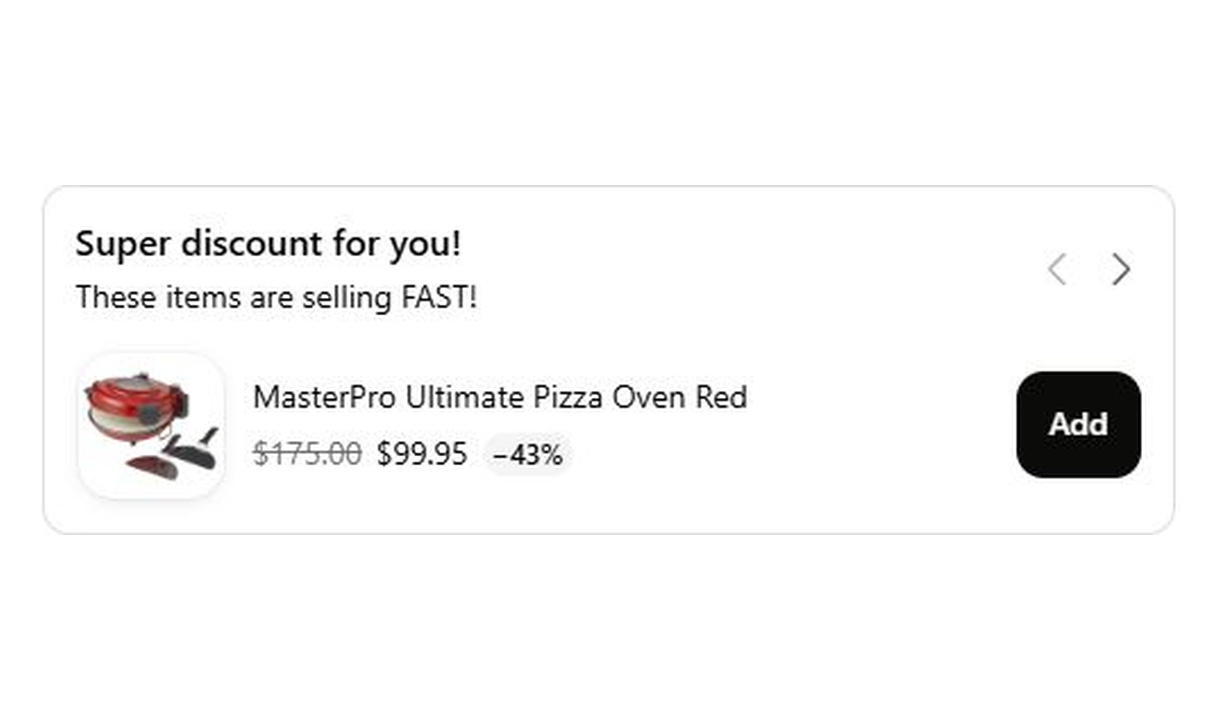
$175.00

TRUSTED BY OVER 600+ SHOPIFY PLUS BRANDS


STEP 1
Choose a layout
Pick from a range of upsell layouts — lists, carousels, checkboxes, and more. Each layout adapts automatically to your checkout branding.

STEP 2
Connect your recommendation source
Power recommendations with AI, Shopify collections, manual curation, or integrations like Nosto, Algolia, and Searchspring.

STEP 3
Target the right customers
Combine dozens of conditional rules — location, Shopify Market, cart contents, customer tags, and more — to show the most relevant offers to each customer.

STEP 4
Place it anywhere in checkout
Use the Shopify Plus checkout editor to position components at the most effective moments in the checkout flow.
VARIANTS
Layout options for every scenario
Choose a layout that fits each cart and conversion goal.


Upsell list
Paginated recommendations
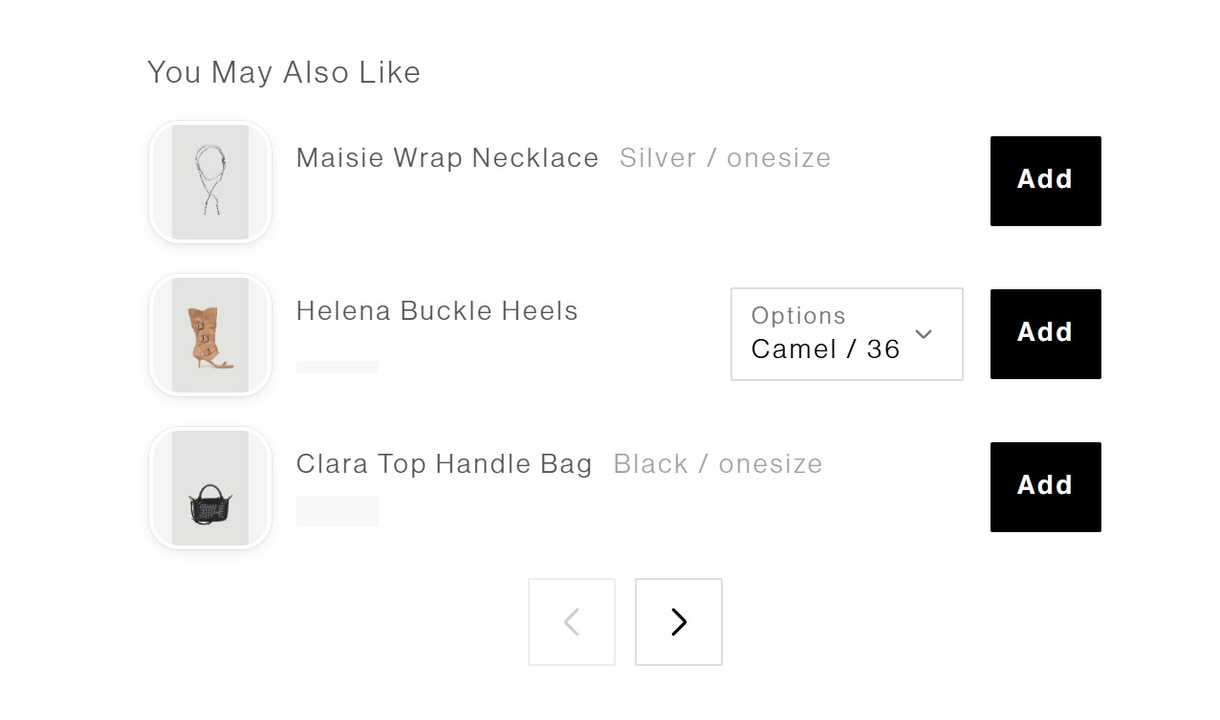
Display multiple product recommendations in a paginated list, letting customers browse relevant options at checkout.

Layouts
Carousel
Show product recommendations in a compact, swipeable carousel — ideal for mobile checkout.

Checkbox upsell
Free gifts, insurance and more
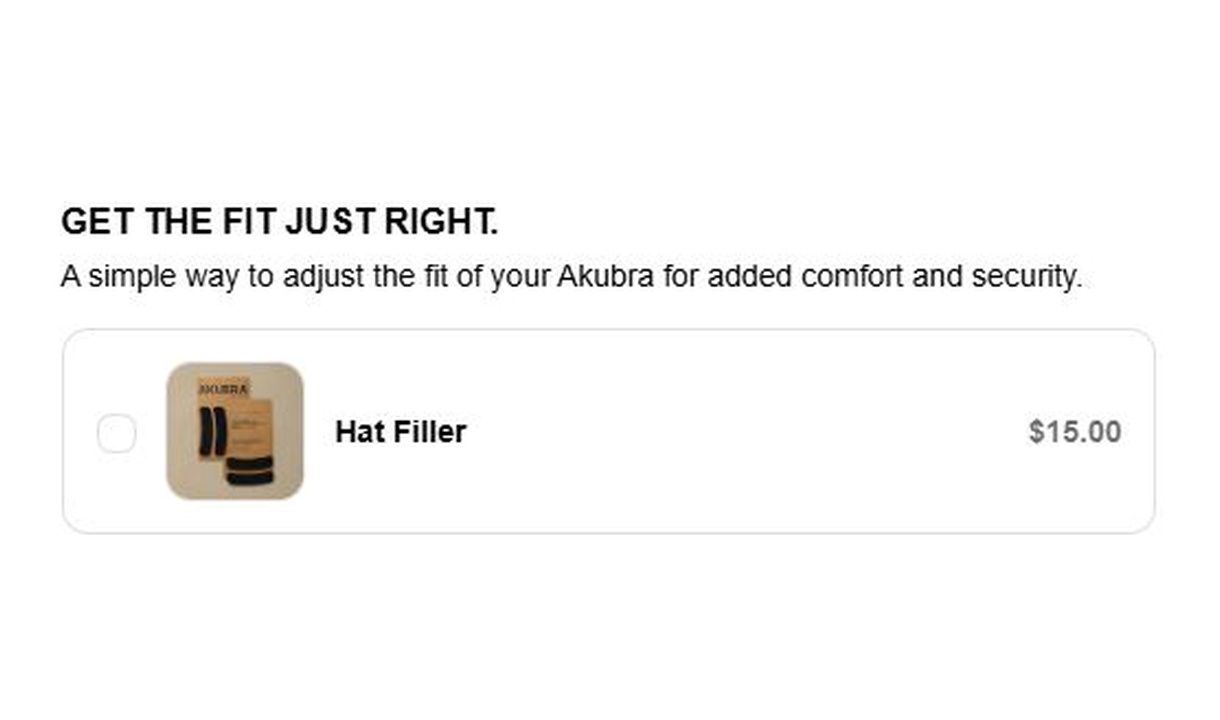
Let customers opt in to free gifts, shipping insurance, warranties, and add-ons with a single checkbox.


Free shipping upsell
Help customers reach free shipping
Display product recommendations alongside a free shipping progress bar, helping customers add items to qualify for free shipping.
Donations
Charitable contributions
Enable donations to brand-aligned causes directly at checkout.
Shipping upsell
Recommend at shipping selection
Show product recommendations alongside shipping options — a natural moment for complementary add-ons.
FEATURES
Built for precision, not guesswork
Control which customers see which offers, connect your recommendation stack, and track revenue impact with built-in analytics.
TOOLING
Learn more without leaving checkout
All upsell components include a product modal, so customers can view details, images, and variants without navigating away from checkout.
SEGMENTATION
Target by segment, market, and cart
Show each customer the most relevant offer based on their cart contents, Shopify Market, location, and customer tags.
INTEGRATIONS
Connect your recommendation stack
Integrate with Nosto, Algolia, Searchspring, Boost Commerce, and more to power checkout recommendations.
Reporting
Measure what each component earns
Track revenue generated by each component, AOV lift, top-sold products, and A/B test results from a single dashboard.
Manual Selection
Product recommendations
Hand-pick specific products to recommend at checkout for complete control over your upsell strategy.
Recommendation sourcing
Relevance drives revenue
Choose from multiple recommendation sources — manual, collections, AI, product mapping, or third-party integrations.
GLOBAL SCALABILITY
Translations & Markets
Render components in each customer's language and target specific Shopify Markets with conditional rules.

TOOLING
Product mappings
Map specific products to complementary recommendations with fallback options for complete coverage.

FEATURE
Hidden products
Exclude products like gift cards from AI and collection-based recommendations to keep suggestions relevant.

FEATURE
Settings & Appearance
Customize text, colors, borders, and layout on a per-component basis. Components also inherit your checkout brand settings.

FEATURE
Smart free shipping
Set free shipping thresholds per Shopify Market and currency. One component adapts automatically across all your checkouts.

TOOLING
Shopify Markets
Control which Markets see which components. Combine with display rules for precise regional targeting.

Our customers responded straight away, the uplift at checkout was undeniable.
Ollie Watts
Co-Founder, heybud
CASE STUDIES
Merchants winning with Checkout Components
See how 600+ Shopify Plus brands use Checkout Components to optimise their checkout experience and boost their AOV.
TOP STORIES
Boody lifts AOV by $26 AUD on upsell orders and averages 53x ROI across three storefronts using Checkout Components' personalised product recommendations and continuing campaigns all the way through to checkout.
In just 75 days, Bon Maxie used Checkout Components to drive over 800 additional product sales at checkout, delivering a 60.5x ROI and boosting AOV by $17.83 on upsell orders.
First upsell within 90 minutes and in just 75 days, MANTLE achieved a 34.5x ROI, $32 AOV uplift, and 225 additional products discovered through curated upsells and seamless localisation.
Frequently asked questions
- What recommendation sourcing is available?
- Checkout Components upsells can be powered by a number of different recommendation sourcing platforms, including:
- Manual selection
- Collections
- Product metafields
- Shopify AI Product Recommendations
- Checkout Components Product Mapping
- Integrations such as Boost, Athos (Searchspring), Algolia, and more
- Which Shopify plans are supported?
- Checkout upsells require Shopify Plus. Checkout UI Extensions — the technology behind checkout personalization — are only available to Shopify Plus merchants.
- Does this work with Shopify Markets?
- Yes. All recommendations display in the customer's local currency, and you can conditionally render components to specific Shopify Markets.
- Do these upsells work with Shop pay?
- Yes. Checkout Components renders on Shop Pay checkouts.
- How much control do I have over styling?
- Each component has styling and structural options including text, color, borders, and layout. Components also adapt automatically to your checkout brand settings.
- Can I hide products from being recommended to customers?
- Yes. Add products to the hidden products list to exclude them from AI and collection-based recommendations. See our documentation website.
- Do these upsells work with Tapcart?
- Yes. Checkout Components renders on Tapcart checkout pages.
- What do I do if I need help?
- We offer live chat and email support, plus free strategy consultations for all merchants. Our documentation site includes written and video guides for every feature.