The order is placed. The offer is personal.
Build post-purchase flows around who bought and what they ordered. Present an offer, then choose what follows their answer.
For Shopify Plus Checkout


Different customers.
Different flows.
Or no offer at all.
Choose who sees each flow using customer history and order conditions. Some customers see one offer journey, others see another.
If several flows match, priority decides. If none match, the customer goes straight to the thank-you page.
- First-time customer
Welcome offer flow
A product to complement their first order.
- Returning customer
Repeat customer flow
A different offer, informed by purchase history.
- No matching flow
Straight to thank you
No post-purchase offer.
Set up a post-purchase flow.
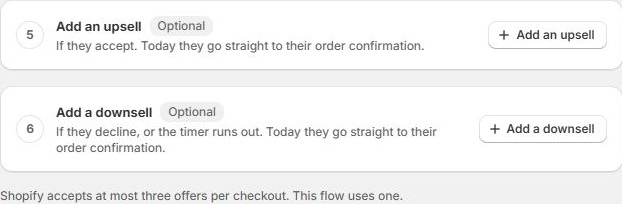
Choose the audience, build the offer, and check what happens after each response.
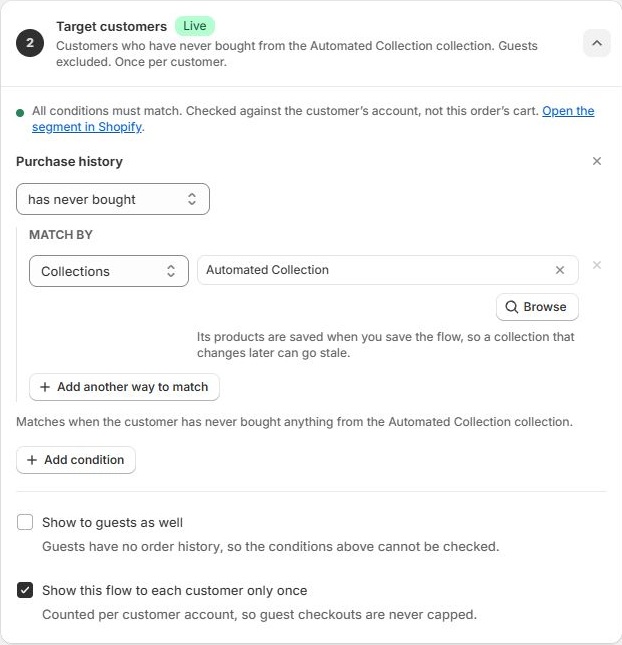
Target the customer using their order history, then narrow the offer with conditions on the order they just placed.
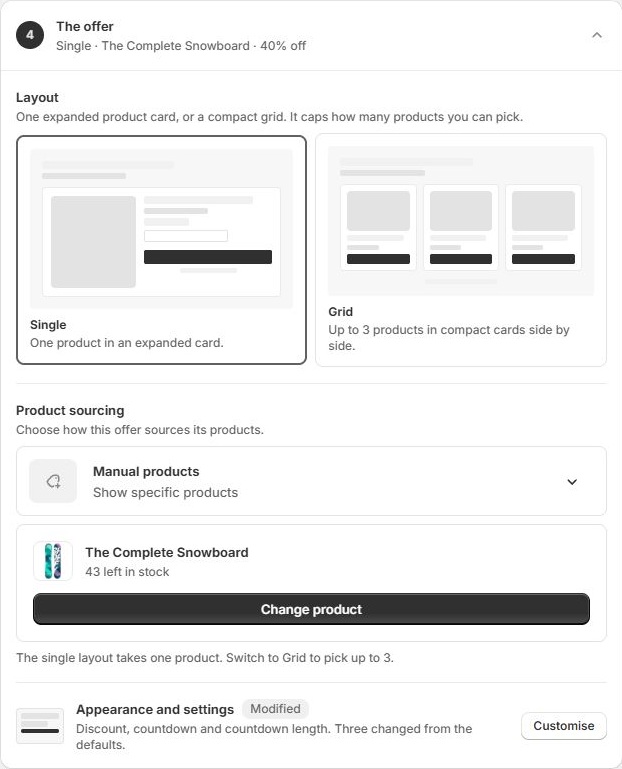
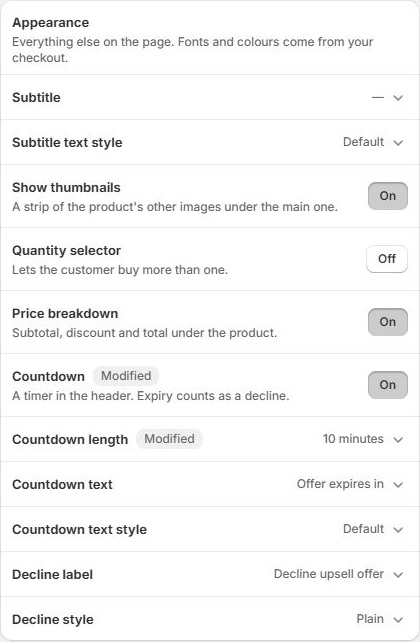
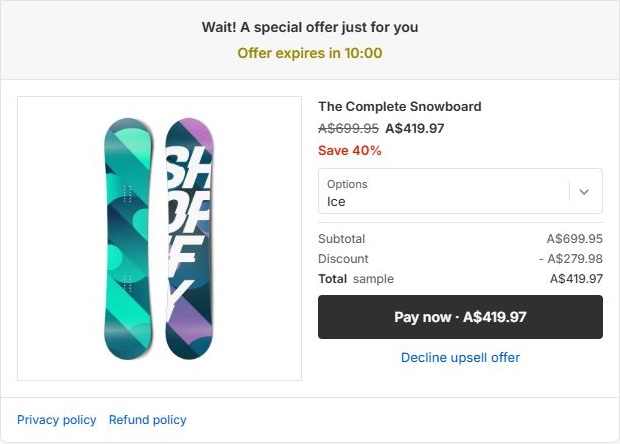
More control over what comes next.
Keep the offer relevant to the customer, the completed order, and the response.
Your questions, answered.
How is this different from an in-checkout component?
Post-purchase is a separate offer flow after payment and before the thank-you page. It has its own audience, order rules, offer layouts, and follow-up steps. Customers can accept an eligible offer without entering their payment details again.
Which layouts and product sources can I use?
Use a single-product layout or a grid of up to three products. Sources include manual selections, collections, Shopify AI recommendations, your own recommendation rules, and product metafields.
Can I target customers and their current order separately?
Yes. Customer targeting checks previous orders and purchase history against the customer account. Order conditions check the paid order, including its products, total, and market. Rule groups can require every condition or any condition to match.
What happens when several flows match?
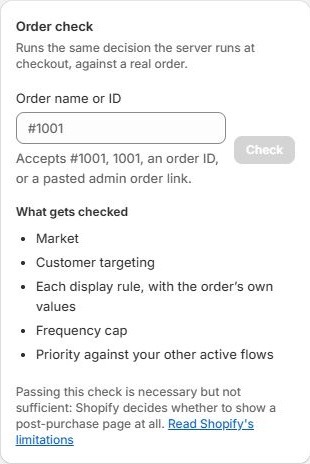
The highest-priority matching active flow decides which offer renders. You can check a real order against a flow to see how its rules and priority affect the result.
Can I include guests or limit repeat offers?
You can include guests separately and limit a flow to once per customer account. Guests have no account history to check and are not covered by the once-per-customer limit.
Will every order see a post-purchase offer?
No. Shopify applies its own eligibility rules, including payment method, currency, and delivery restrictions. An order passing your flow's checks does not guarantee that Shopify will show the offer. Shopify also limits checkout to three accepted post-purchase offers.
Make the next offer count.
Choose the audience, shape the offer, and see what customers add after the order.