Edit & upsell.
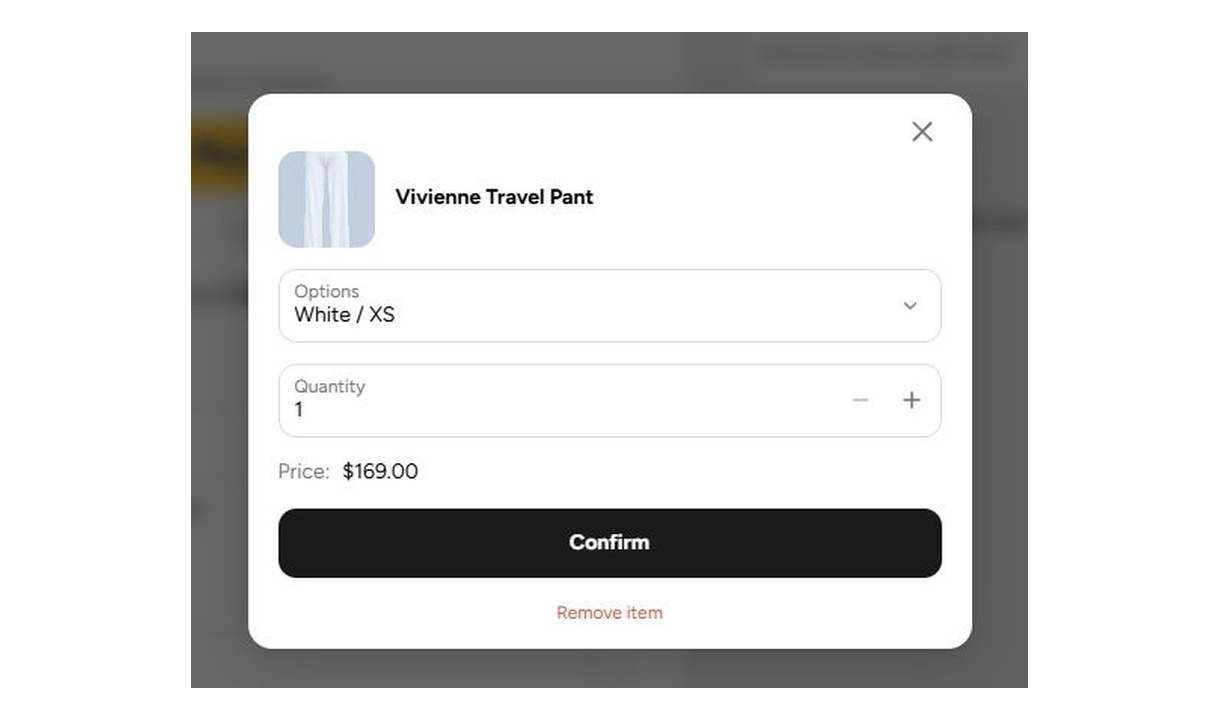

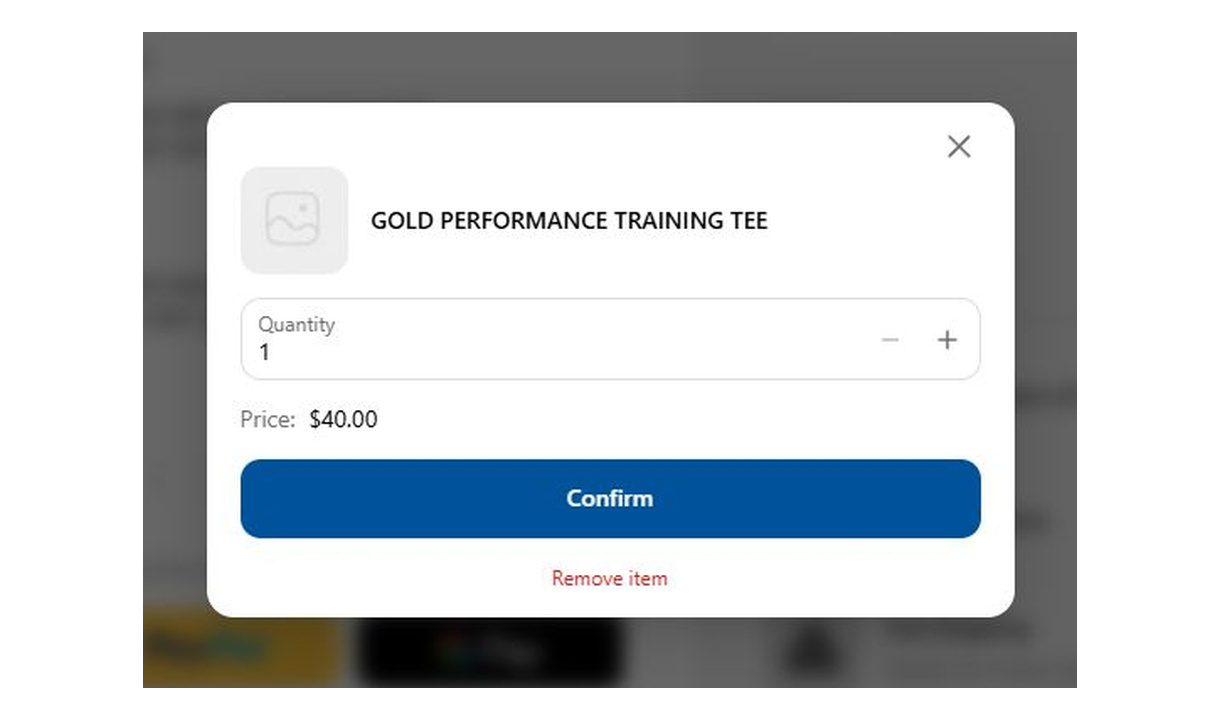

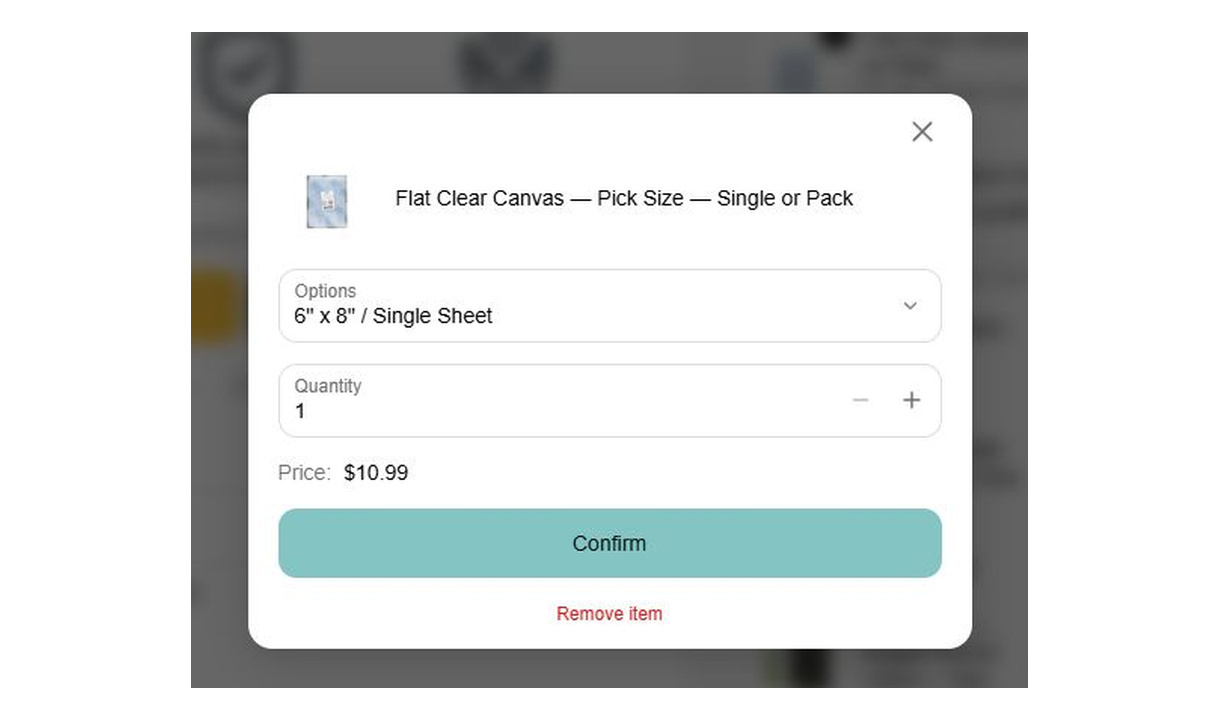


Let customers change quantity, switch a size or variant, or remove an item without leaving checkout. Show editing only for the SKUs you choose.
For Shopify Plus Checkout
Configure your component.
Choose what customers can edit
Offer quantity changes, item removal, and size or variant selection.
Target specific SKUs
Show editing for selected products, such as the SKUs you offer as checkout upsells.
Check the resulting cart
Review quantity, variant, and price behaviour in checkout with representative products.
Keep a change of mind inside checkout. Let customers edit or remove selected products, including upsells added during checkout. Target specific SKUs so the editing controls appear only where you want them.
Configure variant selection, quantity changes, and a personalisation field with its own label and help text.
A change of mind. Not a change of page.
Let customers adjust an item, or remove an upsell they just added.
 Aero tee
Price: $104.00
One more. One less.
Let customers adjust how many they want, right in checkout.
Try the controls in the preview.
The tools behind your components.
Connect content, audience, and presentation controls. Available settings depend on the component and its version.
Good together.

Line item highlights
Add product-specific messages beneath line items in Shopify checkout, with conditions based on the product, its tags, or its type.
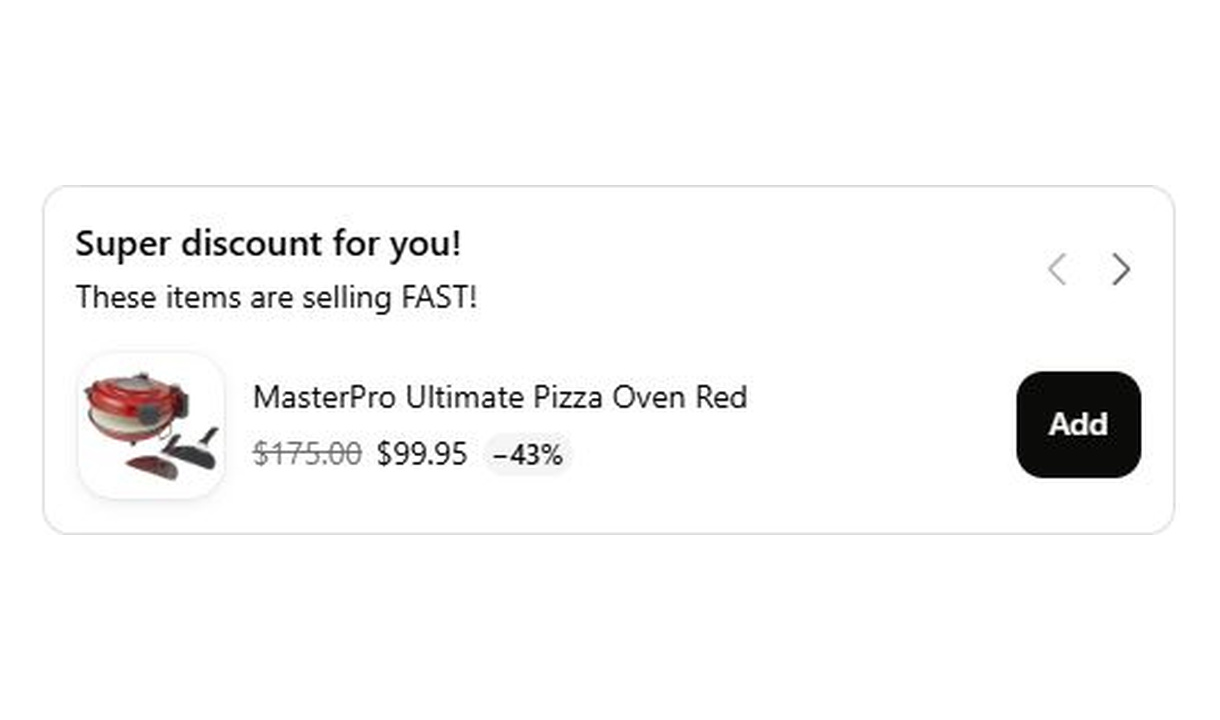
Carousel upsell
Recommend accessories and lower-value extras in a compact carousel that keeps checkout focused on the order.
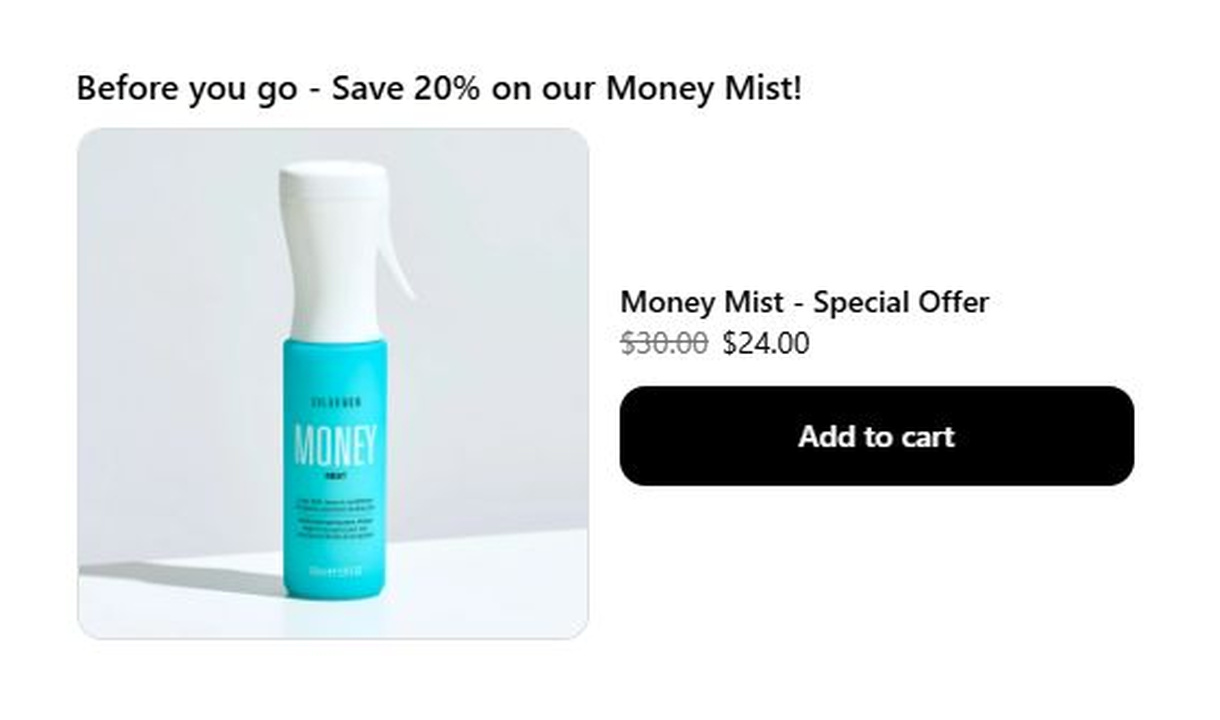
Large upsell
Give one product more space in Shopify checkout with a large upsell, using a prominent image and product details to explain the recommendation.
Your stack shouldn't stop at checkout.
Bring supported product recommendations, reviews, and other tools into your checkout components. Choose the integration that fits your setup.









Your questions, answered.
What can customers change with Edit & upsell?
Customers can change quantities, choose another available size or variant, or remove an item during Shopify checkout. This lets them correct the order without returning to the cart.
Can I restrict editing to specific products?
Yes. Target the SKUs you want customers to edit, including products added through checkout upsells. You do not have to show editing controls on every line item.
Can customers upgrade to another variant?
Yes. Variant selection lets customers choose another available option, such as a different size or product variant, within the current checkout. The selected variant determines the resulting price.
Does Edit & upsell change completed orders?
No. It changes line items in the current checkout, before the order is placed. It is not a post-order editing tool or a post-purchase offer flow.
Which checkout block does Edit & upsell use?
Use the Latest Line Item block in Shopify's checkout editor. Edit & upsell does not work on the old Checkout Components block.
Can customers remove a checkout upsell they added?
Yes, when you allow removal for that product. Review the component's eligible SKUs and test the resulting cart before publishing.
Can I show it only on mobile or desktop?
Yes. In the matching Latest block in Shopify's checkout editor, set Show on devices to all, mobile, or desktop. Check the result in the editor's device previews before publishing.
Do I need Shopify Plus, and which app plan includes line item components?
Yes. You need Shopify Plus and the Growth plan or above for line item components. Review-provider integrations require Pro or above.