Line item highlights.
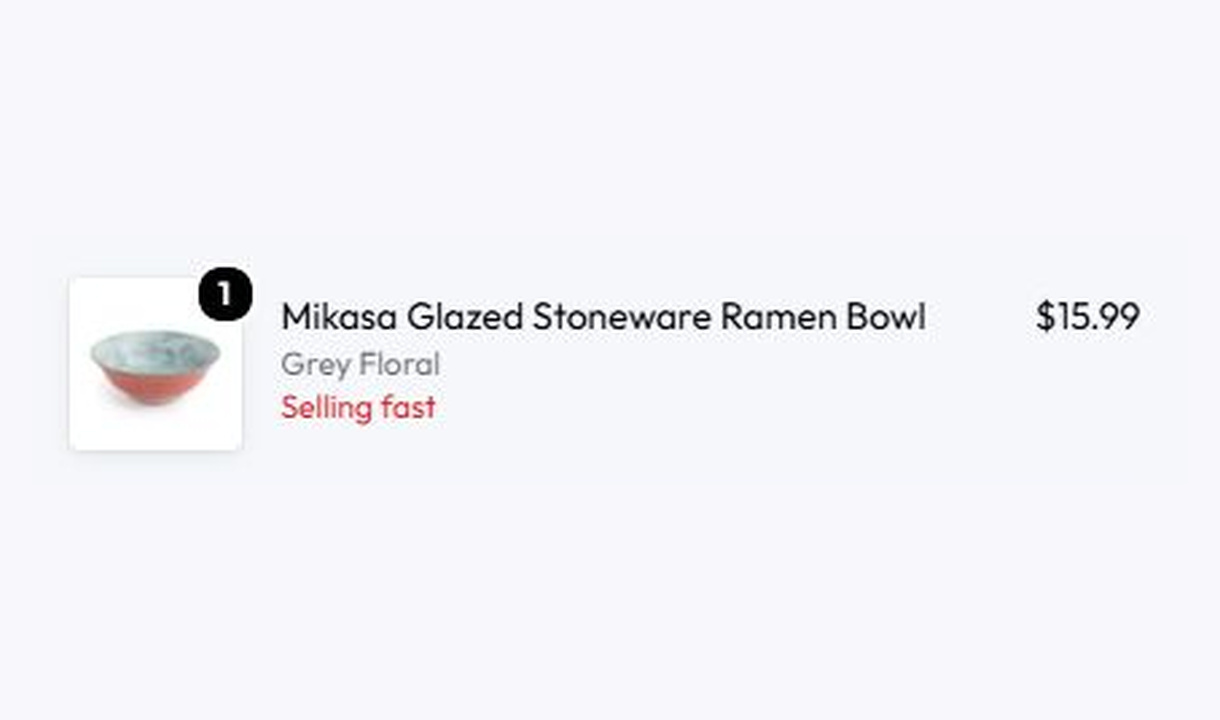

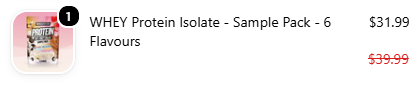



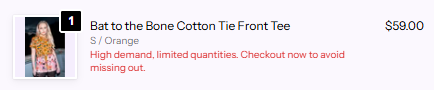

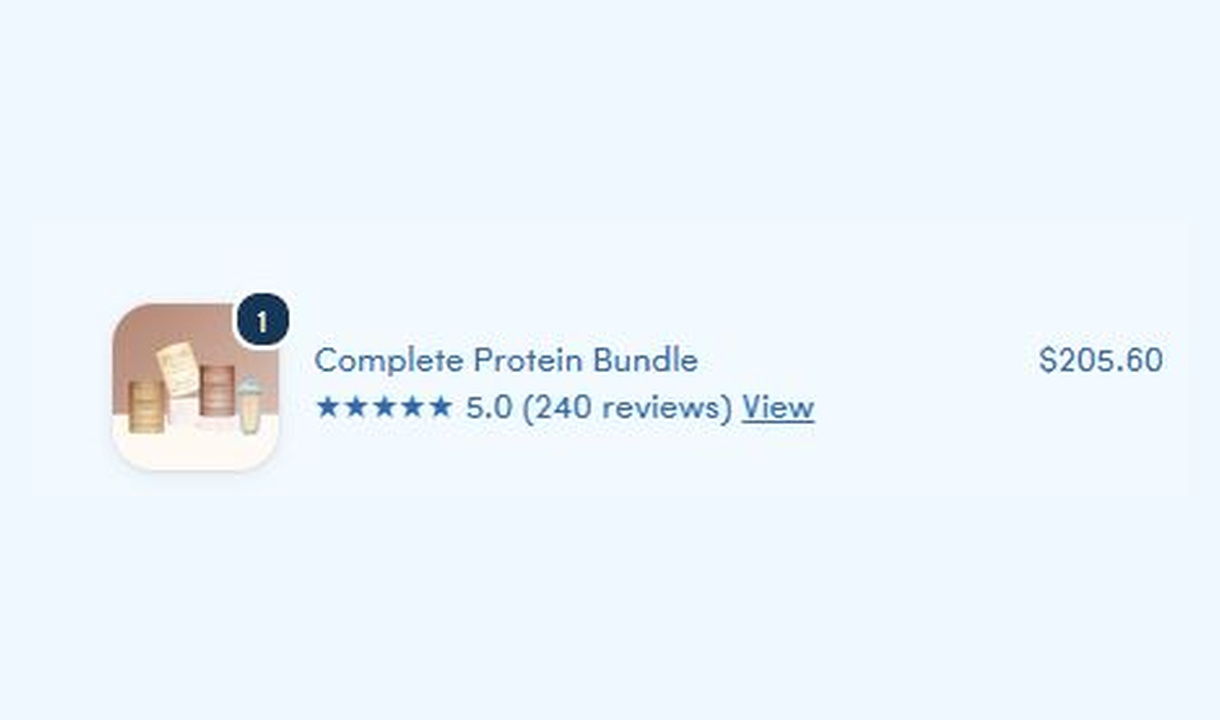

Add product-specific messages beneath line items in Shopify checkout, with conditions based on the product, its tags, or its type.
For Shopify Plus Checkout
Configure your component.
Choose your content source
Write a message or use a dynamic product value.
Make it text or a tag
Use a Shopify-styled tag, or adjust the colour and font style of regular text.
Choose the matching products
Target specific products or match product tags and types.
Put the detail beside the product. Use a written message, product information, a compare-at price, calculated savings, or a line-item property.
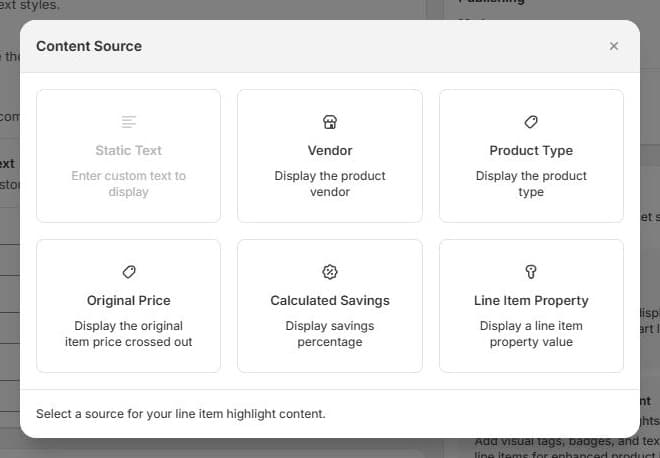
One item. Many ways to highlight it.
Write a message or pull in a product value. Show it as text or a tag.
 1
1Add a short message to selected products.
The tools behind your components.
Connect content, audience, and presentation controls. Available settings depend on the component and its version.
Good together.
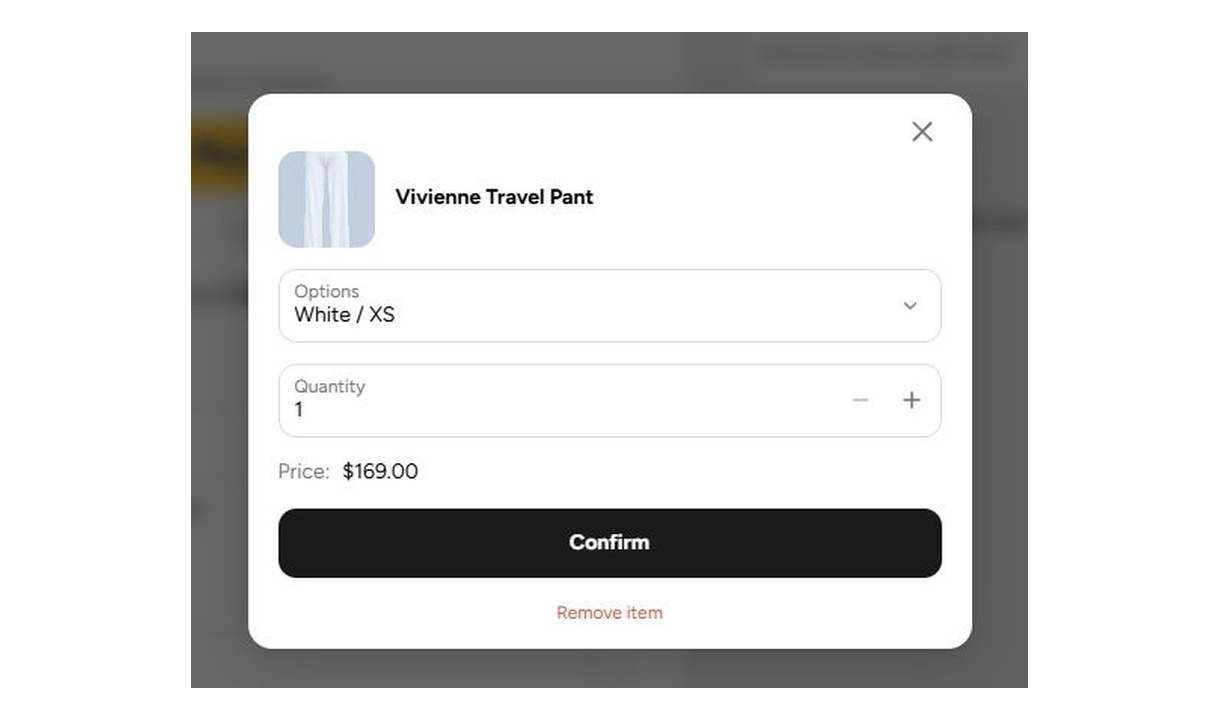
Edit & upsell
Let customers change quantity, switch a size or variant, or remove an item without leaving checkout. Show editing only for the SKUs you choose.
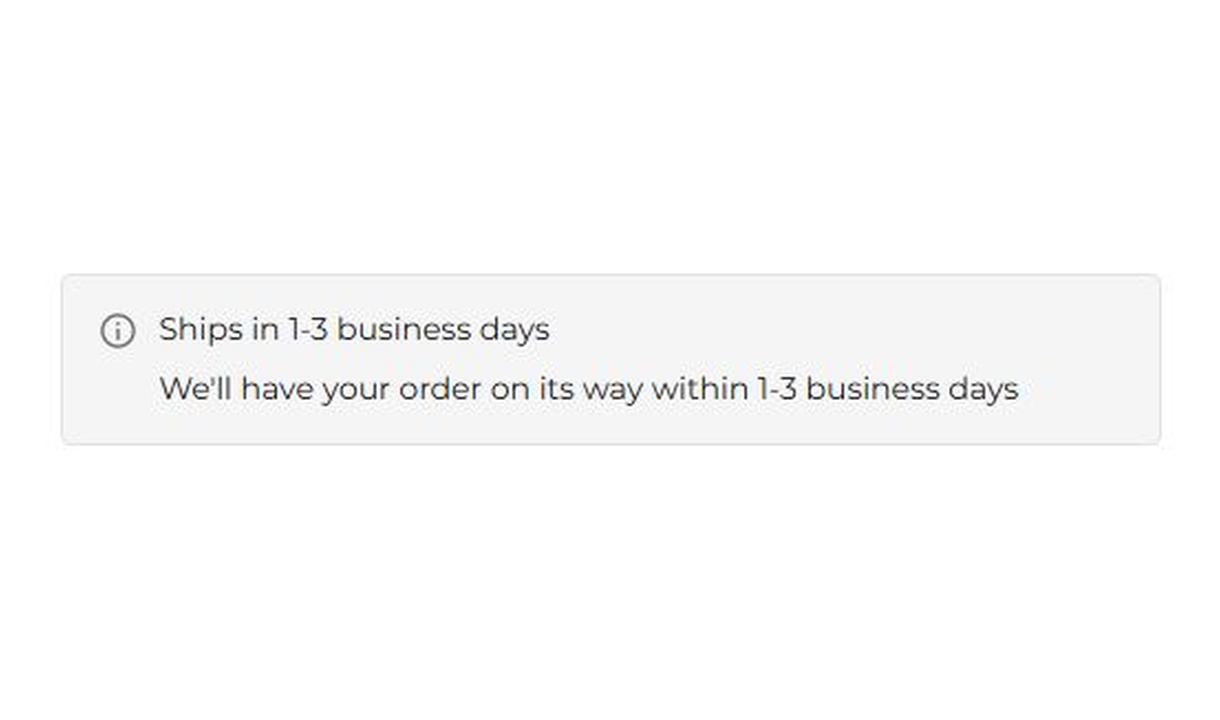
Banner
Keep customers informed before they order. Highlight dispatch delays, free shipping, and other important checkout alerts.
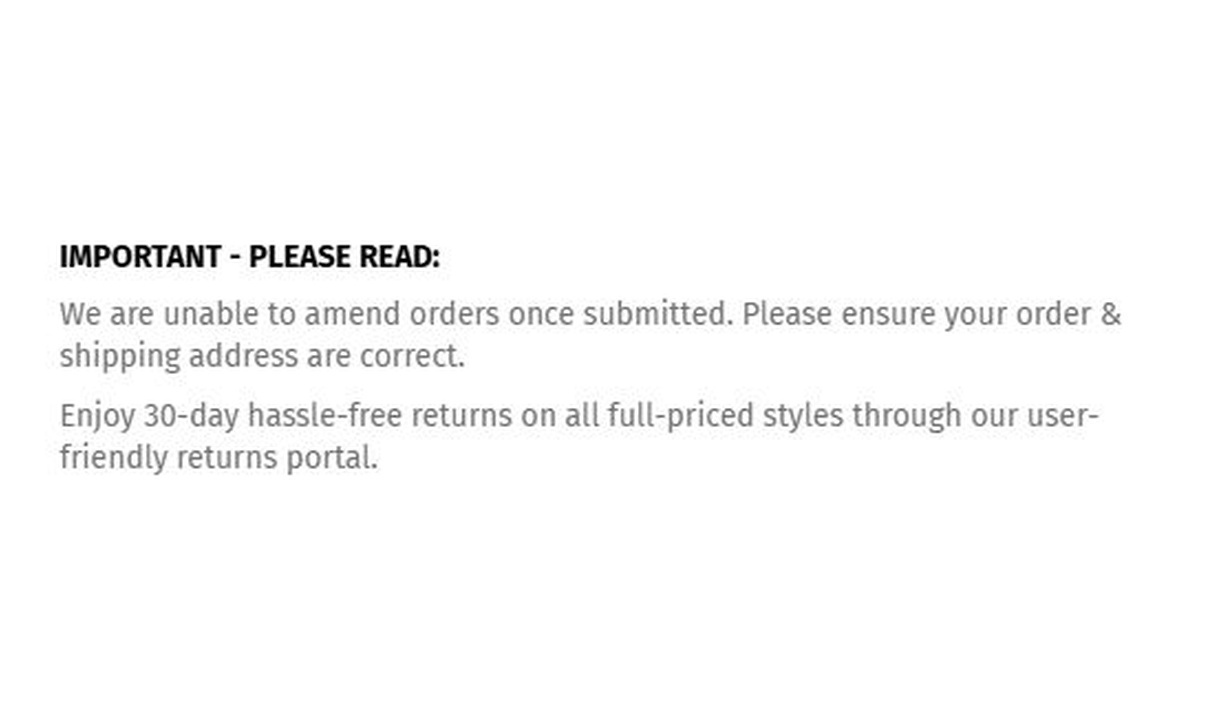
Simple message
Give customers the information they need to keep going. Share short support, order, or brand messages without adding clutter to checkout.
Your questions, answered.
What are line item highlights in Shopify checkout?
Line item highlights display product-specific information beneath items in the order summary. Use them for a pre-order date, final-sale notice, product detail, original price, or calculated saving.
How do I choose which products receive a highlight?
Select specific products or use matching criteria such as product tags, types, or vendors. Test representative carts so the message appears only beside the products it describes.
Can a highlight use product data instead of manually written text?
Yes. Choose a content source such as vendor, product type, original price, calculated savings, or a line-item property. Use static text when the message does not come from a product value.
Can I show a highlight as a tag instead of plain text?
Yes. Choose a Shopify-styled tag or regular text. Text styling controls let you adjust the presentation while keeping the highlight close to its product.
Can line item highlights show product review stars?
Yes. Connect a supported review provider on Pro or above to show product star ratings. This is separate from the manually entered Testimonials component.
Does showing an original price or saving change what the customer pays?
No. A highlight displays information. The actual product price and applicable Shopify discounts determine the charge.
Where can line item highlights appear?
Use the matching Line Item block at a supported placement in Shopify's checkout editor. Line item highlights can appear in checkout and on the thank-you page.
Can I translate the component into multiple languages?
Yes, on Growth and above. Add translations for the languages your store supports. Text without a translation uses your default wording; text embedded in uploaded images needs separate translated artwork.
Do I need Shopify Plus, and which app plan includes line item components?
Yes. You need Shopify Plus and the Growth plan or above for line item components. Review-provider integrations require Pro or above.