Upsell list.
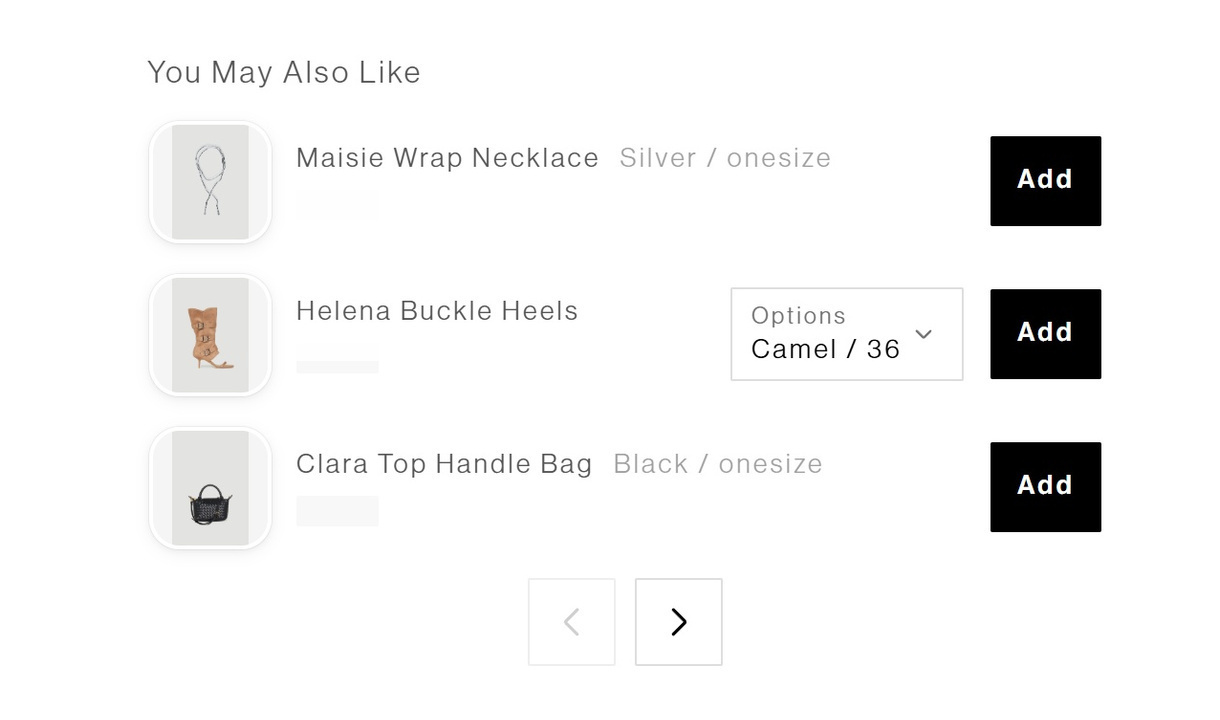

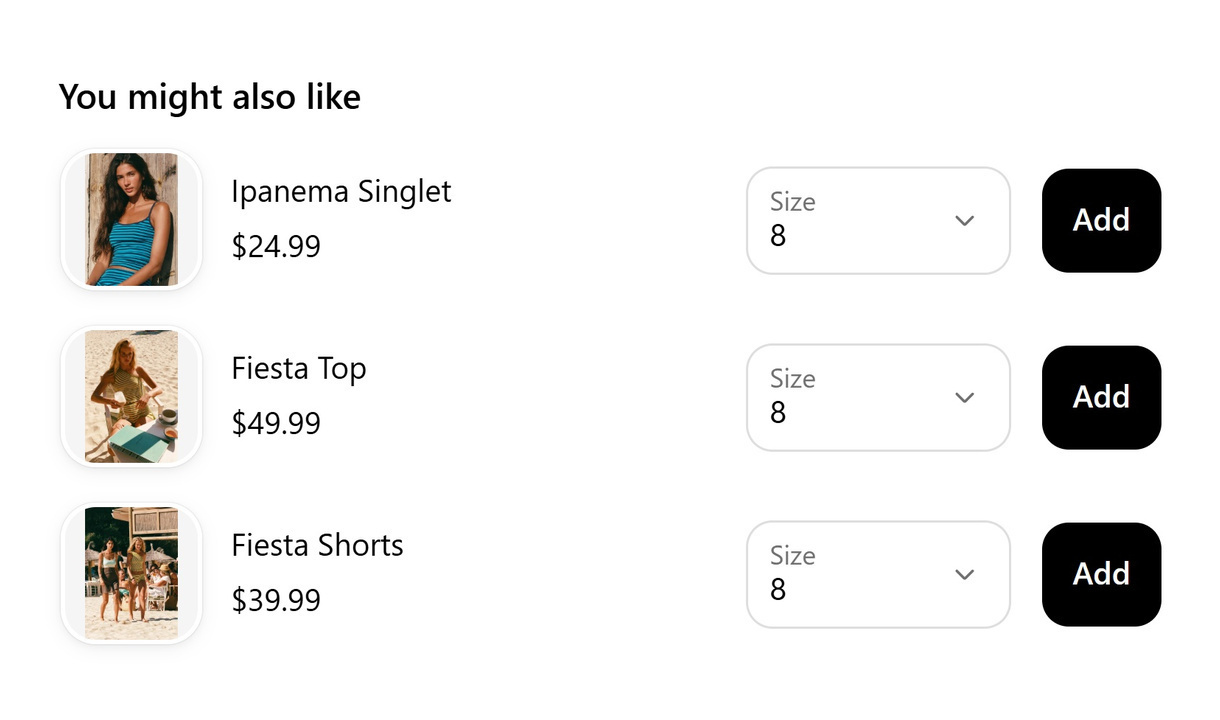

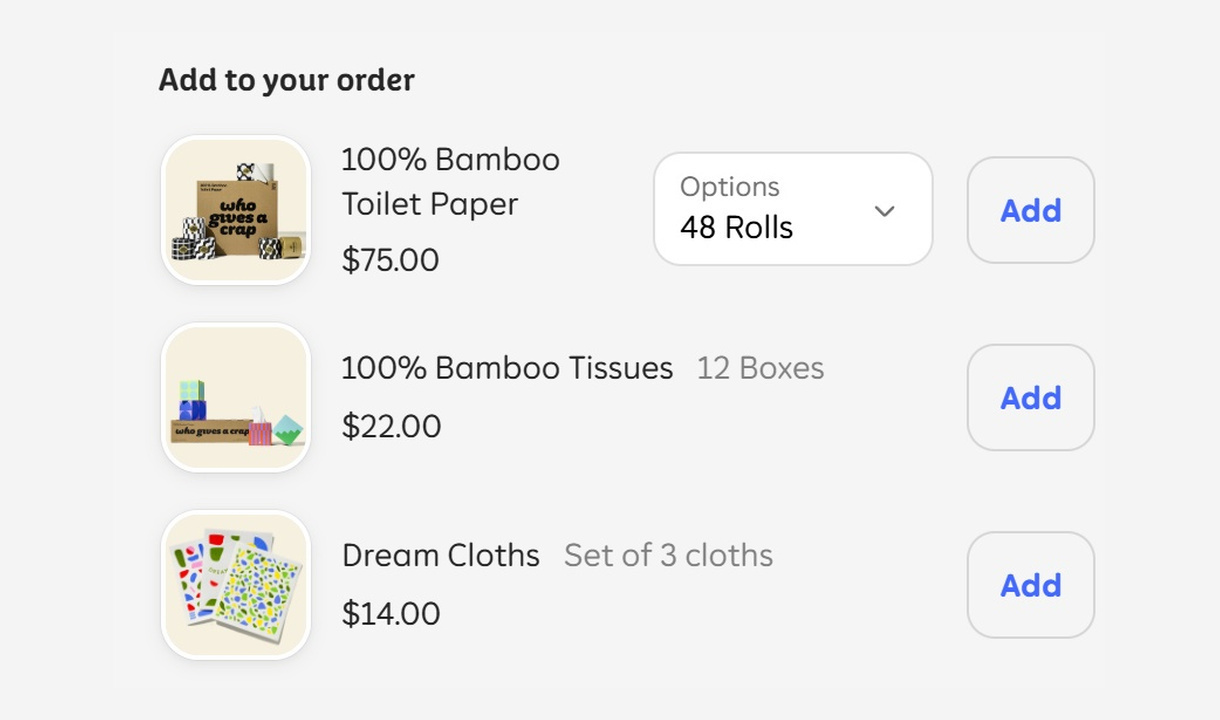

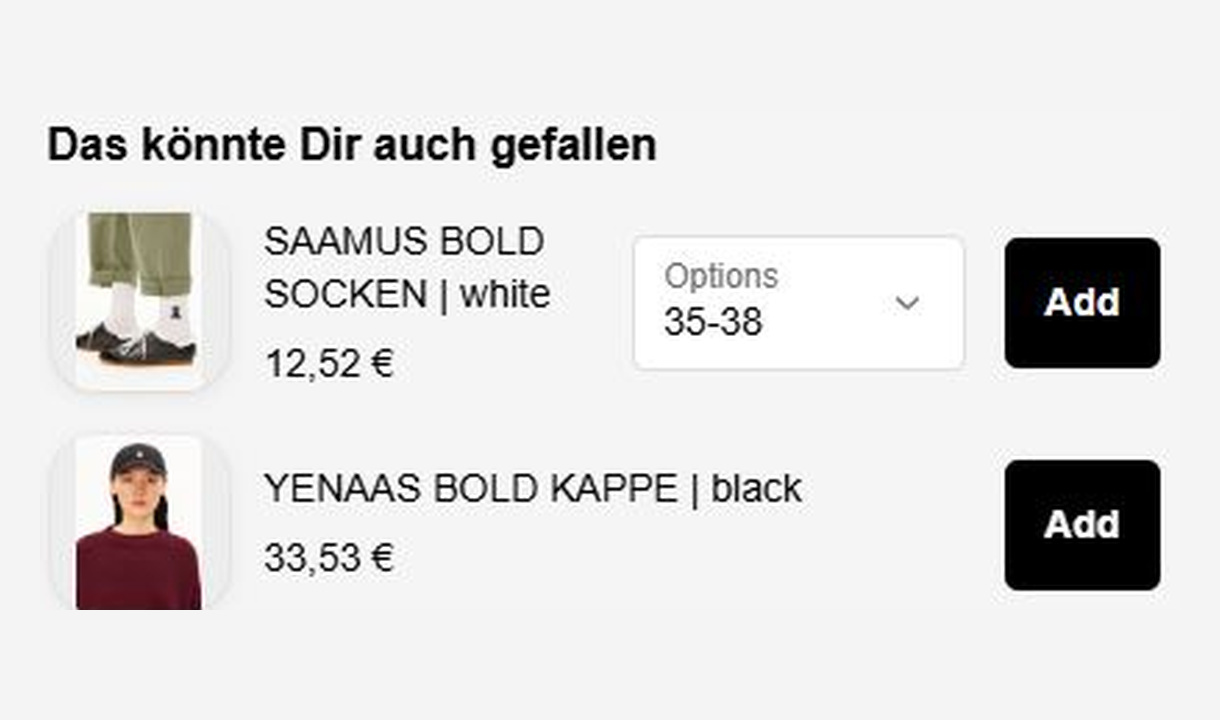

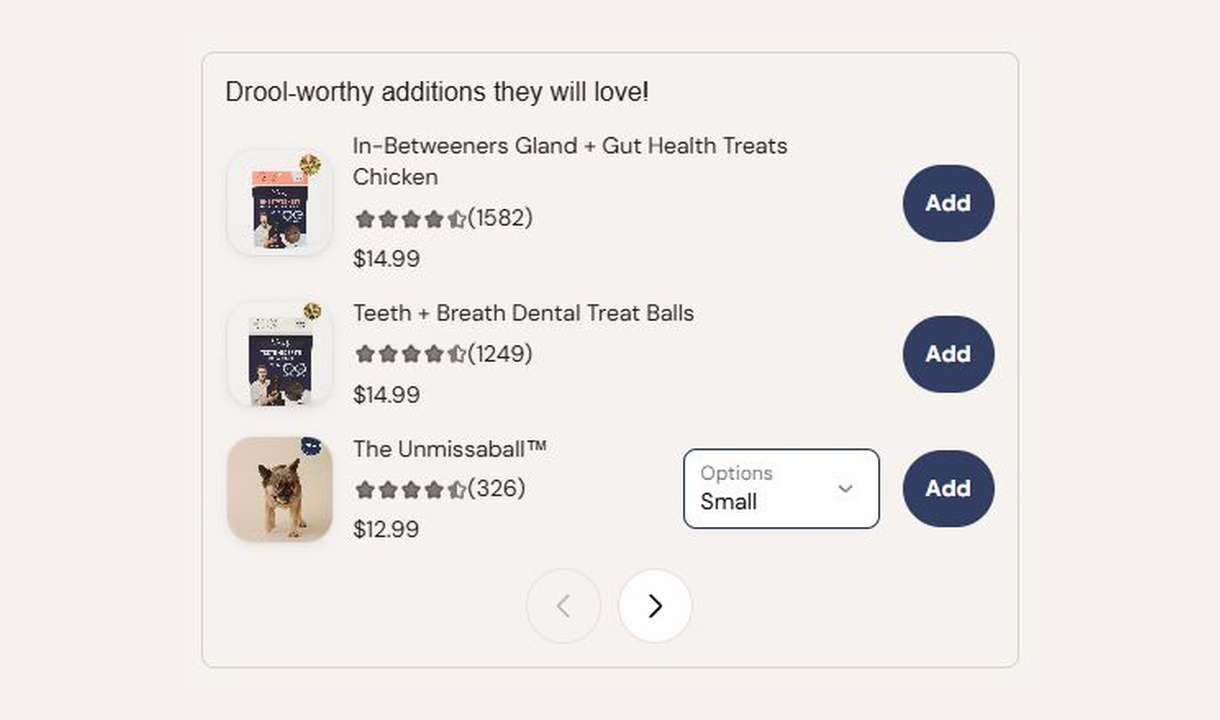

Present product recommendations in a compact, paginated list at Shopify checkout. Give customers a clear way to browse accessories and add-ons.
For Shopify Plus Checkout
See it in checkout.
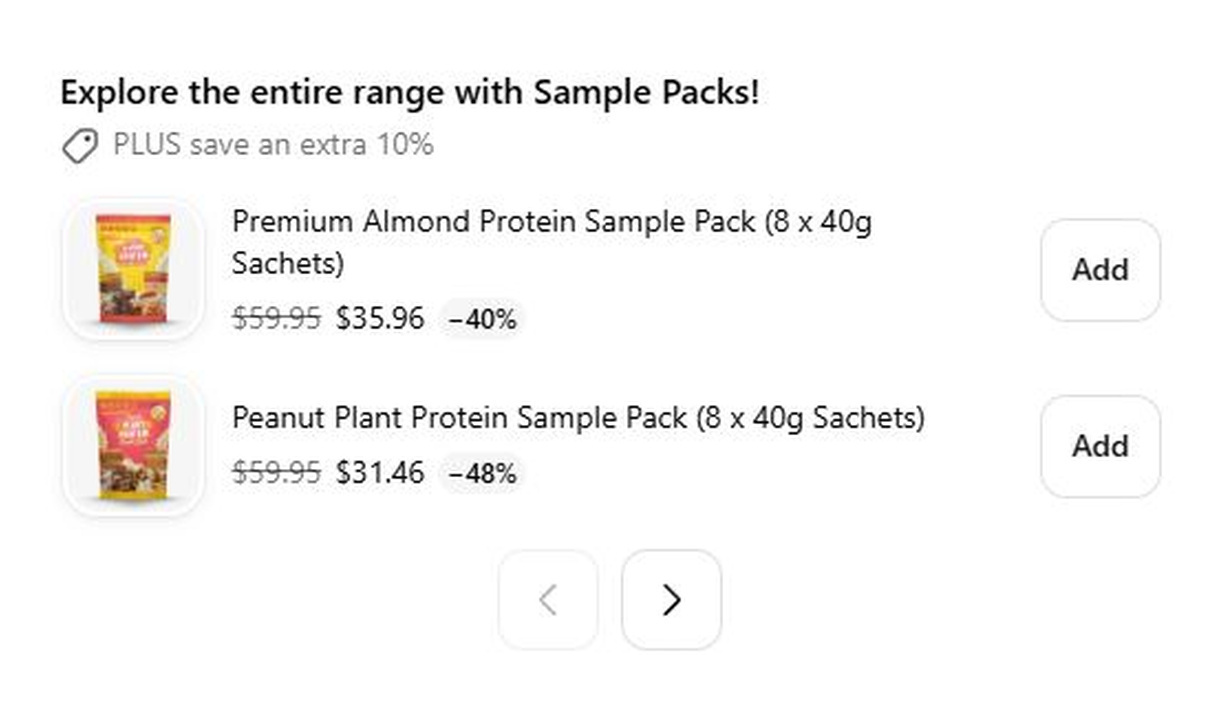

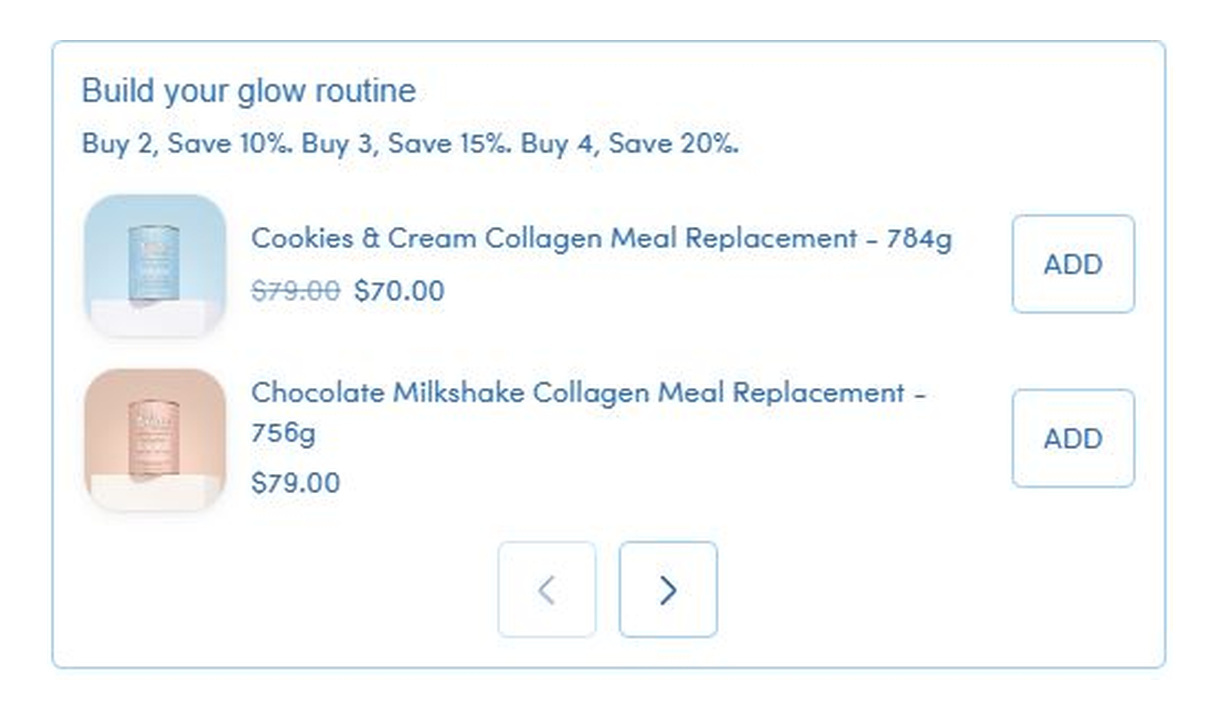

Configure your component.
Build the selection
Choose a product source that fits the offer, from a curated selection to collection-based recommendations.
Keep the list focused
Set up the available appearance controls and exclude products that should not be recommended.
Match the audience
Use display rules and market targeting to connect the list to the right checkout context.
The upsell list arranges recommendations in vertical rows, with pagination for a larger selection. It suits products customers need to compare by name, option, and price without giving every recommendation a large feature card.
Choose automatic products, add a component border, and change the number of recommendations shown.
The tools behind your components.
Connect content, audience, and presentation controls. Available settings depend on the component and its version.
Good together.
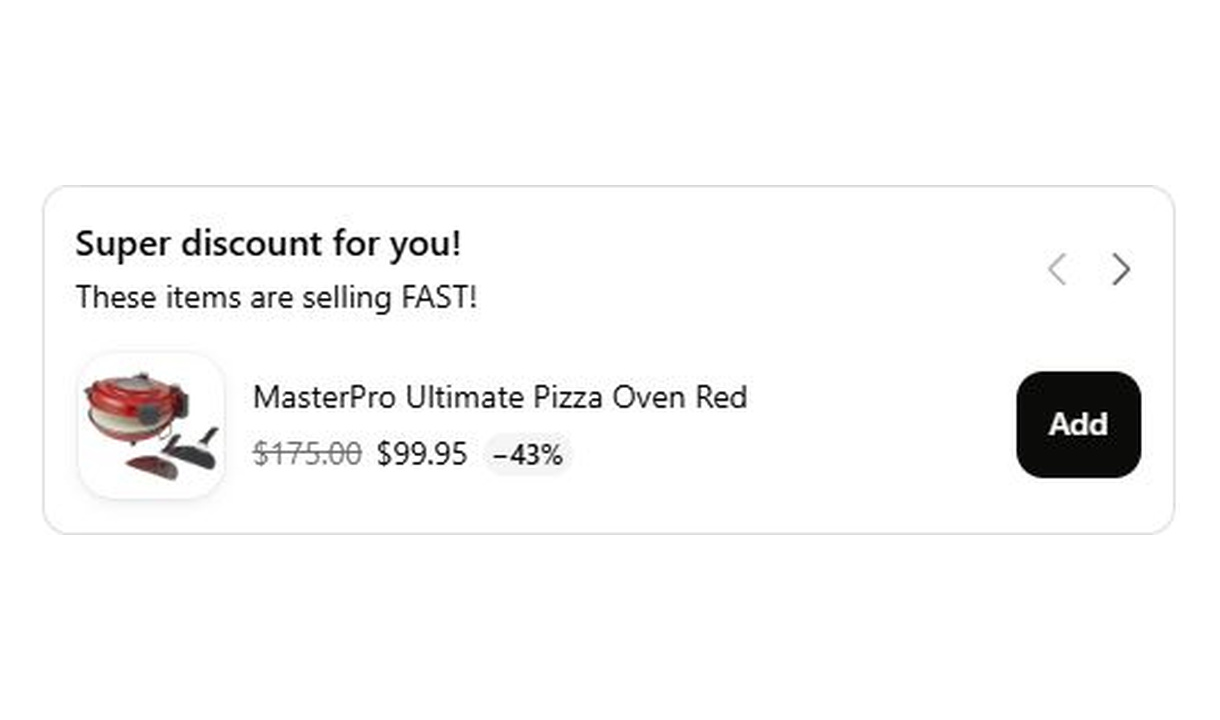
Carousel upsell
Recommend accessories and lower-value extras in a compact carousel that keeps checkout focused on the order.
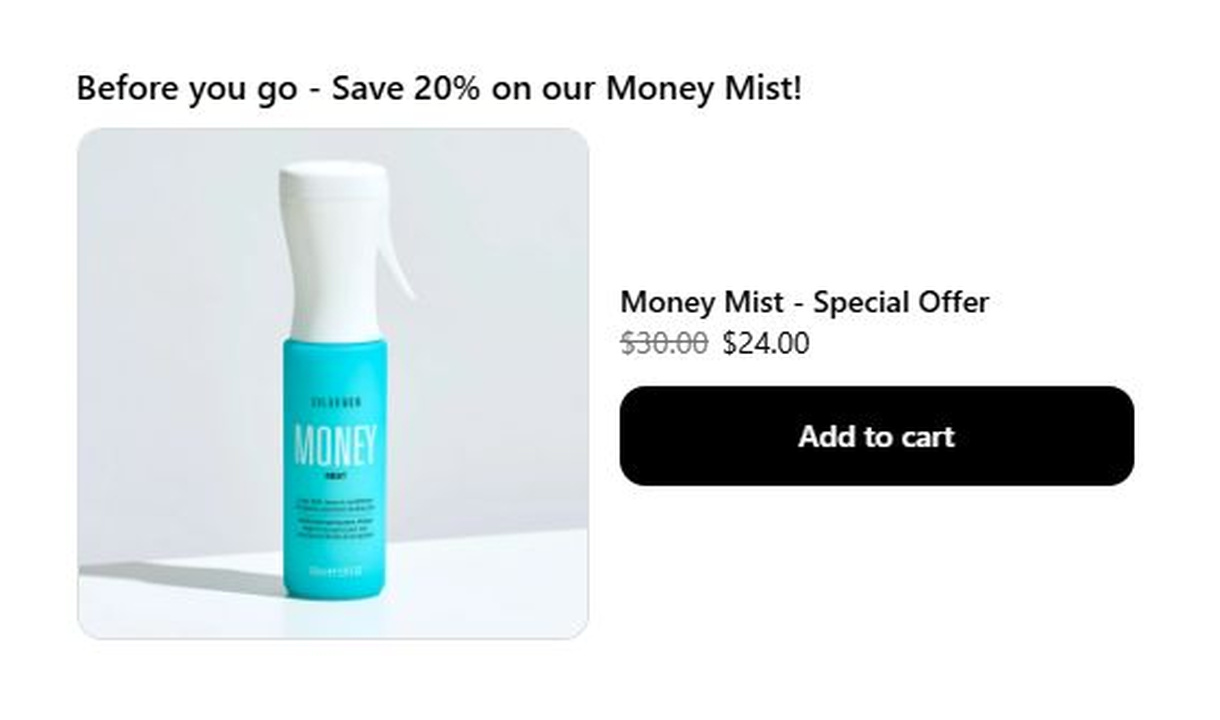
Large upsell
Give one product more space in Shopify checkout with a large upsell, using a prominent image and product details to explain the recommendation.
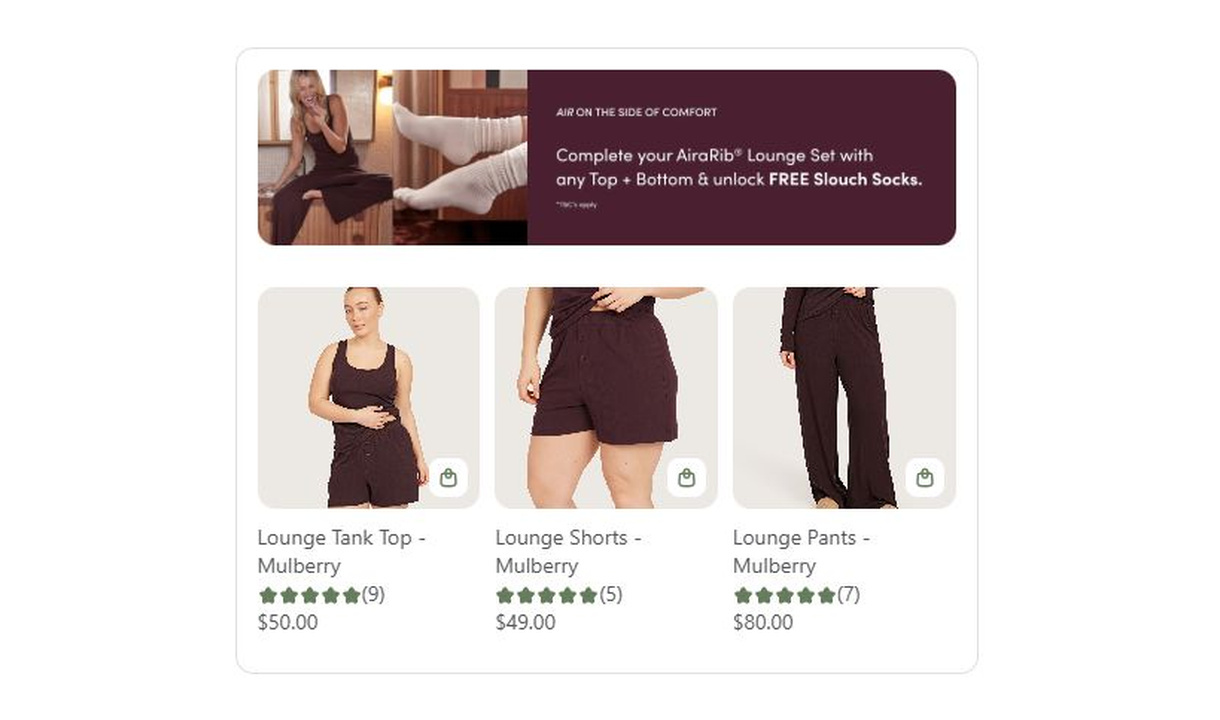
Campaign upsell
Combine a promotional banner with curated product recommendations in Shopify checkout. Present the products as a carousel or paginated list.
Your stack shouldn't stop at checkout.
Bring supported product recommendations, reviews, and other tools into your checkout components. Choose the integration that fits your setup.








Your questions, answered.
What is an upsell list best for?
An upsell list shows several add-ons or accessories in compact vertical rows at Shopify checkout. It suits products customers want to compare by name, option, and price.
How many products can an upsell list show?
Choose how many products appear on each page of the list. Customers can page through the remaining recommendations, so the whole selection does not have to be visible at once.
Can customers choose a size or colour before adding a product?
Yes. Customers can choose an available variant before adding the recommended product to their order, without returning to the storefront.
How do I choose the products to recommend?
Choose specific products, a collection, Shopify's related or complementary recommendations, or your own Recommendations rules. Starter supports manual upsells; Growth and above add recommendation options. Supported search and merchandising integrations require Pro or above.
Which recommendation integrations can I use?
Searchspring, Nosto, and Boost Commerce are self-serve integrations on Pro and above. Algolia and Tagalys are available on request: contact us to arrange setup rather than trying to connect them yourself.
Can I show product review stars on an upsell?
Yes. On Pro and above, connect Yotpo, Judge.me, Okendo, Reviews.io, or Loox. Stars appear when the product meets your configured minimum average rating, which defaults to four stars.
Can I offer a discount only on products added through the upsell?
Yes. Set a percentage for products added through the component, or individual discounts for manually selected products. The discount applies to items added through that component. Check your Shopify discount configuration before promising that it combines with another promotion.
What happens if the recommendation source has no suitable products?
You can configure a fallback source and exclude products by product, tag, type, or vendor. A fallback still needs eligible products, so test carts with unavailable or excluded items rather than assuming an offer will always appear.
Can I show the component only to certain customers or carts?
Yes. Use display rules based on products, cart value or quantity, customer tags, markets, or delivery details. Combine conditions with all or any logic and test representative carts before publishing.
Do I need Shopify Plus, and which app plan includes this upsell?
Yes. Checkout Components is built for Shopify Plus stores. Starter includes one manually selected checkout upsell. Growth and above include unlimited upsells and Recommendations rules; Pro and above add supported integrations, review stars, and A/B testing.