Campaign upsell.
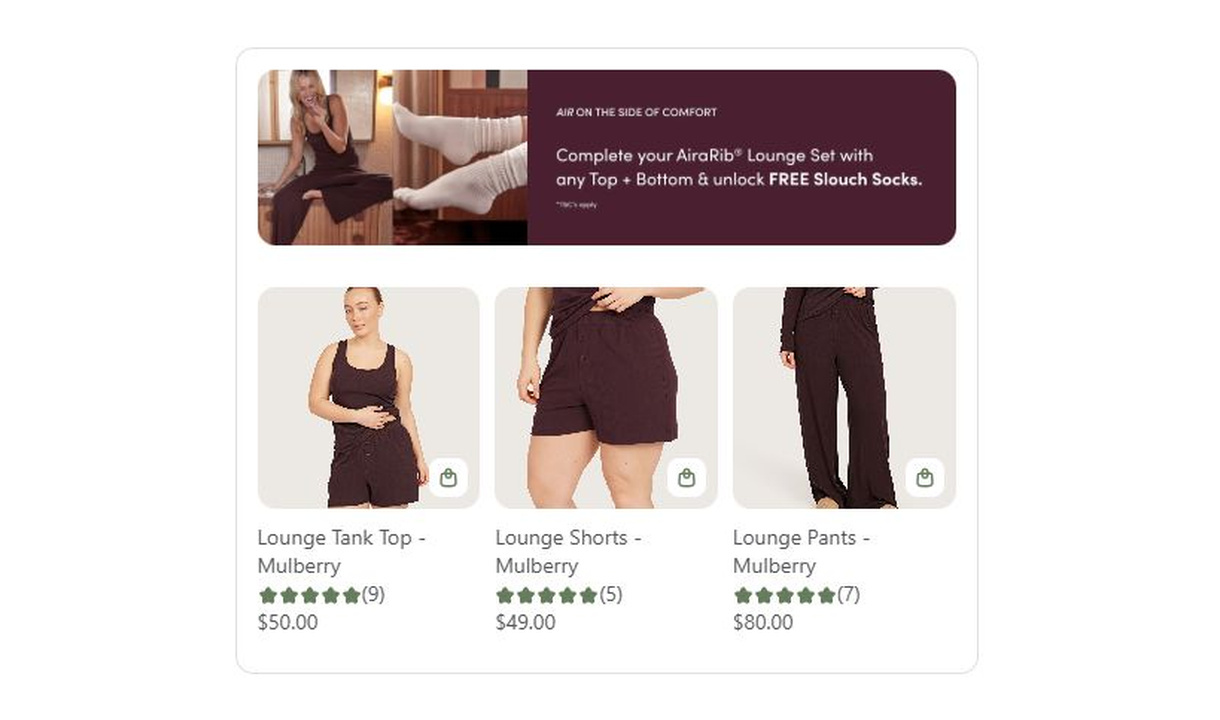

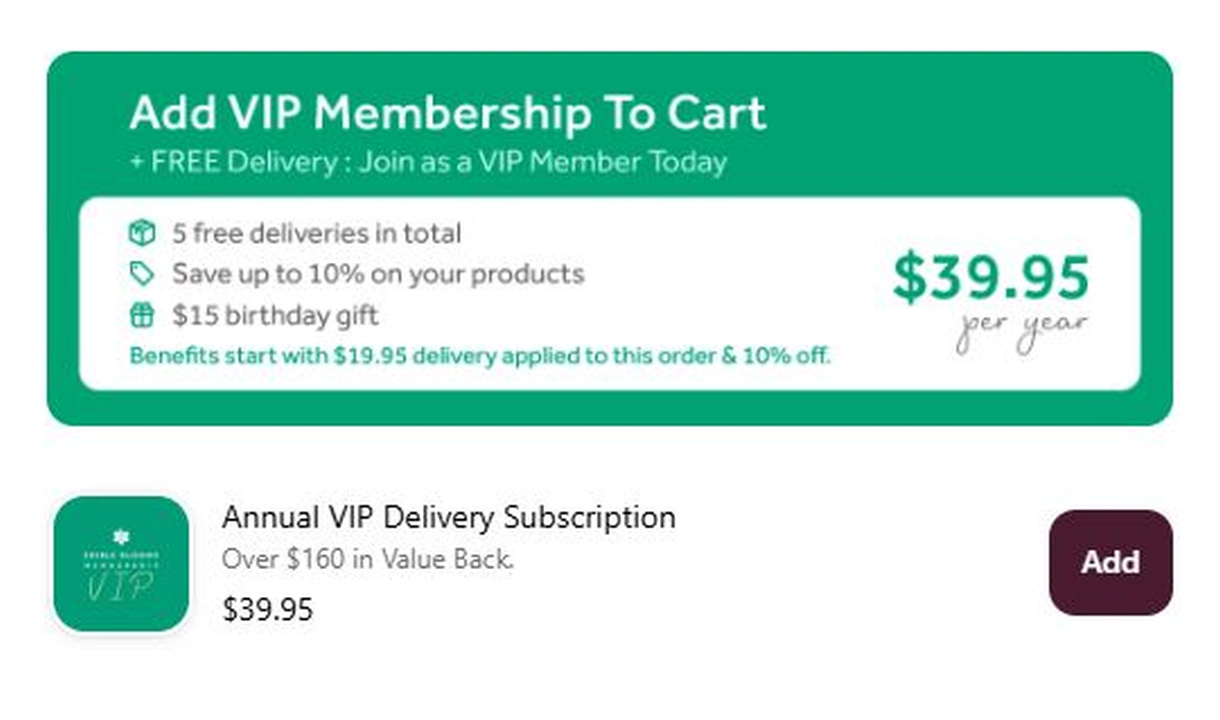

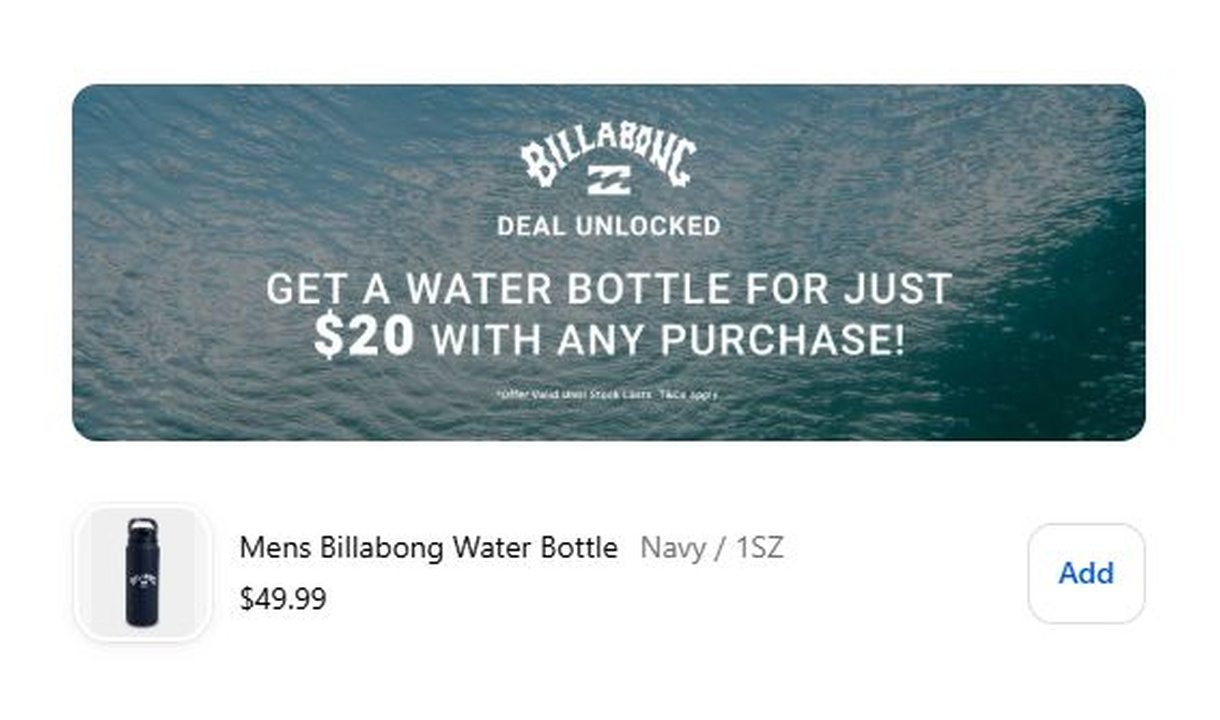

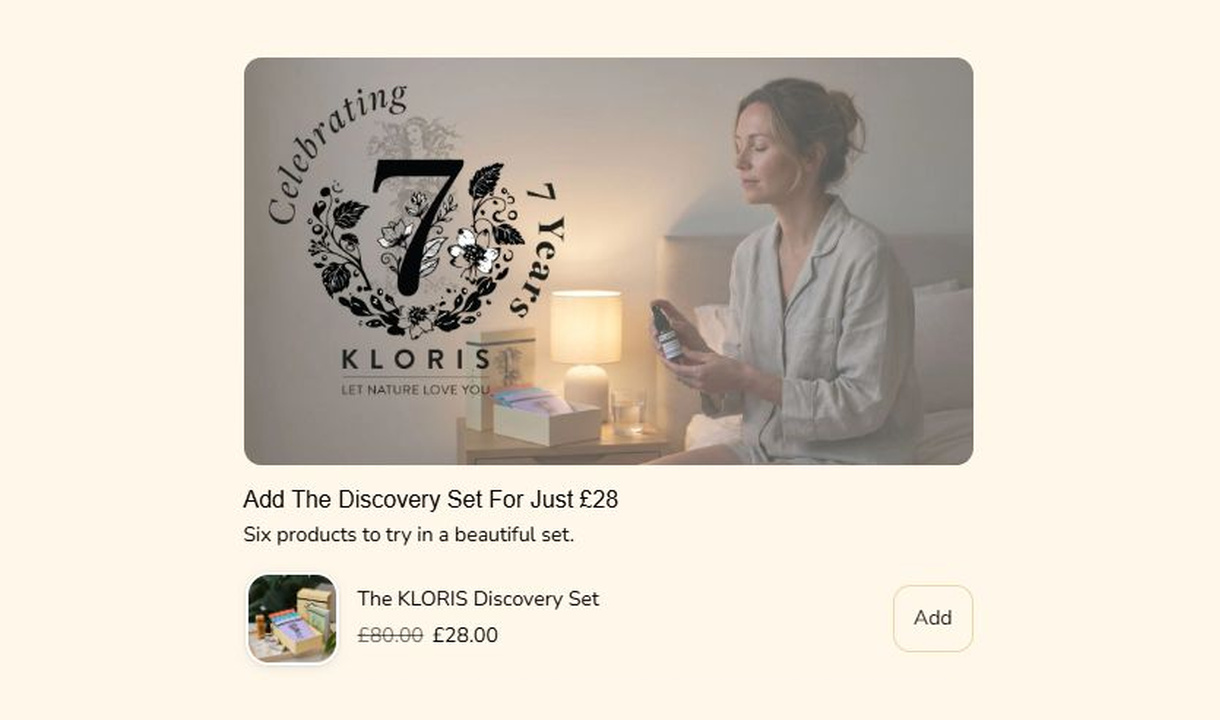

Combine a promotional banner with curated product recommendations in Shopify checkout. Present the products as a carousel or paginated list.
For Shopify Plus Checkout
Configure your component.
Introduce the campaign
Upload the promotional banner that belongs with the offer. Keep any essential conditions readable outside the image too.
Curate the products
Choose the products to feature alongside the banner so the message and selection tell the same story.
Choose how to browse
Show recommendations in a carousel or a paginated list, then review the result at desktop and mobile sizes.
A campaign upsell puts an image above a set of recommendations. The banner explains the campaign, while the products give customers a direct way to shop the selection without leaving checkout.
Choose automatic products, change the product display to a paginated list, and add a component border.
The tools behind your components.
Connect content, audience, and presentation controls. Available settings depend on the component and its version.
Good together.
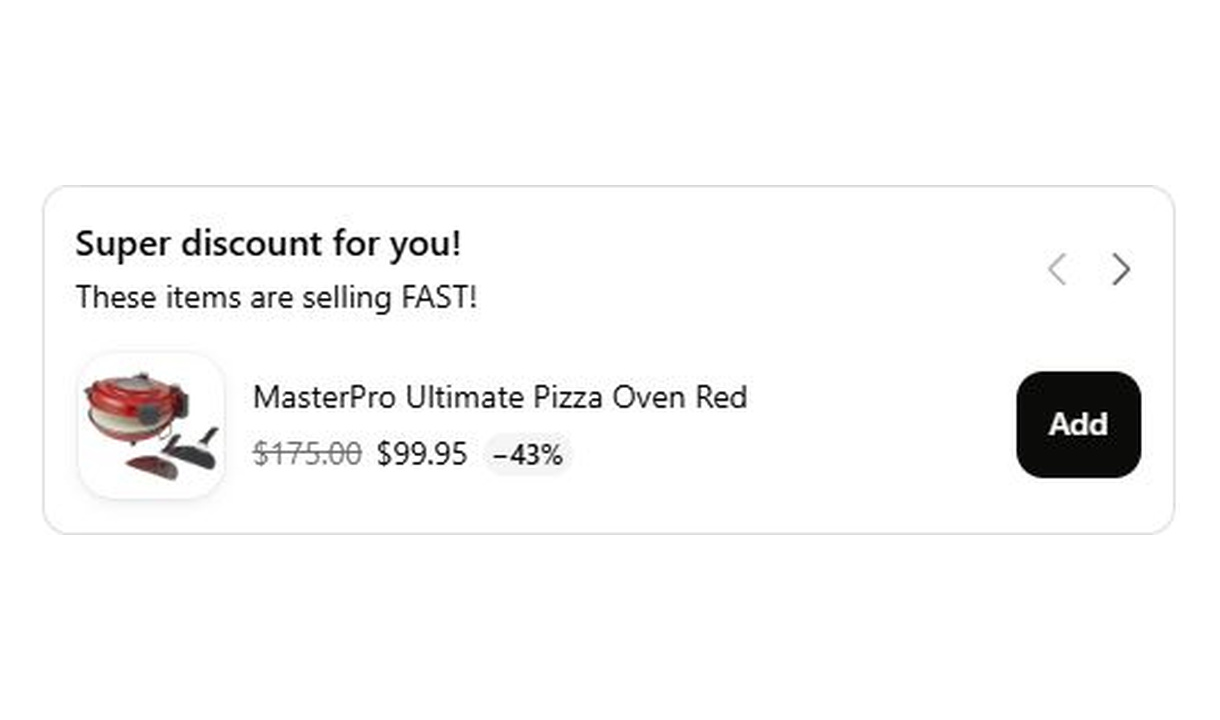
Carousel upsell
Recommend accessories and lower-value extras in a compact carousel that keeps checkout focused on the order.
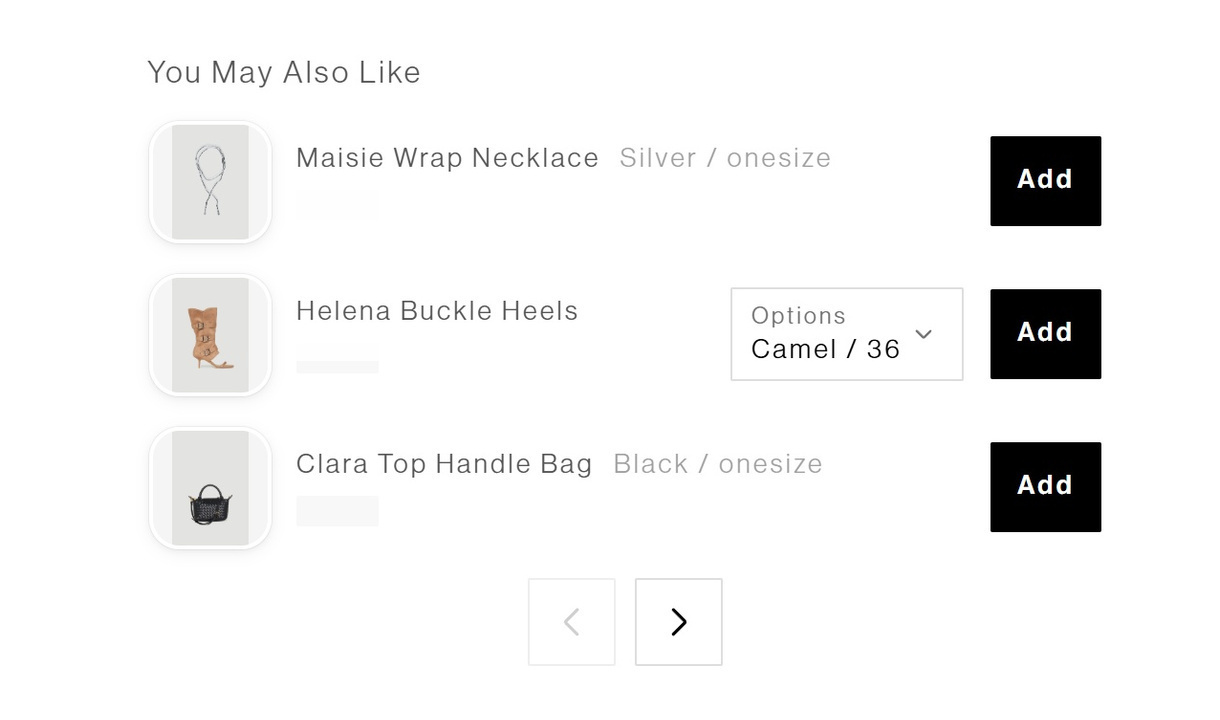
Upsell list
Present product recommendations in a compact, paginated list at Shopify checkout. Give customers a clear way to browse accessories and add-ons.
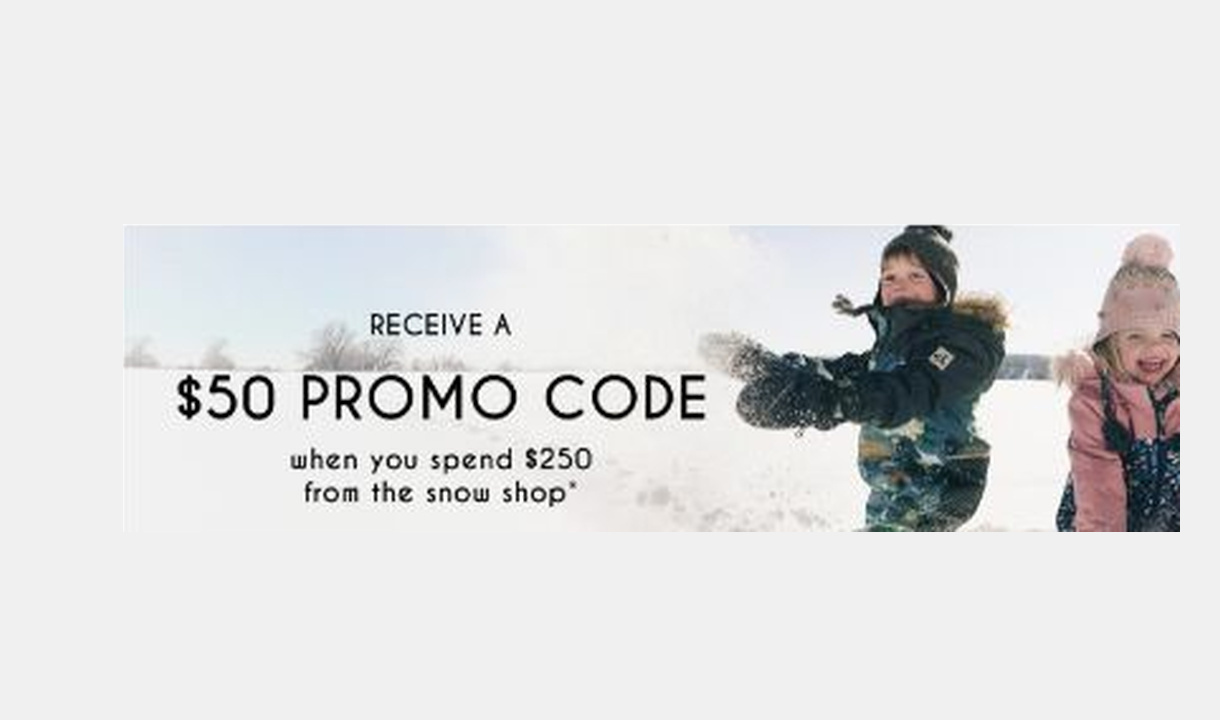
Image banner
Add branded or promotional imagery to Shopify checkout with an image banner and an optional link to further information.
Your stack shouldn't stop at checkout.
Bring supported product recommendations, reviews, and other tools into your checkout components. Choose the integration that fits your setup.









Your questions, answered.
What makes a campaign upsell different from other upsells?
A campaign upsell pairs a promotional banner image with a curated set of products. Use it for a seasonal range, collaboration, or gift guide where the artwork and products belong together.
Which product layouts can a campaign upsell use?
Show the recommendations as a horizontal carousel or a paginated list beneath the banner. Choose the format that best suits the selection and available checkout space.
Can I use different campaign artwork for different markets?
Yes. Create separately targeted components for the markets that need different artwork. Text embedded in an image does not change when you translate the component's text fields.
How do I choose the products to recommend?
Choose specific products, a collection, Shopify's related or complementary recommendations, or your own Recommendations rules. Starter supports manual upsells; Growth and above add recommendation options. Supported search and merchandising integrations require Pro or above.
Which recommendation integrations can I use?
Searchspring, Nosto, and Boost Commerce are self-serve integrations on Pro and above. Algolia and Tagalys are available on request: contact us to arrange setup rather than trying to connect them yourself.
Can I show product review stars on an upsell?
Yes. On Pro and above, connect Yotpo, Judge.me, Okendo, Reviews.io, or Loox. Stars appear when the product meets your configured minimum average rating, which defaults to four stars.
Can I offer a discount only on products added through the upsell?
Yes. Set a percentage for products added through the component, or individual discounts for manually selected products. The discount applies to items added through that component. Check your Shopify discount configuration before promising that it combines with another promotion.
Can I show the component only to certain customers or carts?
Yes. Use display rules based on products, cart value or quantity, customer tags, markets, or delivery details. Combine conditions with all or any logic and test representative carts before publishing.
Can I A/B test this checkout component?
Yes, on Pro and above. Create and schedule a checkout A/B test, then compare the recorded results. A test measures your own offer and audience; it does not guarantee an uplift.
Do I need Shopify Plus, and which app plan includes this upsell?
Yes. Checkout Components is built for Shopify Plus stores. Starter includes one manually selected checkout upsell. Growth and above include unlimited upsells and Recommendations rules; Pro and above add supported integrations, review stars, and A/B testing.