Free shipping upsell.
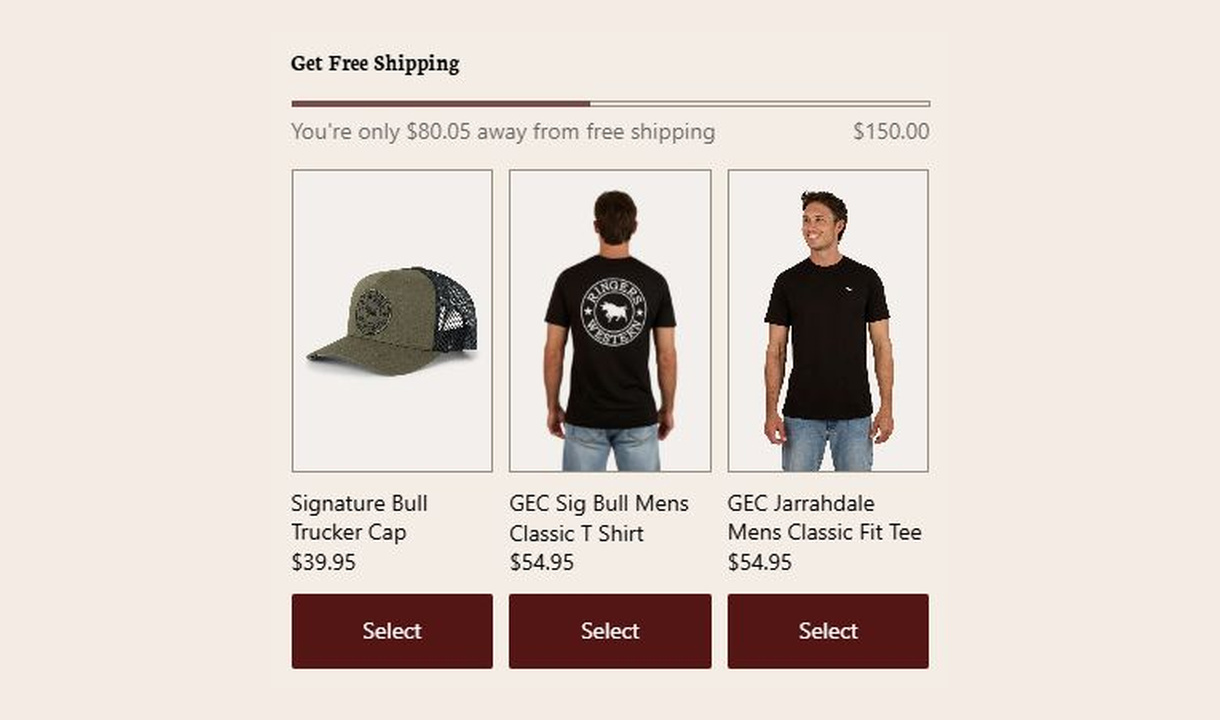

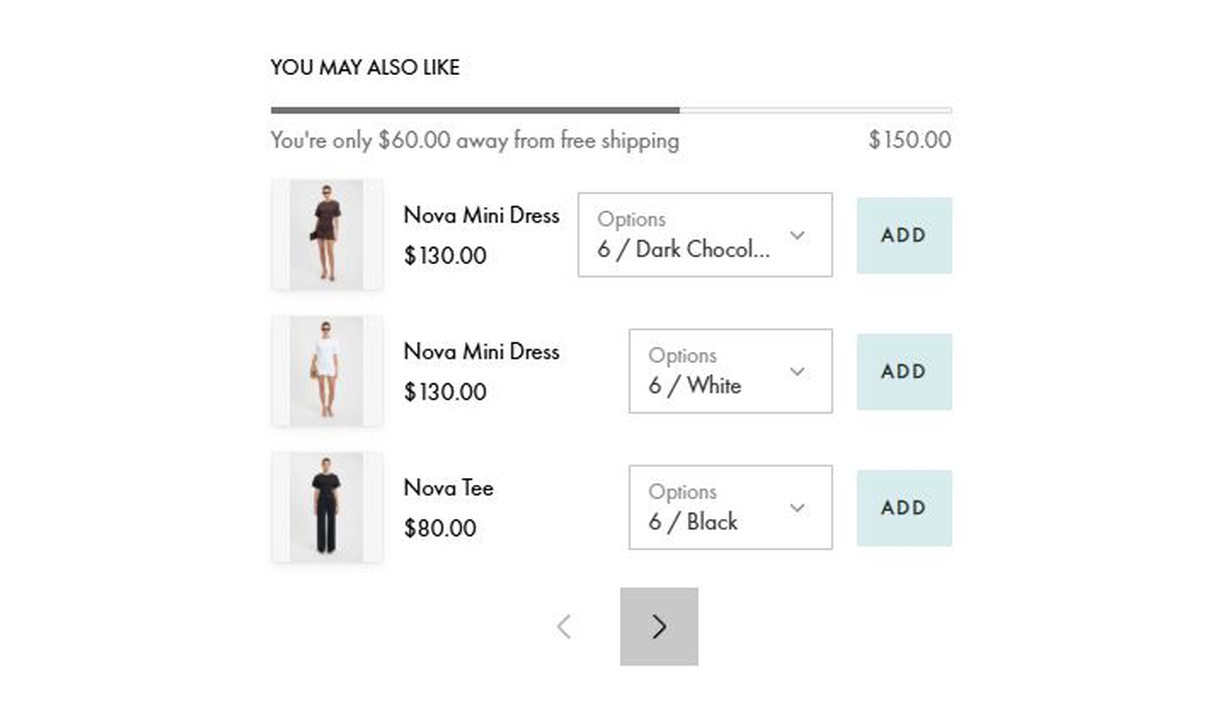

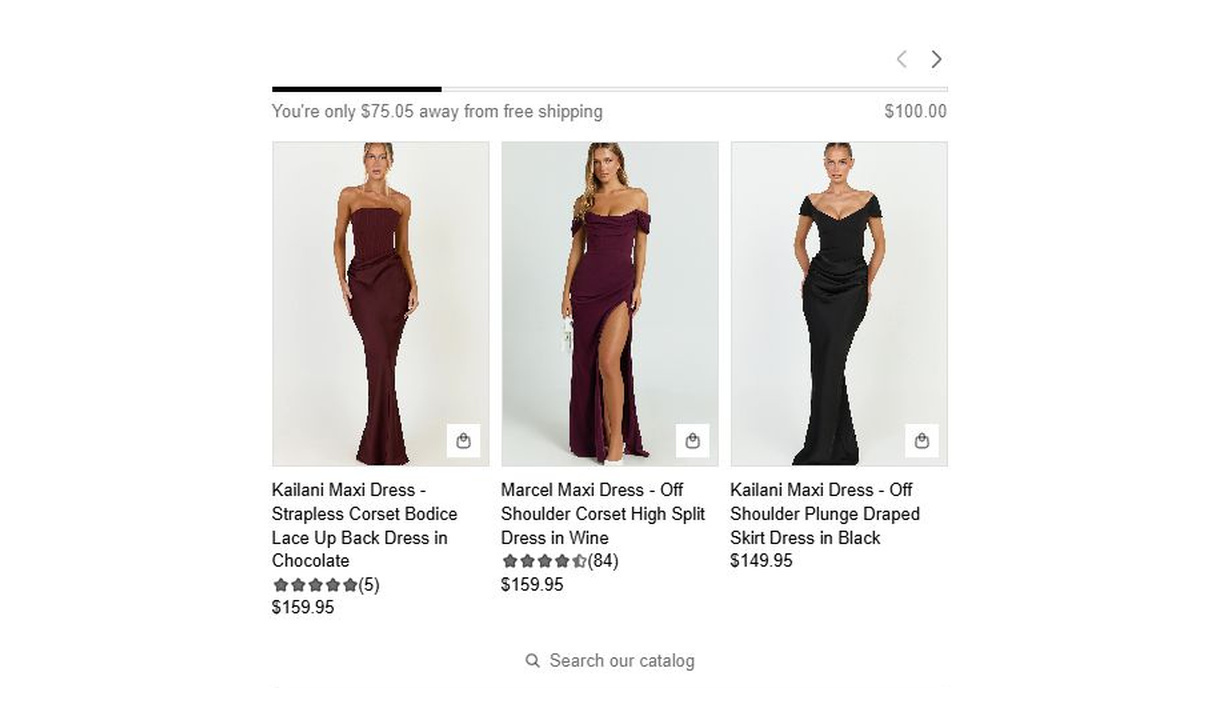

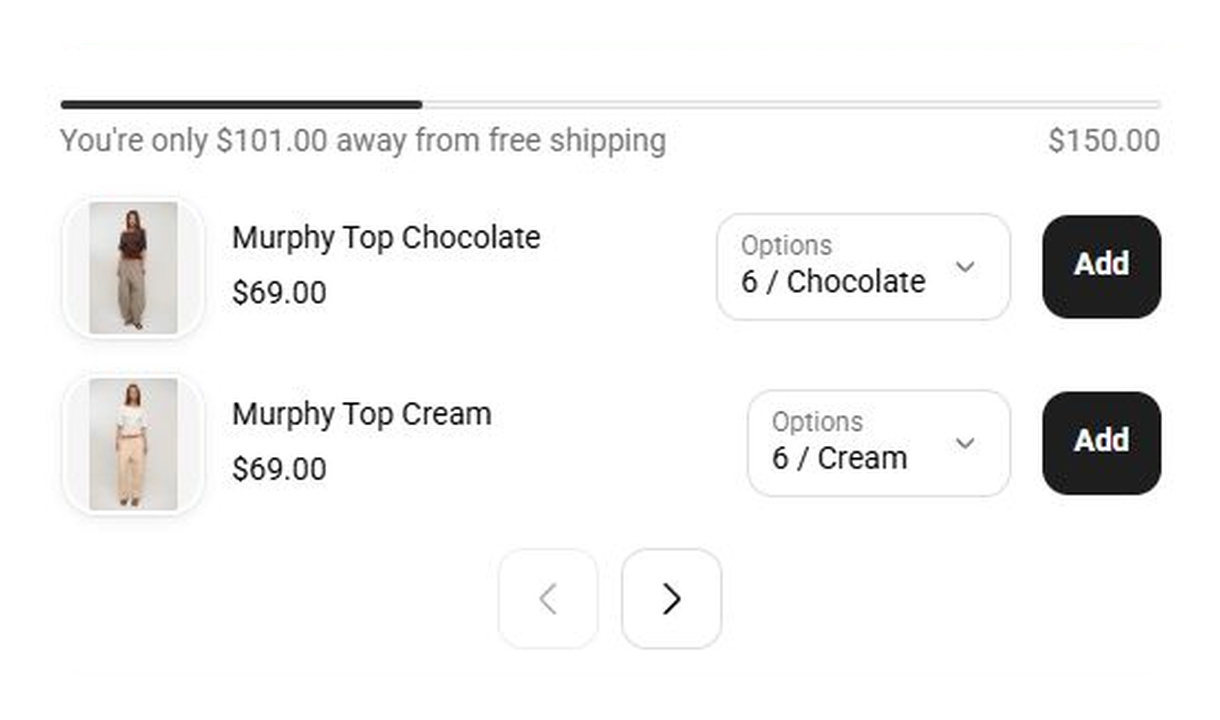

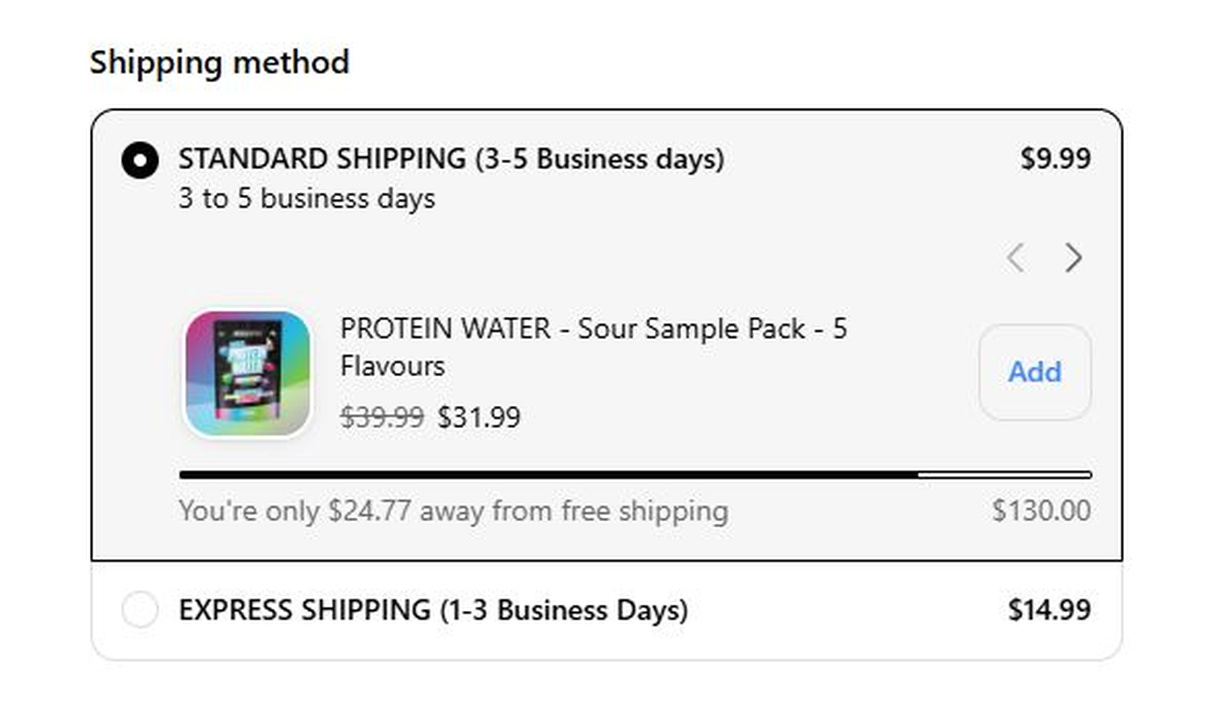

Help customers reach free shipping with local thresholds and product recommendations they can explore without leaving checkout.
For Shopify Plus Checkout
Configure your component.
Set thresholds by currency and market
Choose different free-shipping thresholds for the currencies and markets you serve. Match each target to the shipping offer available to that audience.
Choose the upsell layout
Choose how recommendations sit alongside shipping progress, then compare the available layouts on desktop and mobile.
Keep discovery inside checkout
Let customers search, filter, and sort the catalogue, then open product details for a closer look. Images, descriptions, variant choices, and Add buttons keep the decision within checkout.
Combine free-shipping progress with recommendations, flexible layouts, and thresholds by currency and market. Let customers search, view product details, and add items without leaving checkout.
Choose automatic products, switch to Showcase, turn on catalogue search, and open market-specific threshold settings.
The tools behind your components.
Connect content, audience, and presentation controls. Available settings depend on the component and its version.
Good together.
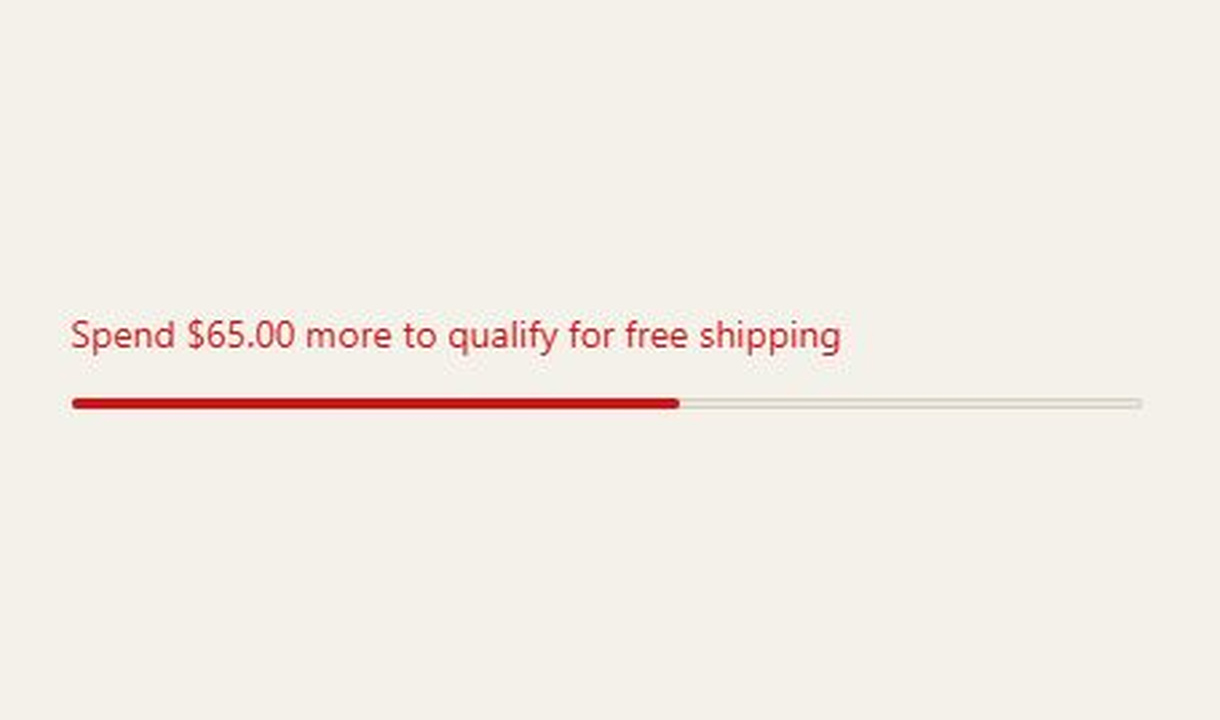
Progress bar
Show checkout progress towards cart-value, quantity, or tagged-product goals, with multiple steps and separate in-progress and completion messages.
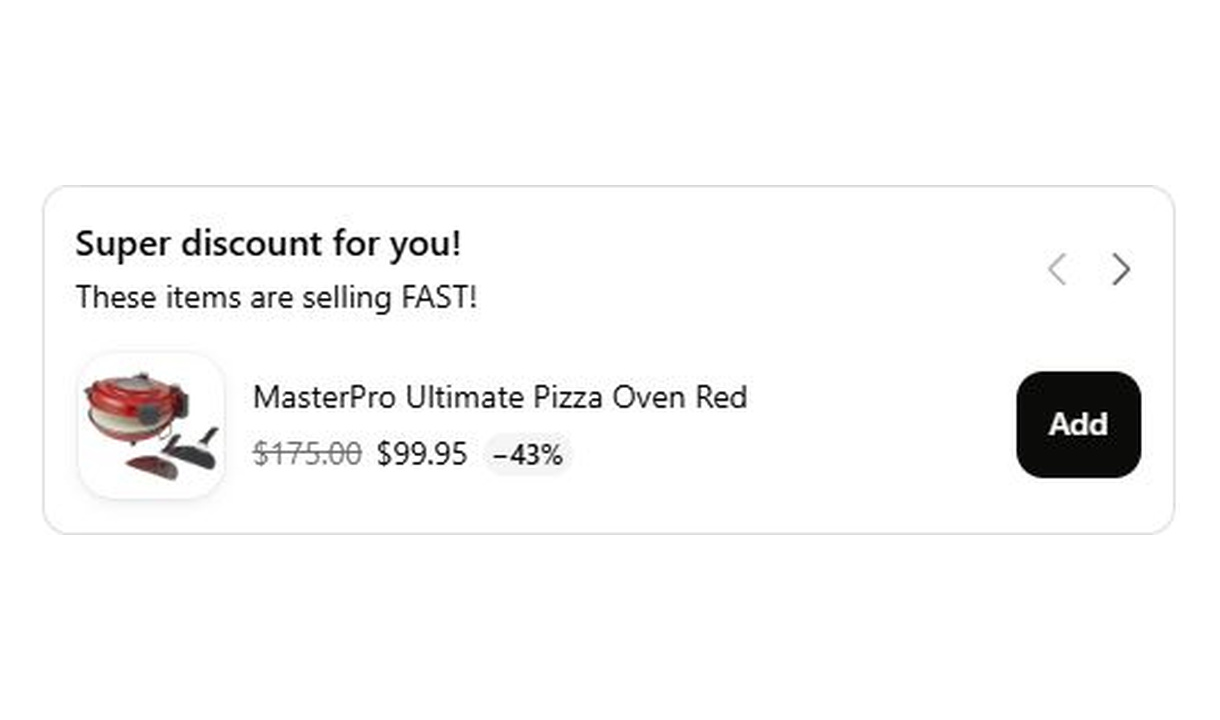
Carousel upsell
Recommend accessories and lower-value extras in a compact carousel that keeps checkout focused on the order.
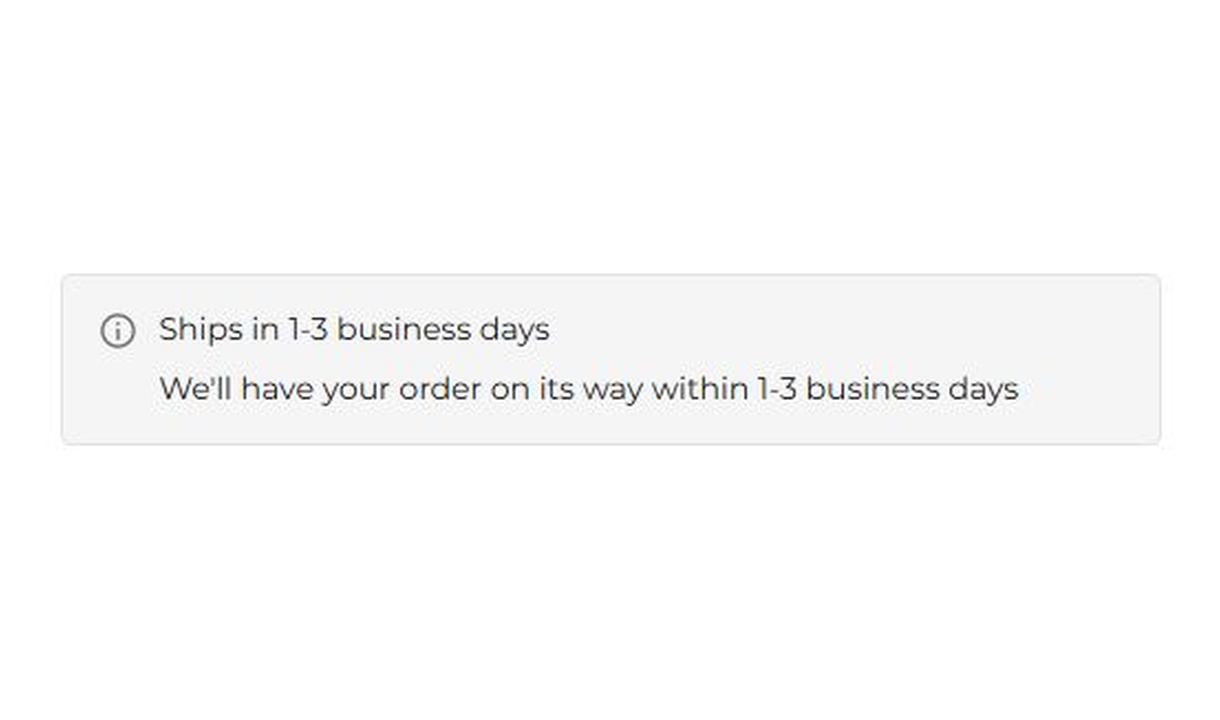
Banner
Keep customers informed before they order. Highlight dispatch delays, free shipping, and other important checkout alerts.
Your stack shouldn't stop at checkout.
Bring supported product recommendations, reviews, and other tools into your checkout components. Choose the integration that fits your setup.









Your questions, answered.
How does the free shipping upsell work?
It shows the remaining spend towards a free-shipping threshold alongside product recommendations. Customers can add a relevant product to help reach the target without leaving Shopify checkout.
Does this component create the free-shipping offer?
No. Configure the actual shipping rate or discount in Shopify. Keep the component's threshold and eligibility consistent with the offer customers can receive.
Can customers search my catalogue from checkout?
Yes. Turn on Catalog search to add the Search our catalog pop-up. Customers can search, filter, sort by price, view product details, and choose variants before adding a product without leaving checkout.
What happens when the customer reaches the threshold?
The component can show a success message when the customer qualifies, or you can hide it. Check that the matching free-shipping offer is also available in Shopify.
How do I choose the products to recommend?
Choose specific products, a collection, Shopify's related or complementary recommendations, or your own Recommendations rules. Starter supports manual upsells; Growth and above add recommendation options. Supported search and merchandising integrations require Pro or above.
Which recommendation integrations can I use?
Searchspring, Nosto, and Boost Commerce are self-serve integrations on Pro and above. Algolia and Tagalys are available on request: contact us to arrange setup rather than trying to connect them yourself.
Can I show product review stars on an upsell?
Yes. On Pro and above, connect Yotpo, Judge.me, Okendo, Reviews.io, or Loox. Stars appear when the product meets your configured minimum average rating, which defaults to four stars.
Can I offer a discount only on products added through the upsell?
Yes. Set a percentage for products added through the component, or individual discounts for manually selected products. The discount applies to items added through that component. Check your Shopify discount configuration before promising that it combines with another promotion.
Can I show the component only to certain customers or carts?
Yes. Use display rules based on products, cart value or quantity, customer tags, markets, or delivery details. Combine conditions with all or any logic and test representative carts before publishing.
Do I need Shopify Plus, and which app plan includes this upsell?
Yes. Checkout Components is built for Shopify Plus stores. Starter includes one manually selected checkout upsell. Growth and above include unlimited upsells and Recommendations rules; Pro and above add supported integrations, review stars, and A/B testing.