Banner.
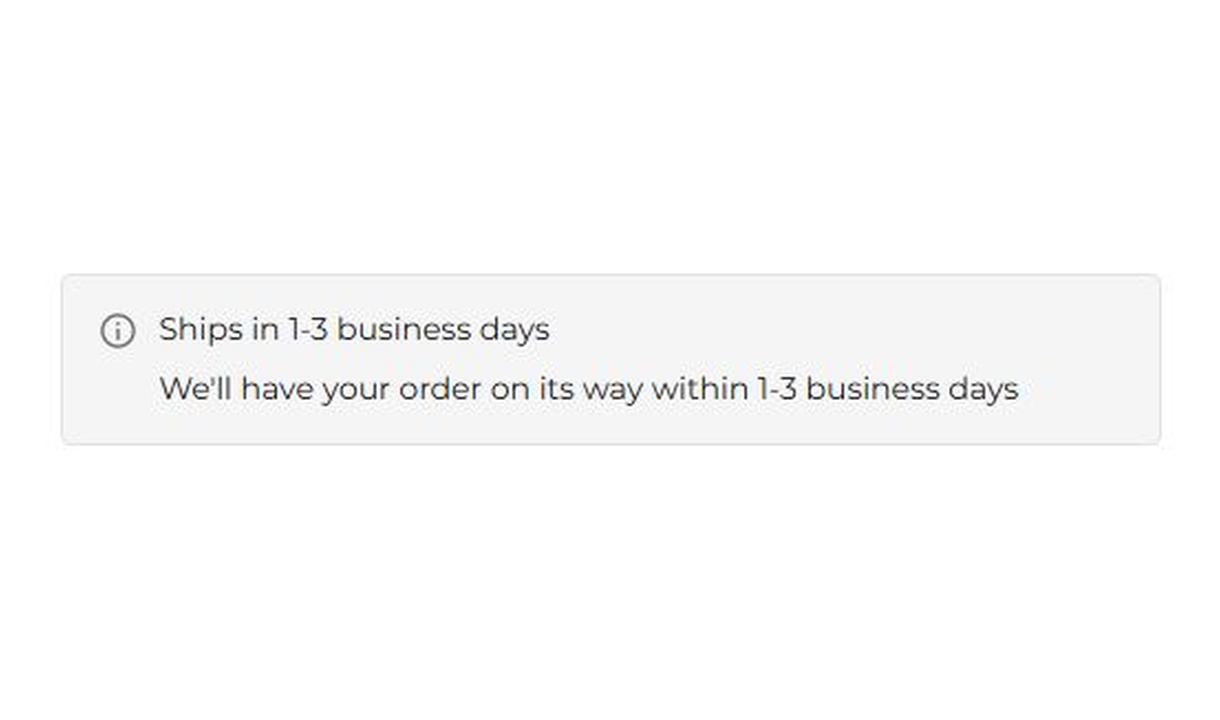

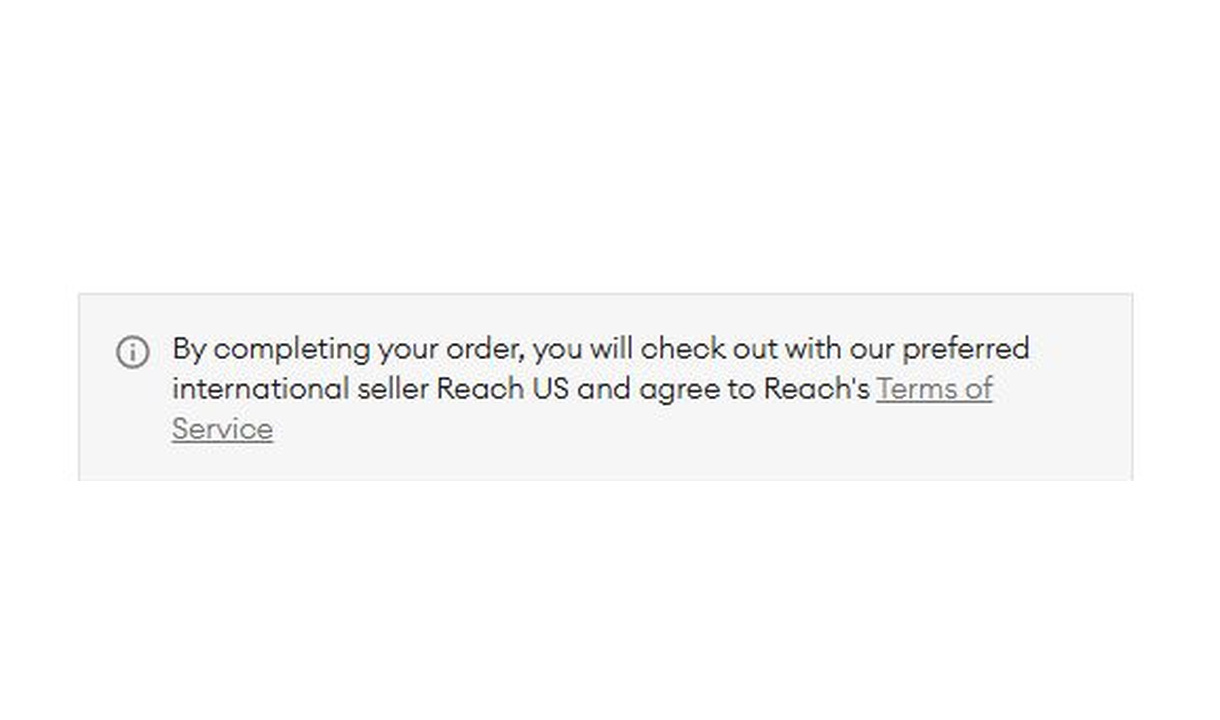

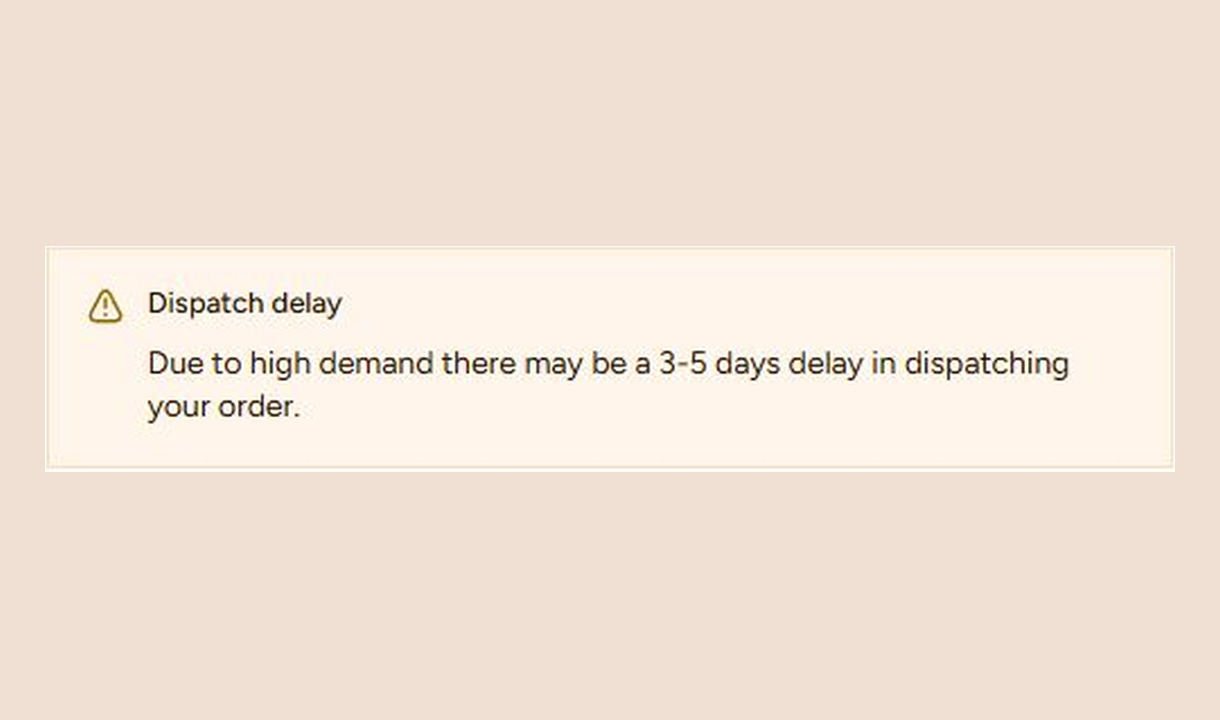

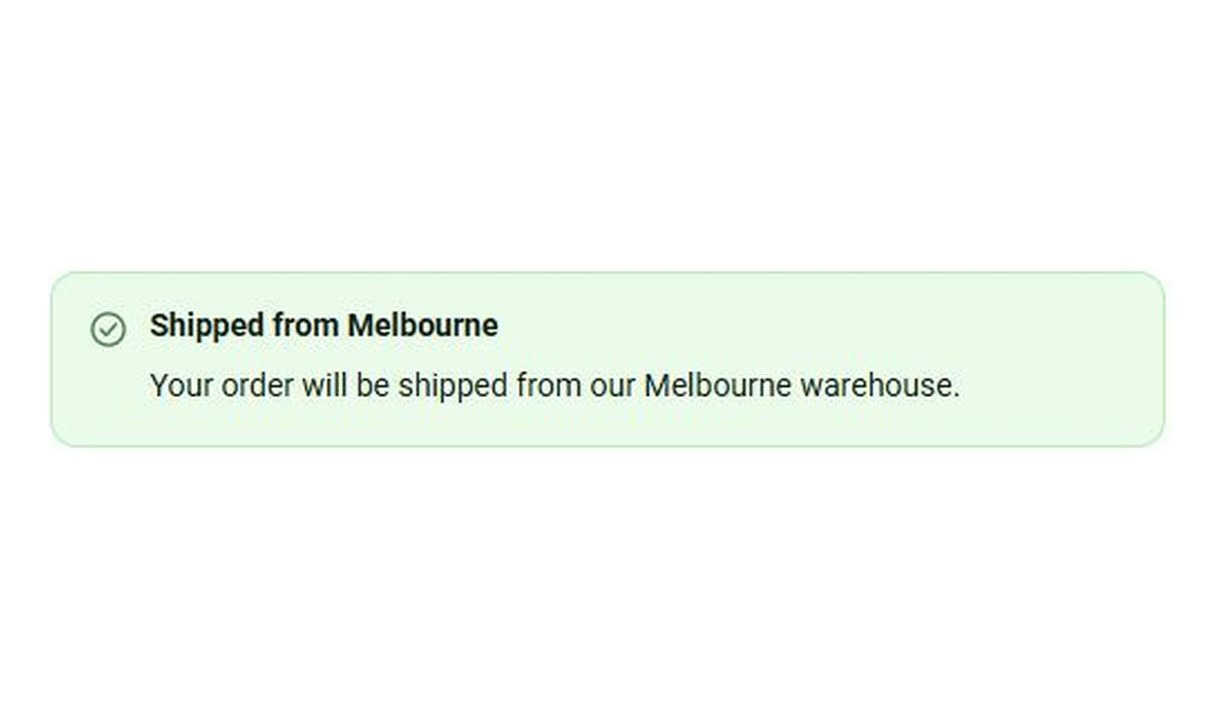

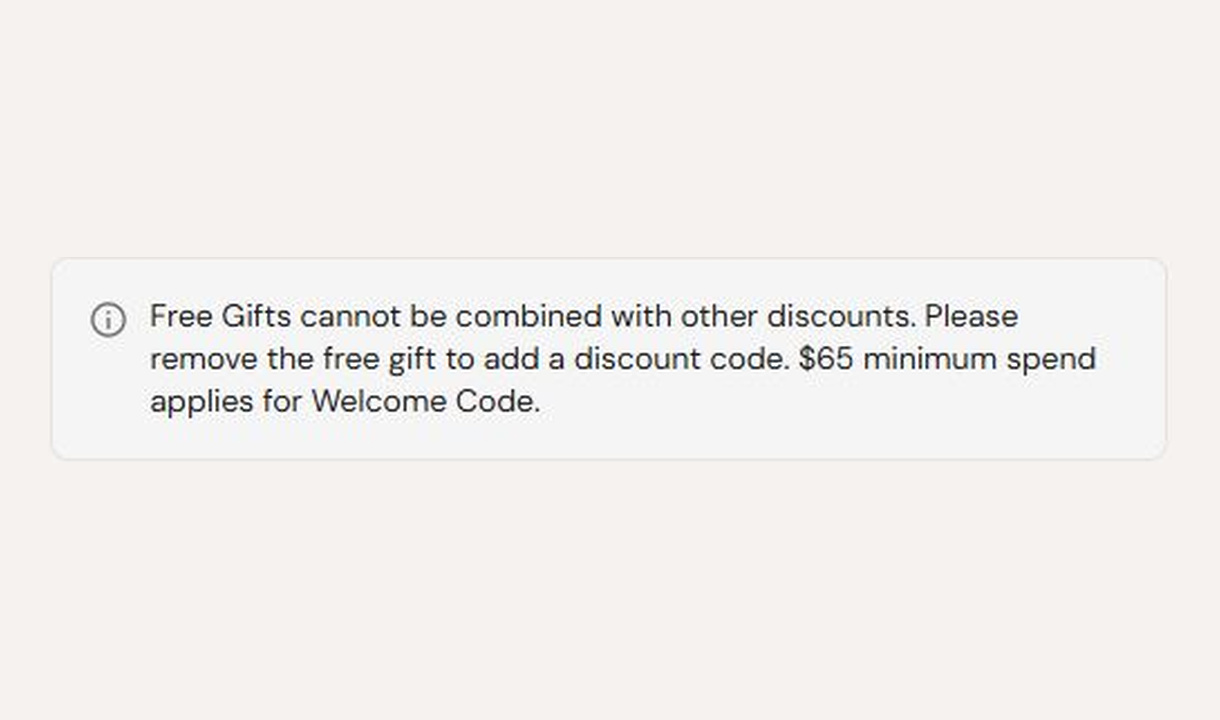

Keep customers informed before they order. Highlight dispatch delays, free shipping, and other important checkout alerts.
For Shopify Plus Checkout
See it in checkout.
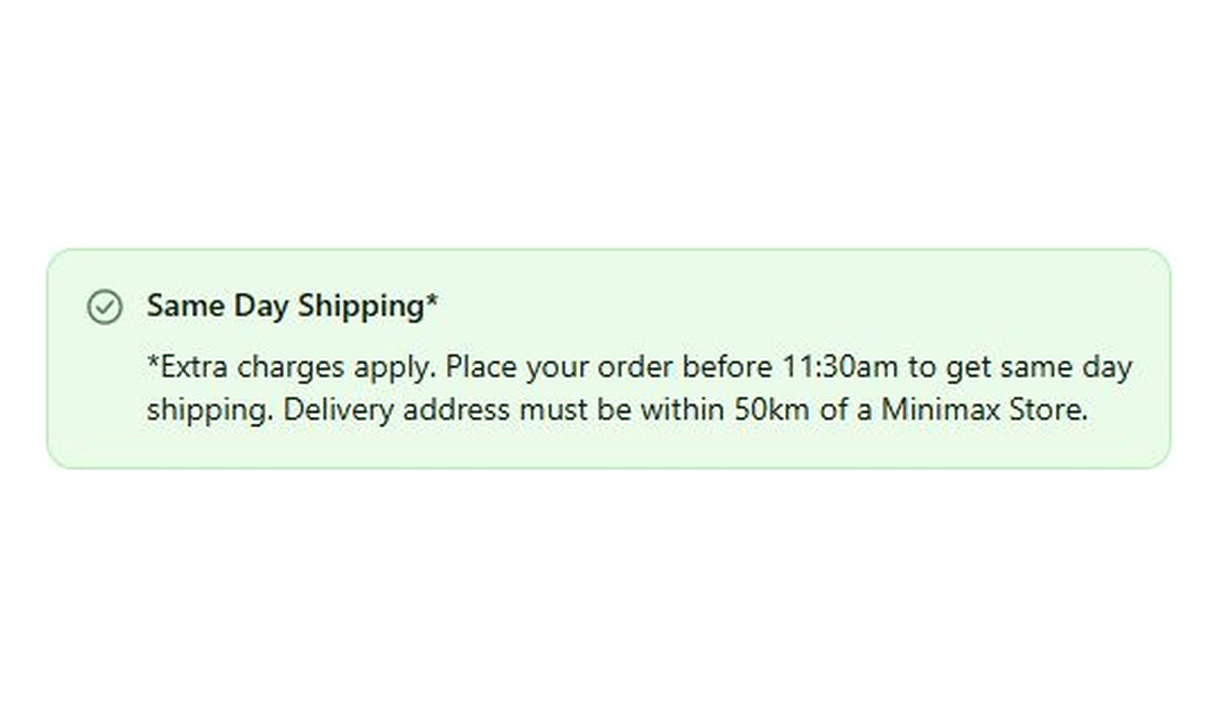

Configure your component.
Choose the message status
Choose information, warning, success, or critical styling to match the alert.
Write the notice
Explain what customers need to know before ordering. Keep the key details easy to scan.
Set the conditions
Show each alert based on the cart, customer, or market it applies to.
Set expectations upfront so customers can buy with confidence and have fewer reasons to contact support later. Use banners for dispatch updates, free-shipping notifications, or other key alerts, showing each message only when it applies.
The tools behind your components.
Connect content, audience, and presentation controls. Available settings depend on the component and its version.
Good together.
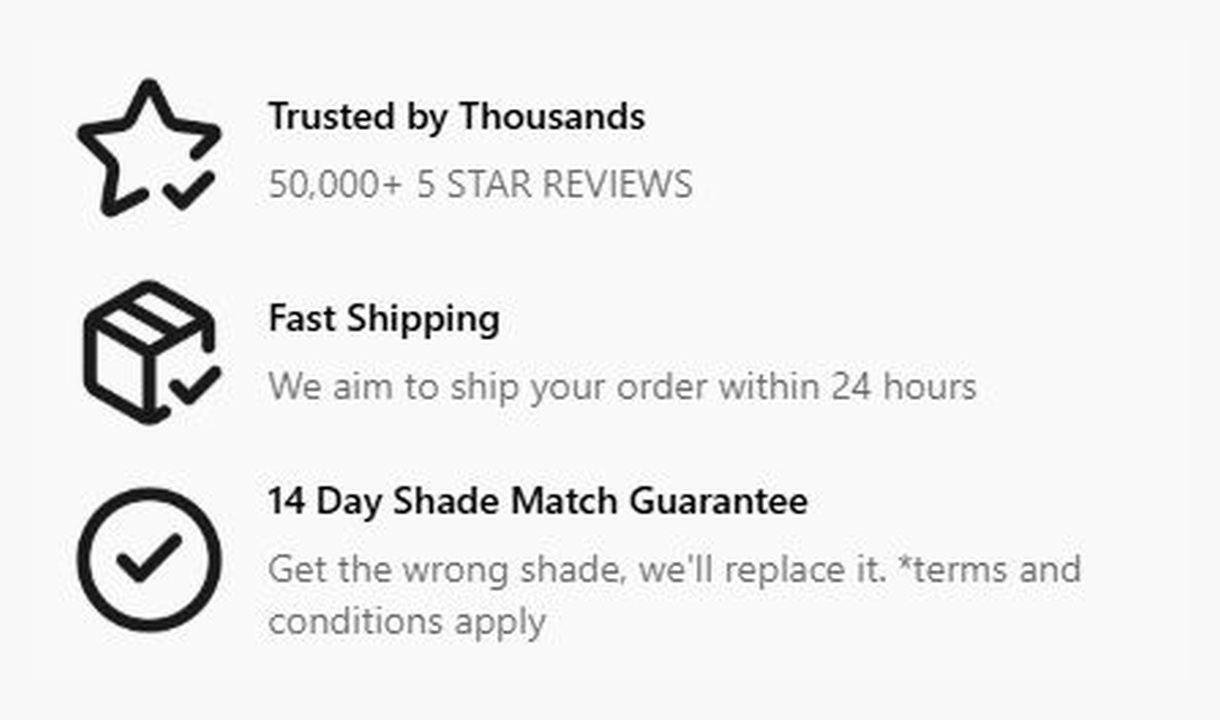
Callout
Give customers a reason to complete their order. Highlight brand benefits or explain a promotion, with more room than a trust badge.
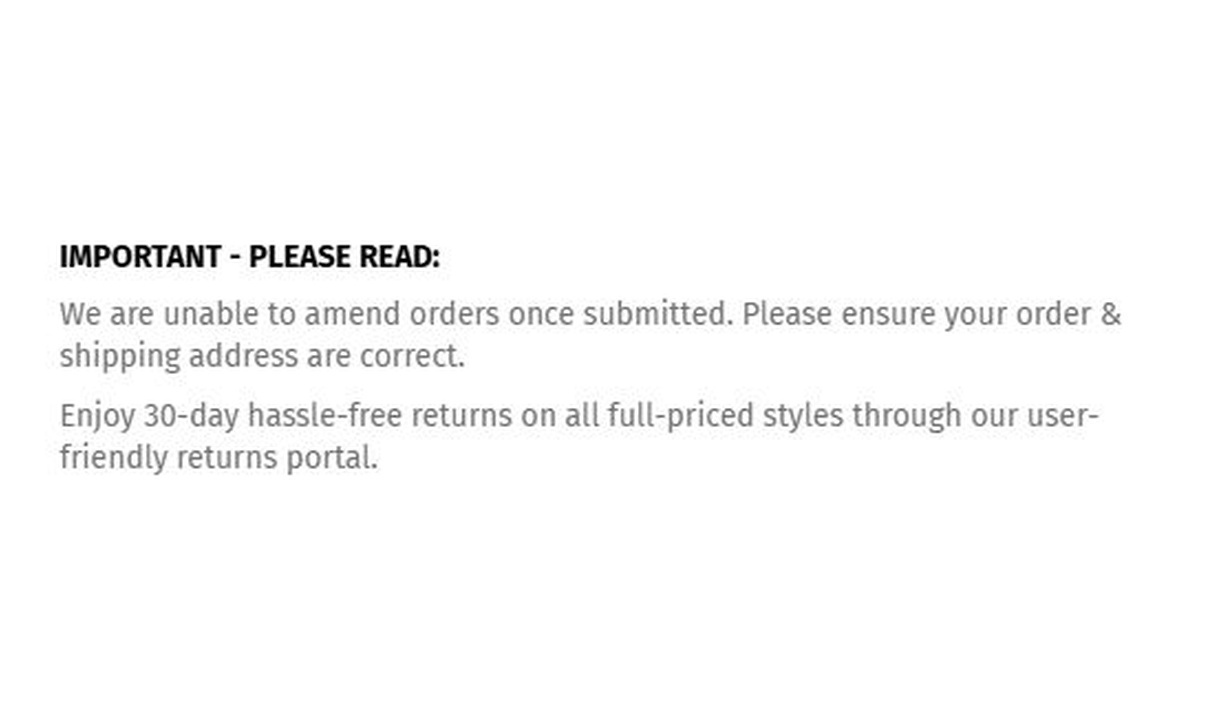
Simple message
Give customers the information they need to keep going. Share short support, order, or brand messages without adding clutter to checkout.

Line item highlights
Add product-specific messages beneath line items in Shopify checkout, with conditions based on the product, its tags, or its type.
Your questions, answered.
What can I use a checkout banner for?
Use a banner for a short notice customers need before ordering, such as a dispatch delay, free-shipping message, or pre-order condition. Display rules keep the notice relevant to the cart or destination.
Which banner styles are available?
Choose information, success, warning, or critical styling to match the message. A warning style draws attention to a notice; it does not enforce an order rule.
Can I add formatting and links to a banner?
Yes. Banner text supports Markdown for bold text, italics, and links. Keep the essential message readable without requiring a customer to leave checkout.
Does a critical banner block checkout?
No. A banner communicates a message. Use a required input or a supported order-validation Function when the customer must meet a condition before continuing.
Can I show the component only to certain customers or carts?
Yes. Use display rules based on products, cart value or quantity, customer tags, markets, or delivery details. Combine conditions with all or any logic and test representative carts before publishing.
Can I translate the component into multiple languages?
Yes, on Growth and above. Add translations for the languages your store supports. Text without a translation uses your default wording; text embedded in uploaded images needs separate translated artwork.
Can I show it only on mobile or desktop?
Yes. In the matching Latest block in Shopify's checkout editor, set Show on devices to all, mobile, or desktop. Check the result in the editor's device previews before publishing.
Do I need Shopify Plus, and which app plan includes this component?
Yes. Checkout Components is built for Shopify Plus stores. Starter includes one content or input component; Growth and above include unlimited content and input components. Translations and thank-you page content are included on Growth and above.