Progress bar.
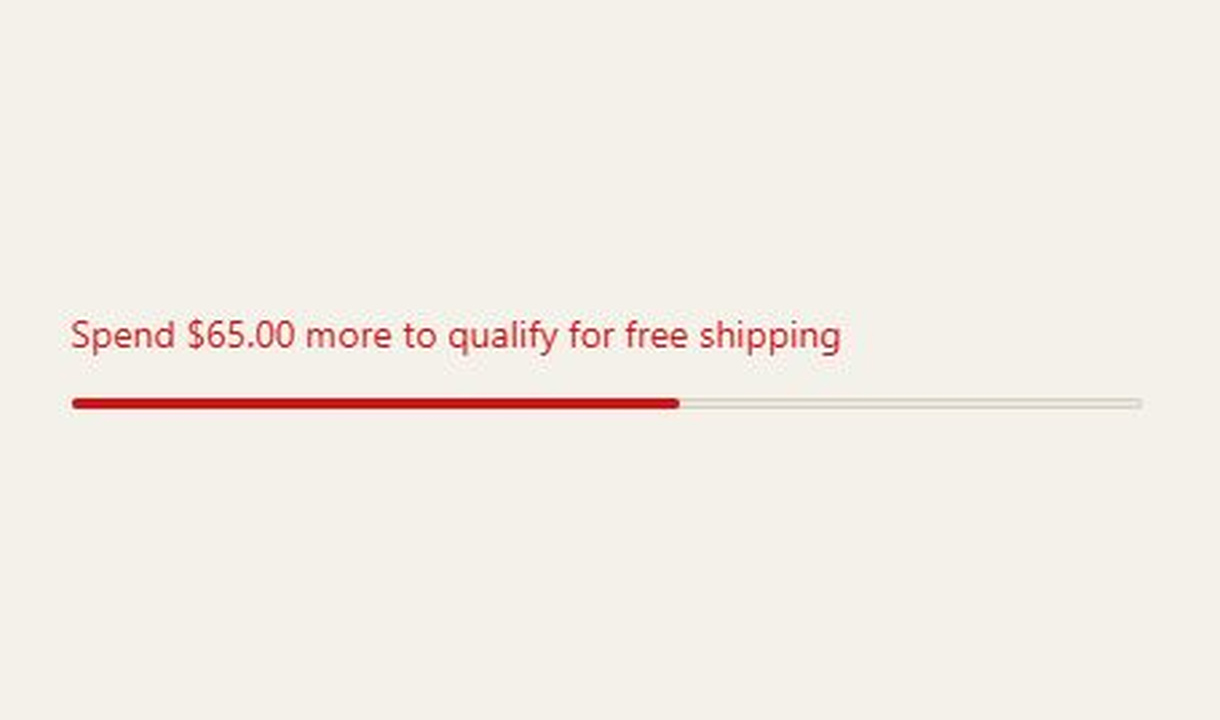

Show checkout progress towards cart-value, quantity, or tagged-product goals, with multiple steps and separate in-progress and completion messages.
For Shopify Plus Checkout
Configure your component.
Choose the measurement
Base progress on the cart value, item count, tagged products, or checkout steps.
Set the milestones
Use one or more steps to explain the next threshold and the overall goal.
Write both states
Configure a title and subtitle for progress, then a completion message. The component supports Markdown and translations.
A progress bar makes a threshold visible. Steps can relate to cart subtotal, total item quantity, quantities of tagged products, or the stages of a three-step checkout. The message changes when every step is complete.
The tools behind your components.
Connect content, audience, and presentation controls. Available settings depend on the component and its version.
Good together.
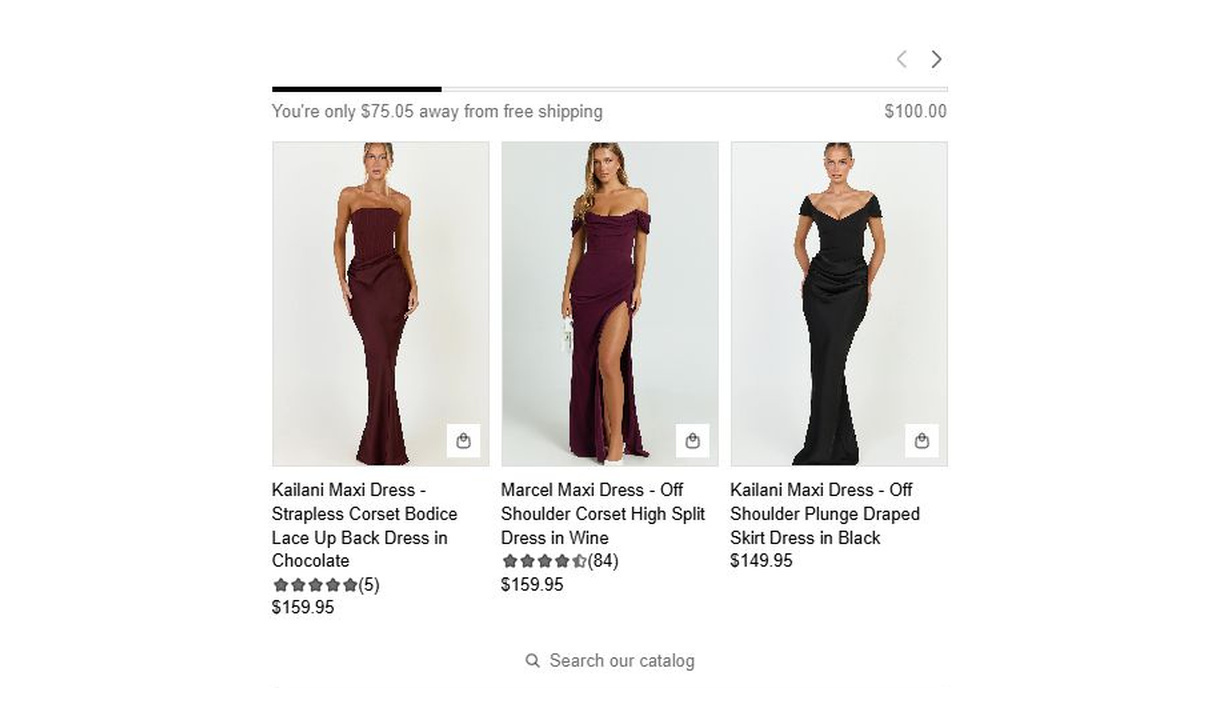
Free shipping upsell
Help customers reach free shipping with local thresholds and product recommendations they can explore without leaving checkout.
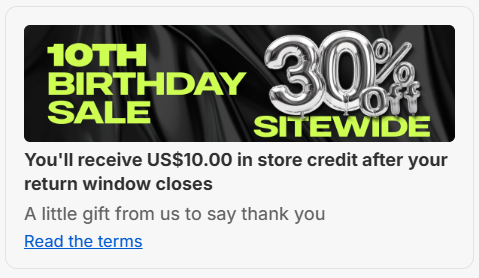
Store credit kickback
Offer Shopify store credit as a percentage of the cart subtotal. Give customers a reason to buy now, with or without a discount.
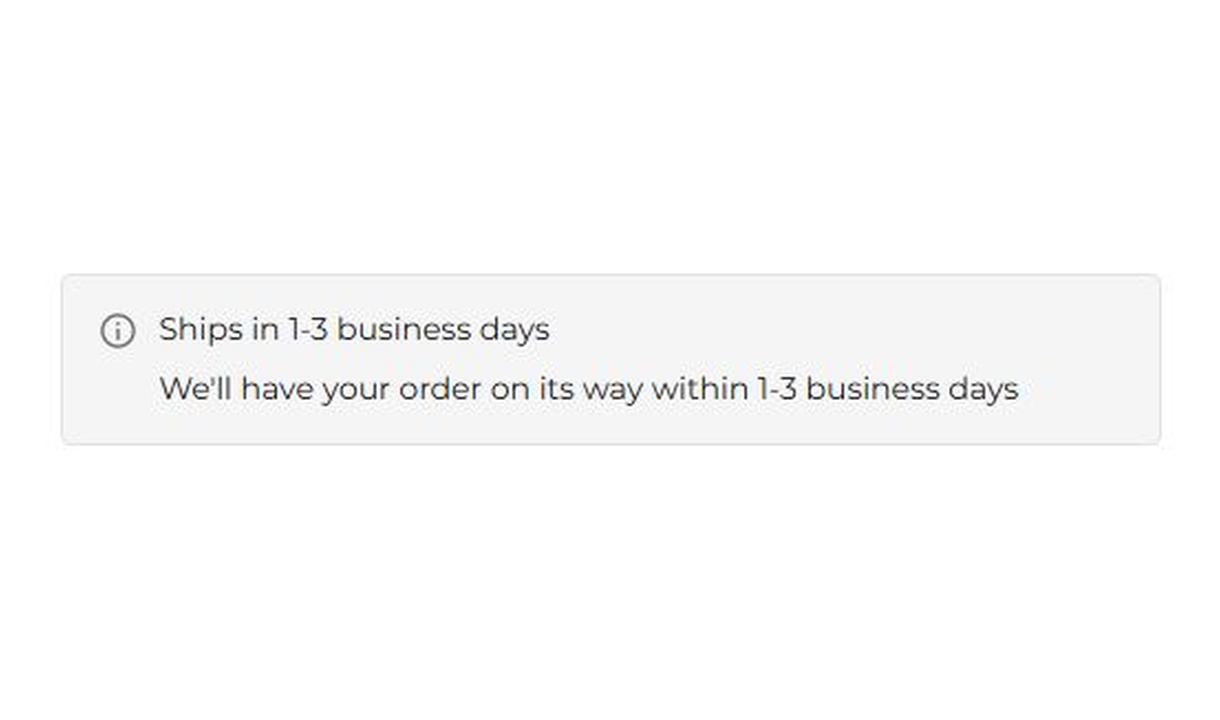
Banner
Keep customers informed before they order. Highlight dispatch delays, free shipping, and other important checkout alerts.
Your questions, answered.
What can a progress bar track in Shopify checkout?
Track cart subtotal, total item quantity, quantities of tagged products, or the stages of a three-step checkout. Choose the measurement that matches the goal you are explaining.
Can I show more than one milestone?
Yes. Set multiple steps, such as a free-shipping threshold followed by a gift threshold. Configure the actual rewards separately so the visible milestones match what the store provides.
Do discounts affect the progress calculation?
You can choose to exclude line-level discounts from the calculation. With that setting, progress is measured against prices before those discounts. Keep the measurement consistent with your reward conditions.
Does the progress bar automatically add a gift or apply free shipping?
No. It displays progress and a completed state. Your shipping, discount, gift, or fulfilment setup must provide the actual reward.
What happens when all milestones are complete?
The component switches to the completion message you configure. Write both the in-progress and completed messages so customers understand the next step and the achieved goal.
Can I show the component only to certain customers or carts?
Yes. Use display rules based on products, cart value or quantity, customer tags, markets, or delivery details. Combine conditions with all or any logic and test representative carts before publishing.
Can I translate the component into multiple languages?
Yes, on Growth and above. Add translations for the languages your store supports. Text without a translation uses your default wording; text embedded in uploaded images needs separate translated artwork.
Do I need Shopify Plus, and which app plan includes this component?
Yes. Checkout Components is built for Shopify Plus stores. Starter includes one content or input component; Growth and above include unlimited content and input components. Translations and thank-you page content are included on Growth and above.