Simple message.




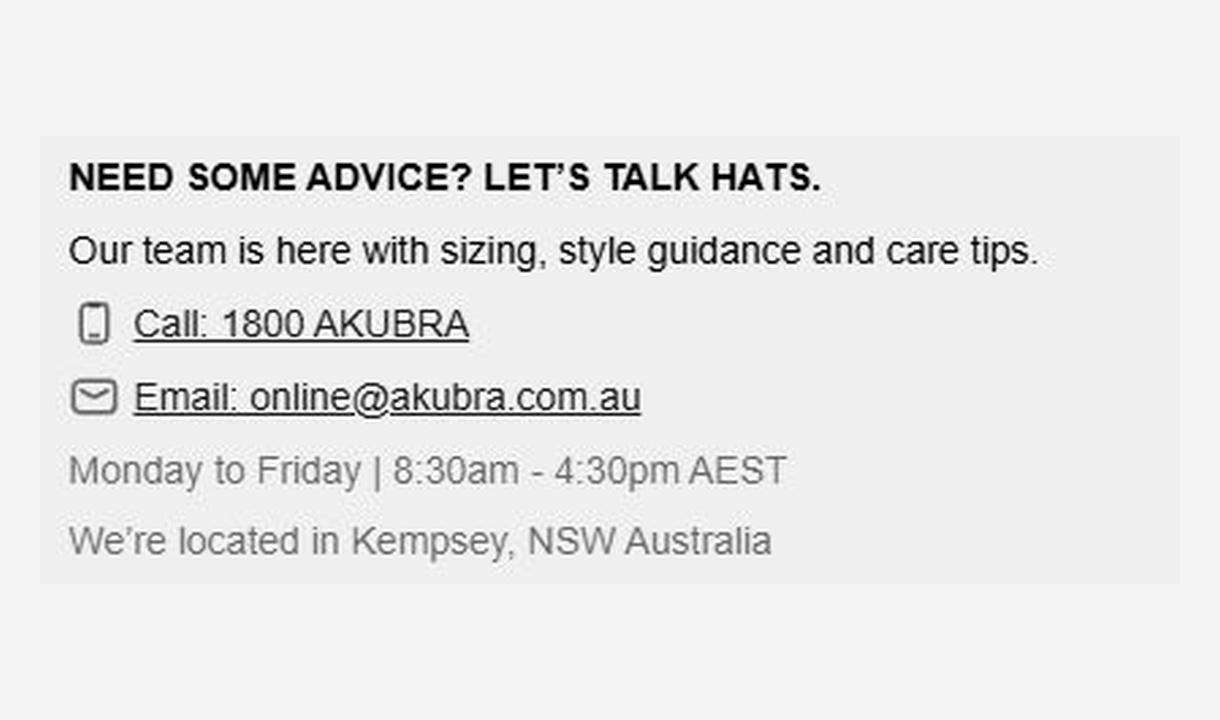

Give customers the information they need to keep going. Share short support, order, or brand messages without adding clutter to checkout.
For Shopify Plus Checkout
Configure your component.
Choose what customers need to know
Add a support contact, an order update, or a brief note about your brand.
Keep it clear and concise
Use Markdown for emphasis and links, with supported dynamic values for order-specific details.
Show it to the right customers
Use conditions and market targeting to show the message where it matters.
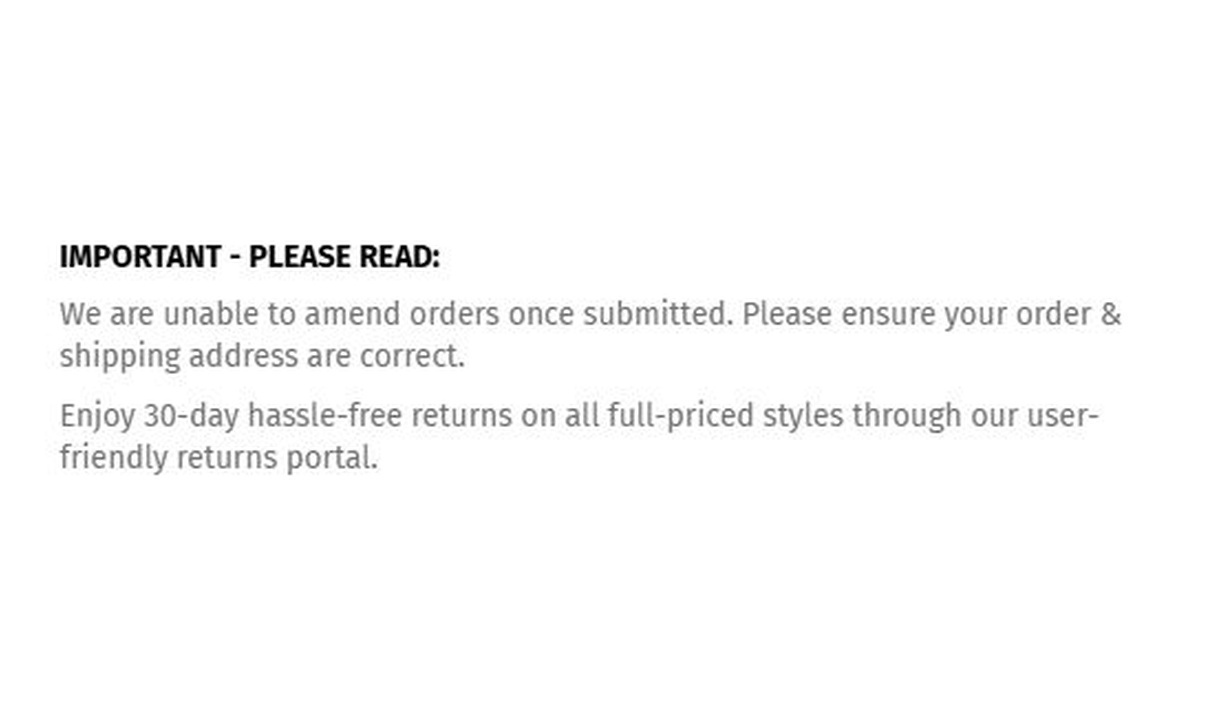
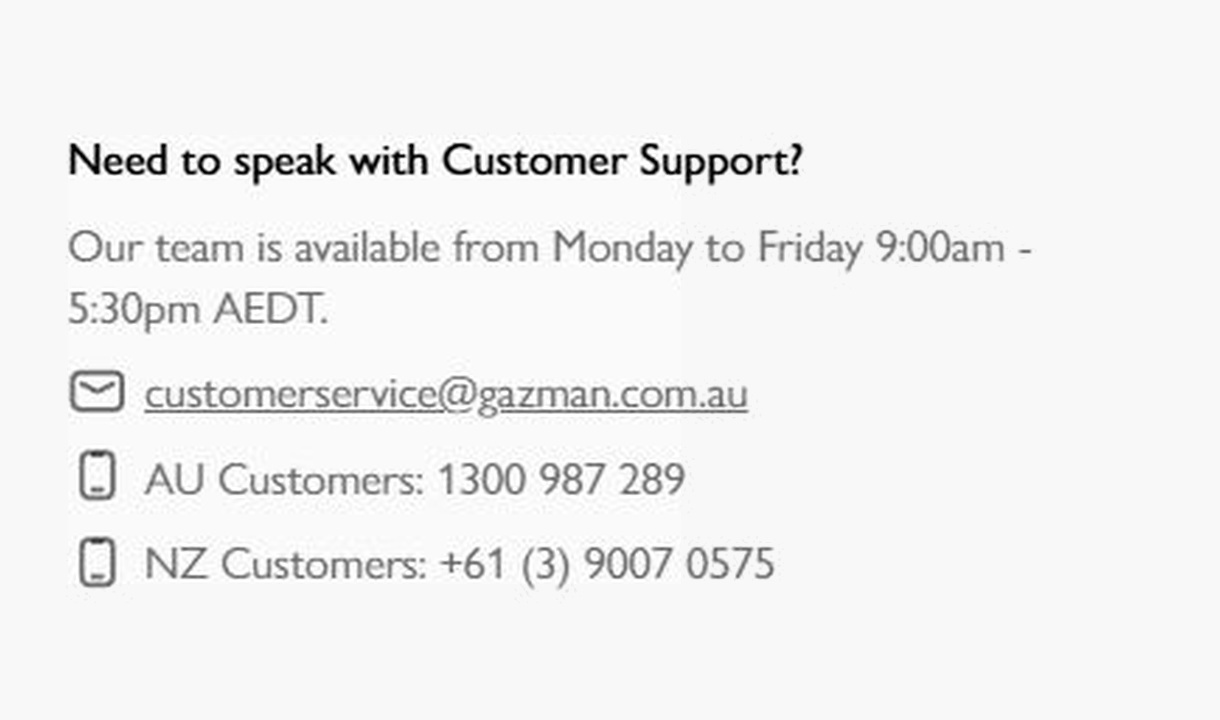
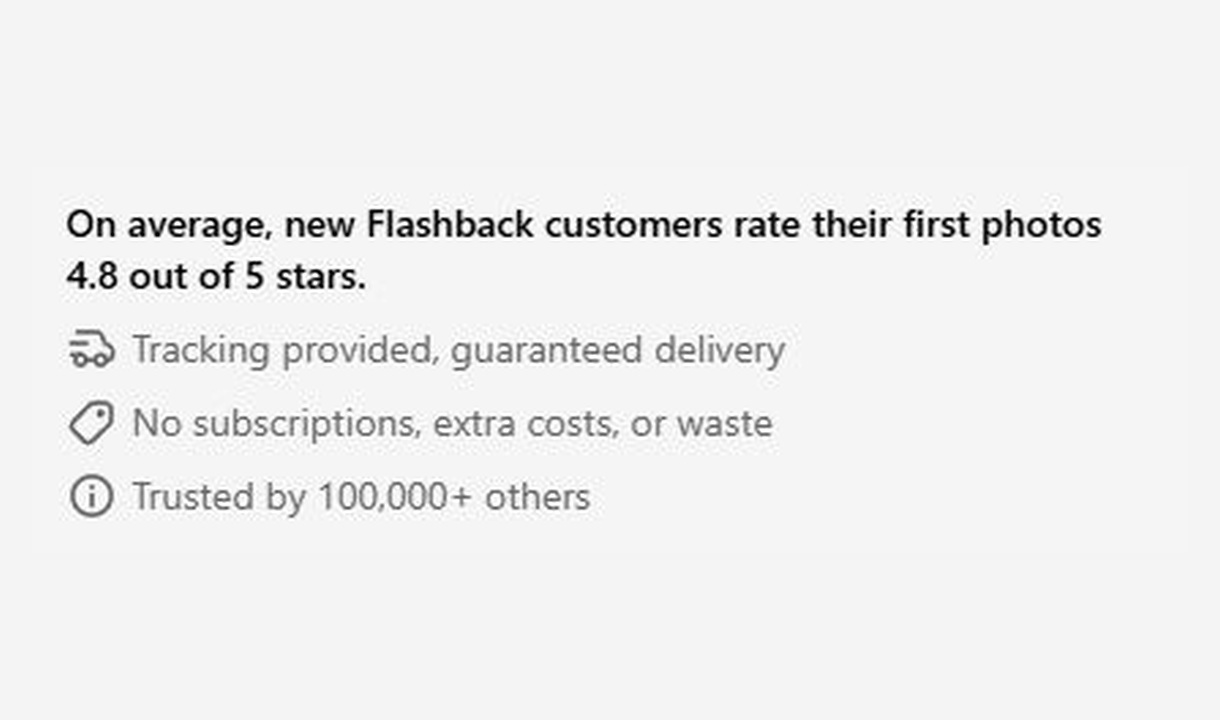
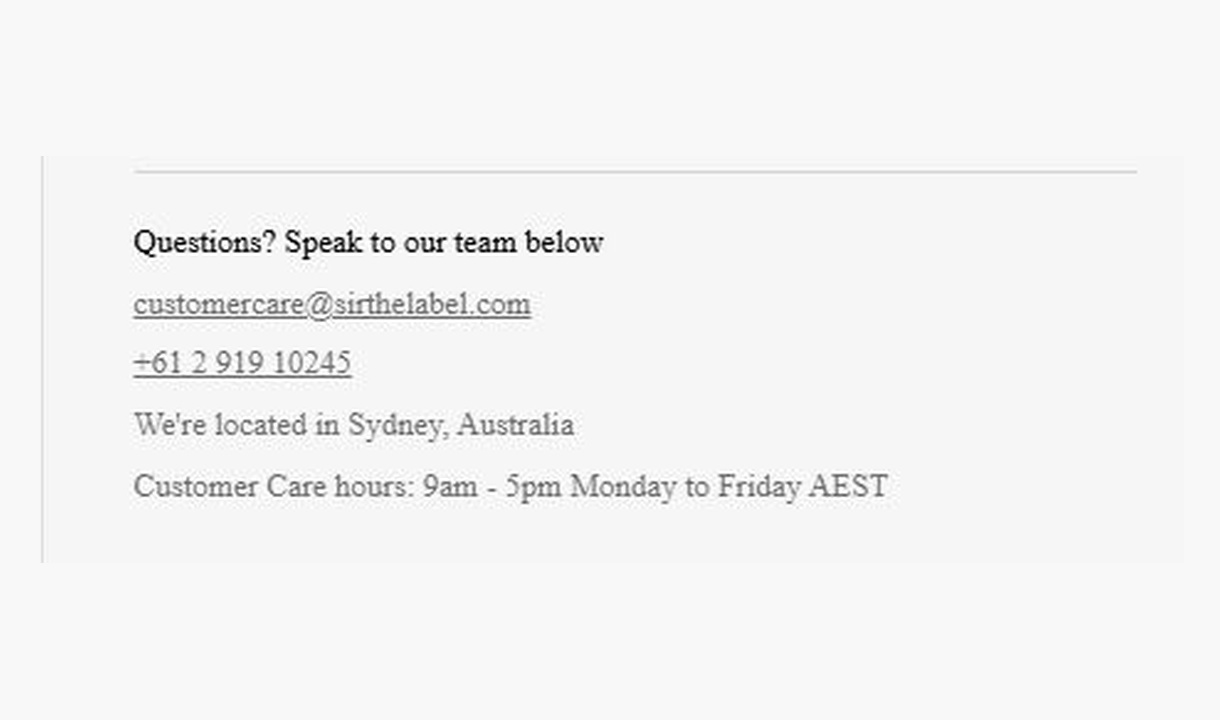
Answer a question before it interrupts checkout: how to get help, what happens to an order, or what your brand stands for. GAZMAN shares support details; 2XU explains order changes and returns. Keep it short and relevant.
The tools behind your components.
Connect content, audience, and presentation controls. Available settings depend on the component and its version.
Good together.
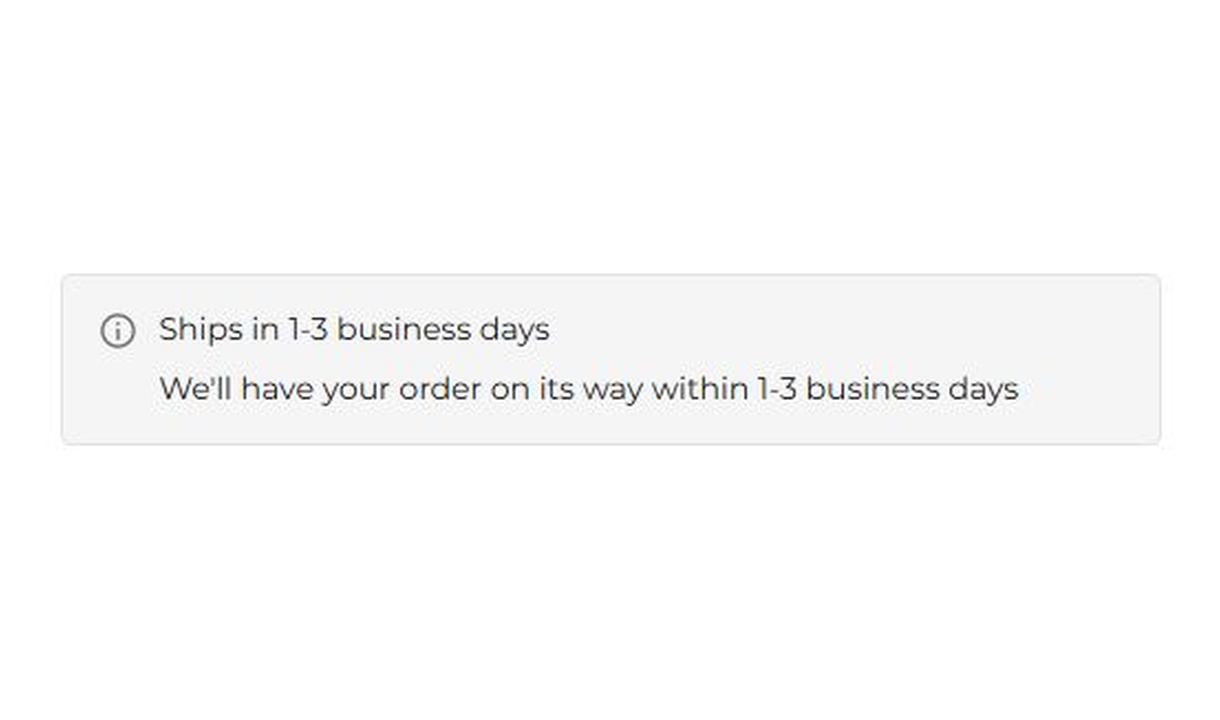
Banner
Keep customers informed before they order. Highlight dispatch delays, free shipping, and other important checkout alerts.
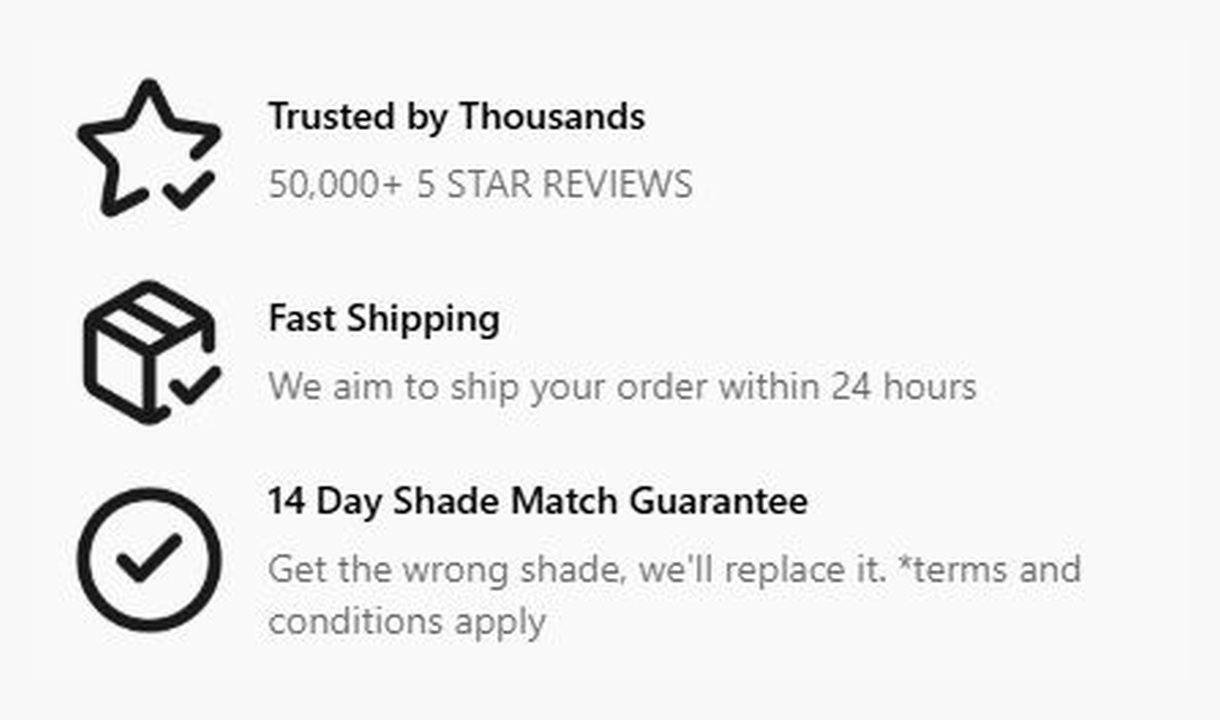
Callout
Give customers a reason to complete their order. Highlight brand benefits or explain a promotion, with more room than a trust badge.
Your questions, answered.
What can Simple message show in checkout?
Use Simple message for short support details, delivery notes, policy reminders, or order instructions. It presents useful text without the visual emphasis of a banner or callout.
Can I personalise the message with cart or customer details?
Yes. Use the dynamic variables supported by the editor to insert relevant cart or customer information. Test the message with representative checkouts, including guests.
Can I add links or emphasise part of the text?
Yes. Simple message supports Markdown formatting, including links and emphasis. Keep the key information short enough to scan during checkout.
Should I use Simple message or Banner?
Use Simple message for quiet supporting information. Use Banner when a notice needs an information, success, warning, or critical treatment. Neither component blocks an order by itself.
Can I show the component only to certain customers or carts?
Yes. Use display rules based on products, cart value or quantity, customer tags, markets, or delivery details. Combine conditions with all or any logic and test representative carts before publishing.
Can I translate the component into multiple languages?
Yes, on Growth and above. Add translations for the languages your store supports. Text without a translation uses your default wording; text embedded in uploaded images needs separate translated artwork.
Will the component match my Shopify checkout branding?
Yes. Components use Shopify's checkout elements and inherit your checkout's fonts, colours, and styling. Use the component's appearance controls for the presentation options available to that component.
Do I need Shopify Plus, and which app plan includes this component?
Yes. Checkout Components is built for Shopify Plus stores. Starter includes one content or input component; Growth and above include unlimited content and input components. Translations and thank-you page content are included on Growth and above.