Testimonials.
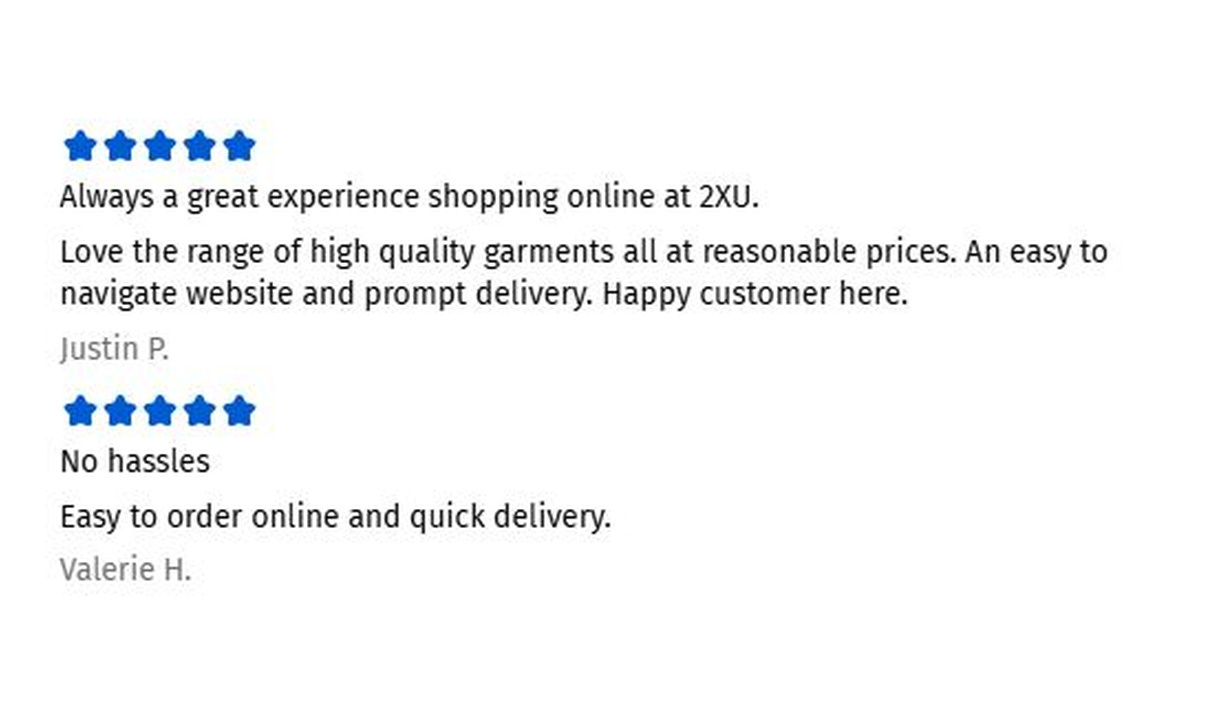

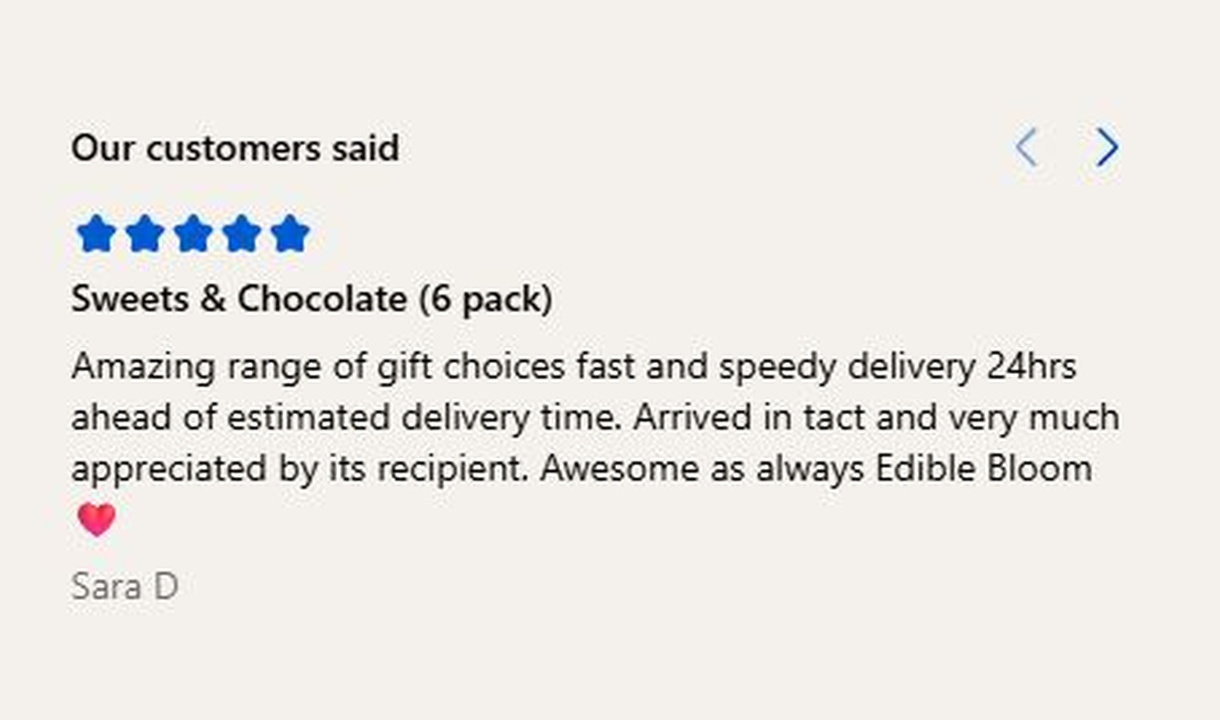

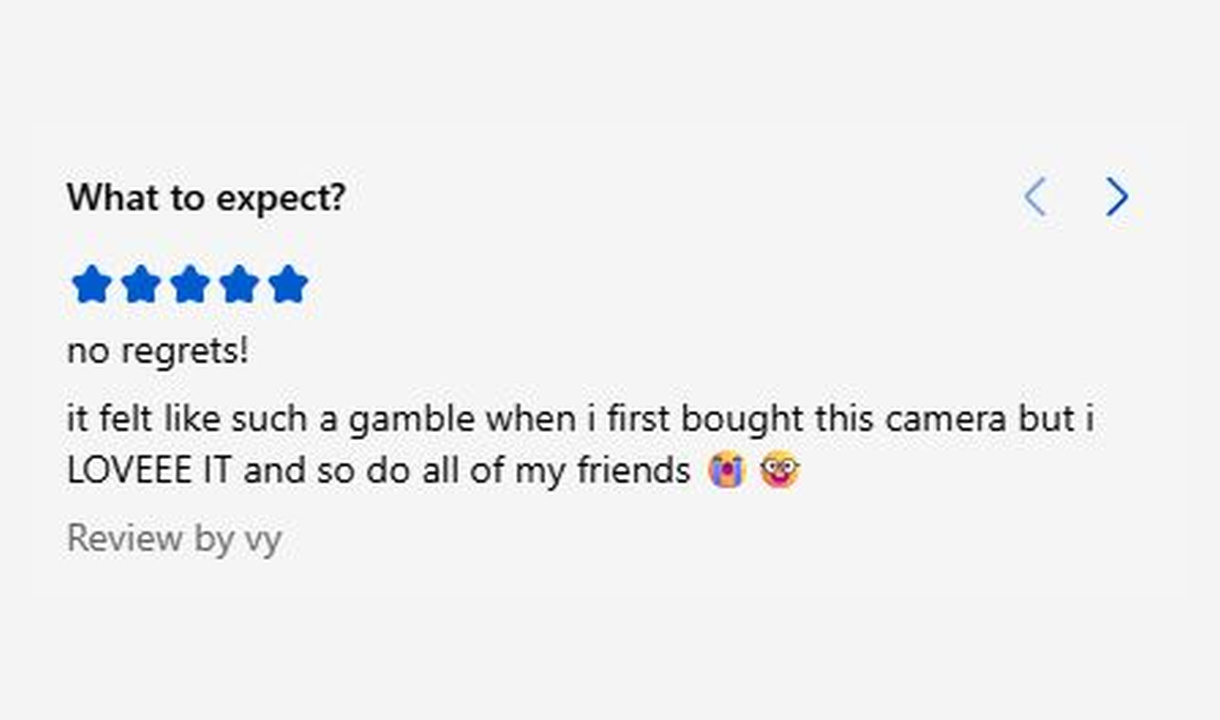

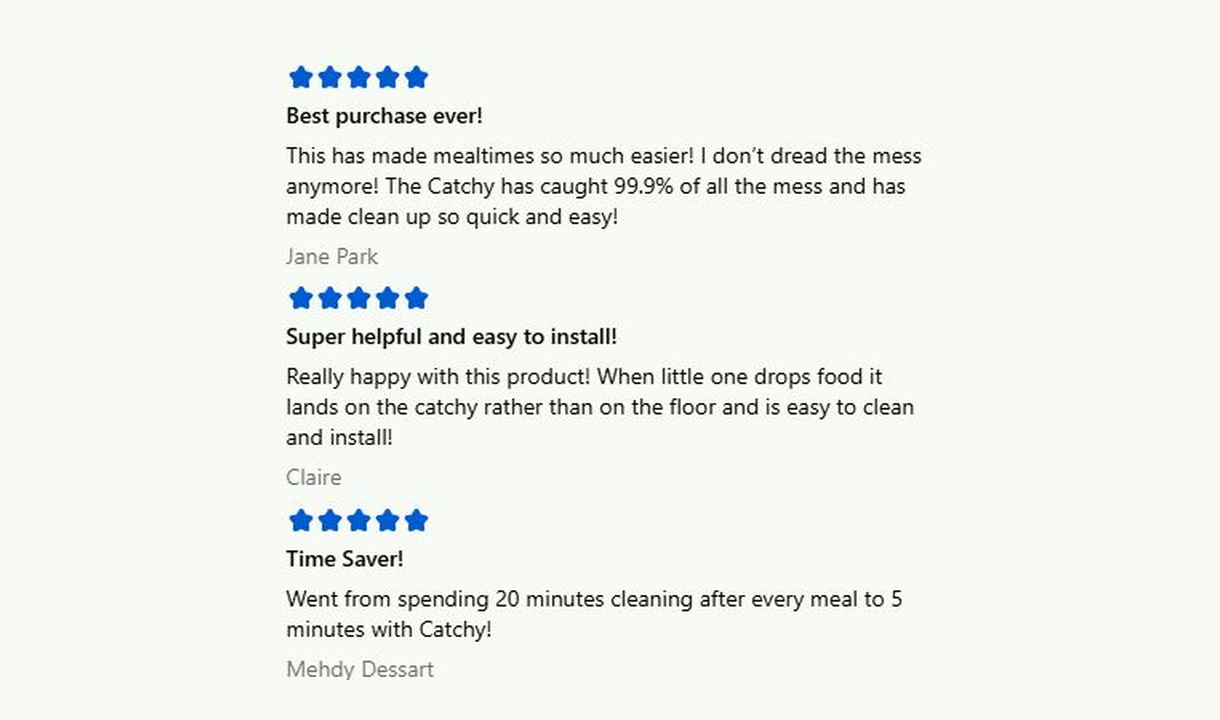

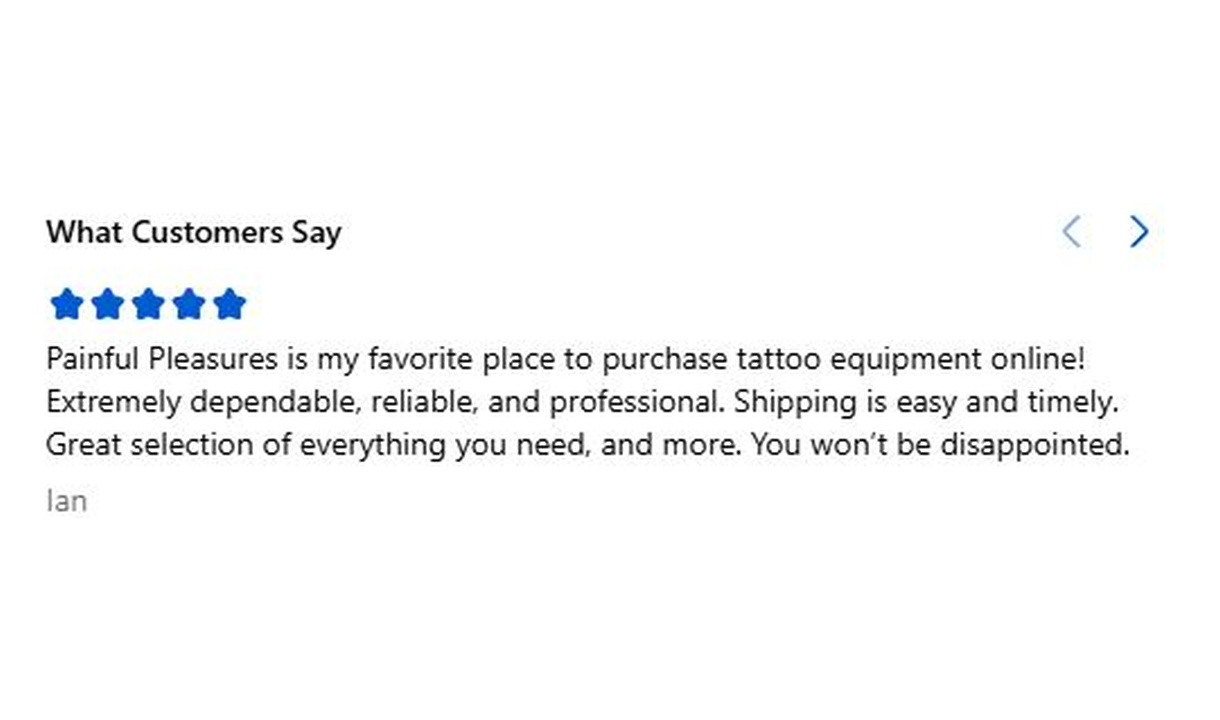

Show genuine customer feedback in Shopify checkout with manually entered star ratings, review text, and customer names.
For Shopify Plus Checkout
Configure your component.
Enter the customer feedback
Add a genuine review's star rating, text, and customer name. Testimonials does not import content from review platforms.
Choose relevant feedback
Use genuine review content with enough context for customers to understand what is being reviewed.
Review the presentation
Keep the quote, rating, and attribution readable at the component's intended checkout position.
Testimonials bring customer feedback close to the purchase decision. Enter the star rating, review text, and customer name yourself, then use display rules to show relevant feedback for the product or store.
The tools behind your components.
Connect content, audience, and presentation controls. Available settings depend on the component and its version.
Good together.
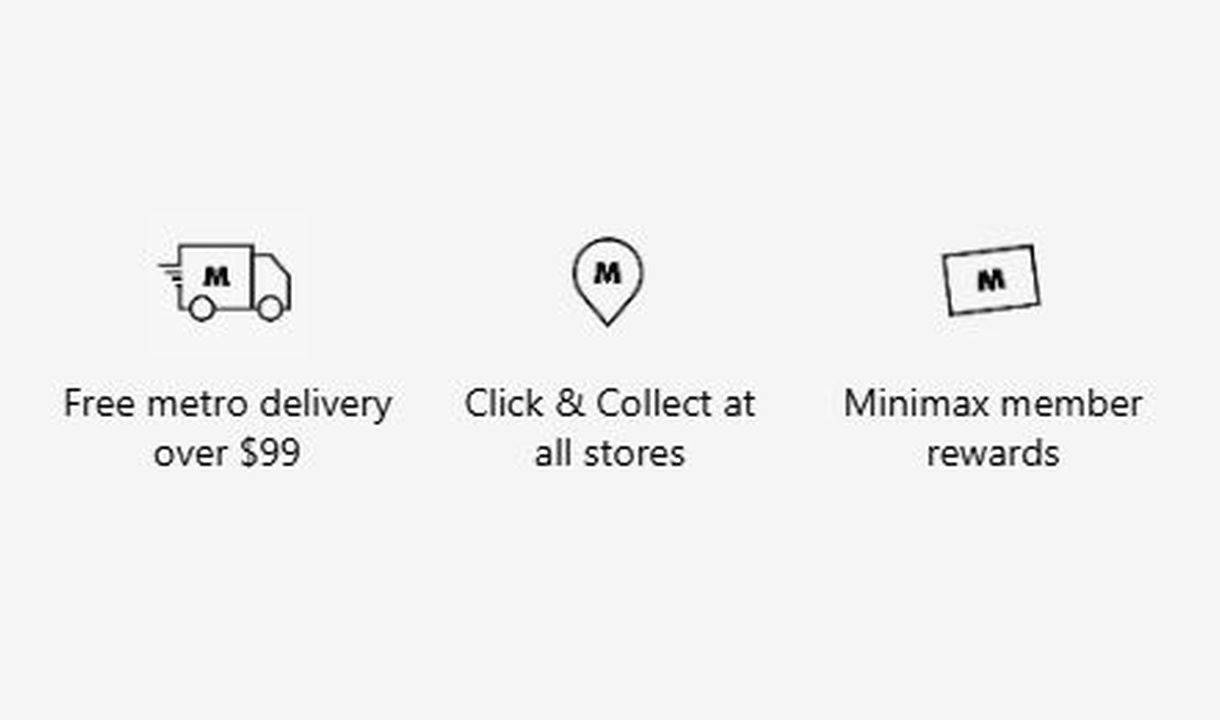
Trust badges
Show the reassurance that matters to each customer. Personalise trust badges around their cart, customer segment, or market.
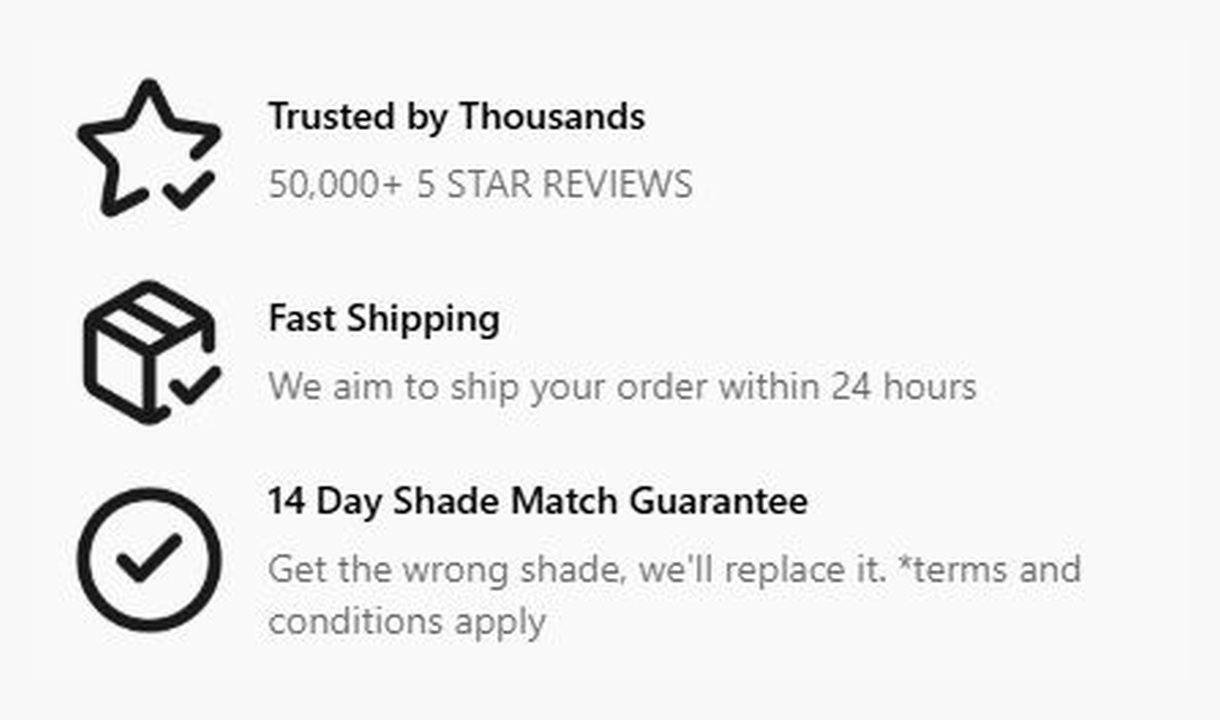
Callout
Give customers a reason to complete their order. Highlight brand benefits or explain a promotion, with more room than a trust badge.
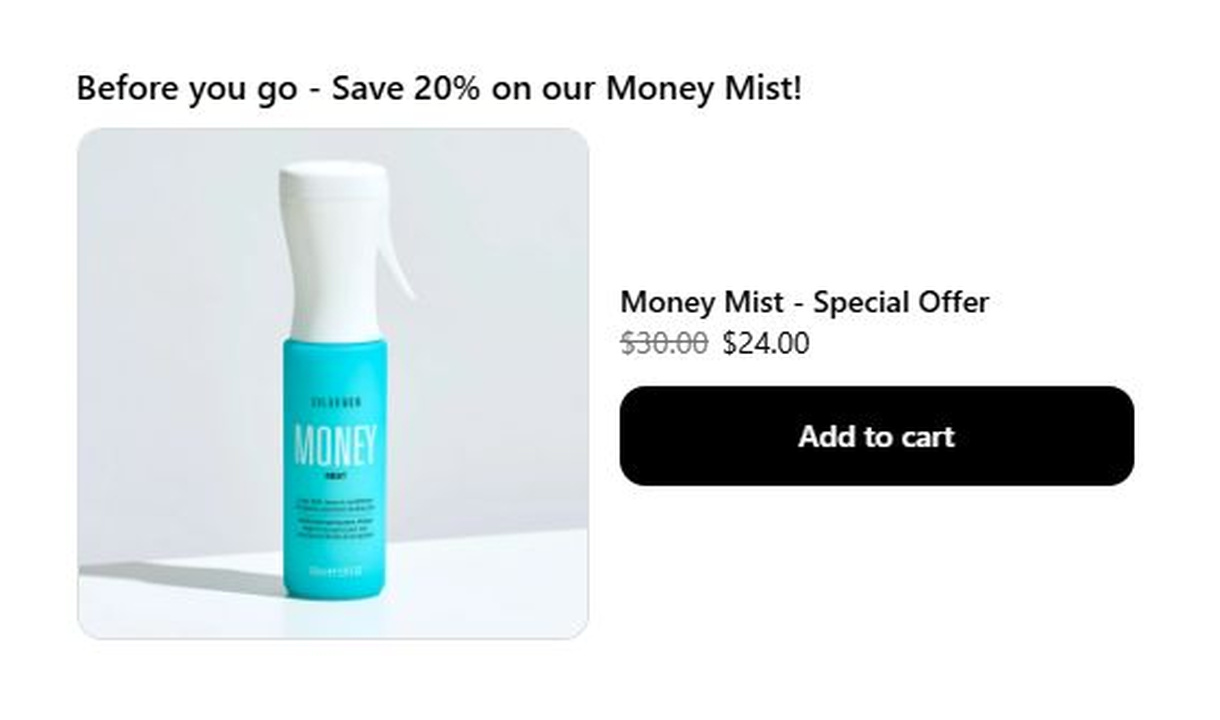
Large upsell
Give one product more space in Shopify checkout with a large upsell, using a prominent image and product details to explain the recommendation.
Your questions, answered.
Where does the Testimonials component get its reviews?
You enter the star rating, review text, and customer name yourself in Checkout Components. Use genuine feedback and keep the attribution and meaning of the original review intact.
Does Testimonials import reviews from Yotpo, Judge.me, Okendo, Reviews.io, or Loox?
No. Testimonials displays manually entered content. Those review integrations supply product star ratings for supported upsell and line item components, not the Testimonials component.
Can I show a testimonial for a specific product?
Yes. Use display rules to show the component when the matching product is in the cart. Enter the relevant review yourself and make clear which product the feedback describes.
Can I format the review and customer name?
Yes. The fields support Markdown, and you can set the size, weight, and alignment of the title, body, and customer name. Preview the result at the intended checkout position.
Do I need a paid review-provider integration for Testimonials?
No. Manually entered testimonials do not require a review-provider connection. The separate product-star-rating integrations require Pro or above.
Can I translate the component into multiple languages?
Yes, on Growth and above. Add translations for the languages your store supports. Text without a translation uses your default wording; text embedded in uploaded images needs separate translated artwork.
Can I show it only on mobile or desktop?
Yes. In the matching Latest block in Shopify's checkout editor, set Show on devices to all, mobile, or desktop. Check the result in the editor's device previews before publishing.
Do I need Shopify Plus, and which app plan includes this component?
Yes. Checkout Components is built for Shopify Plus stores. Starter includes one content or input component; Growth and above include unlimited content and input components. Translations and thank-you page content are included on Growth and above.