Text field.
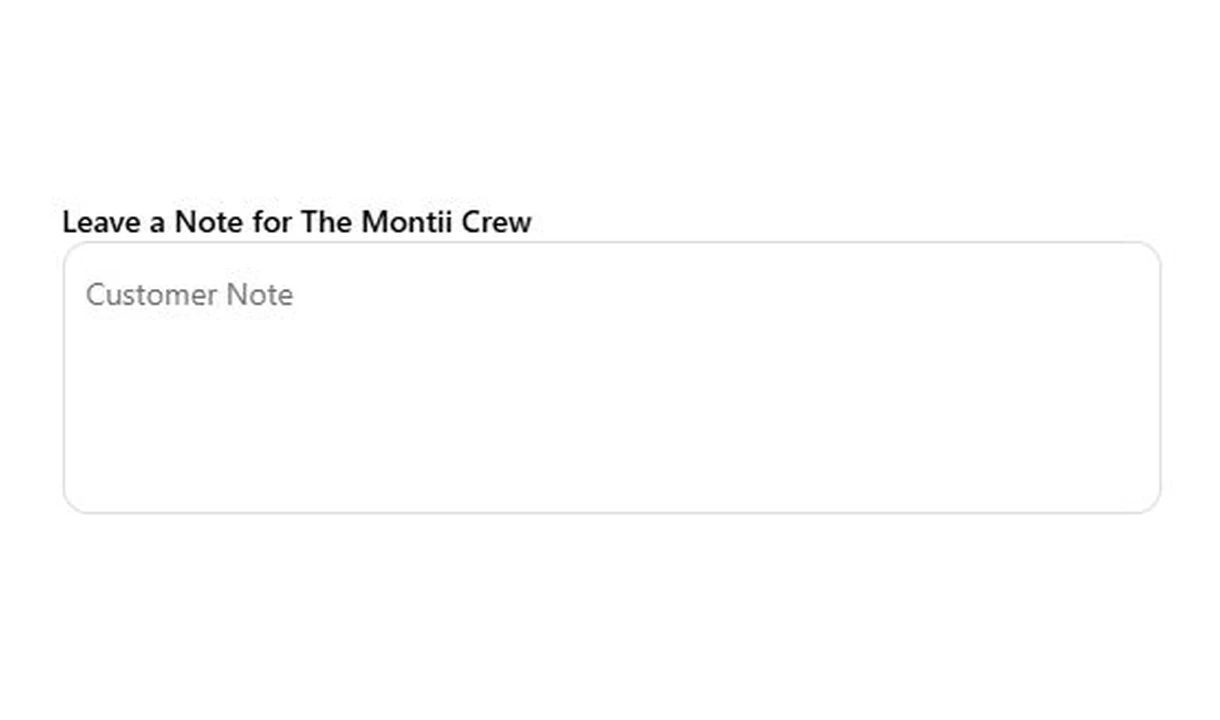

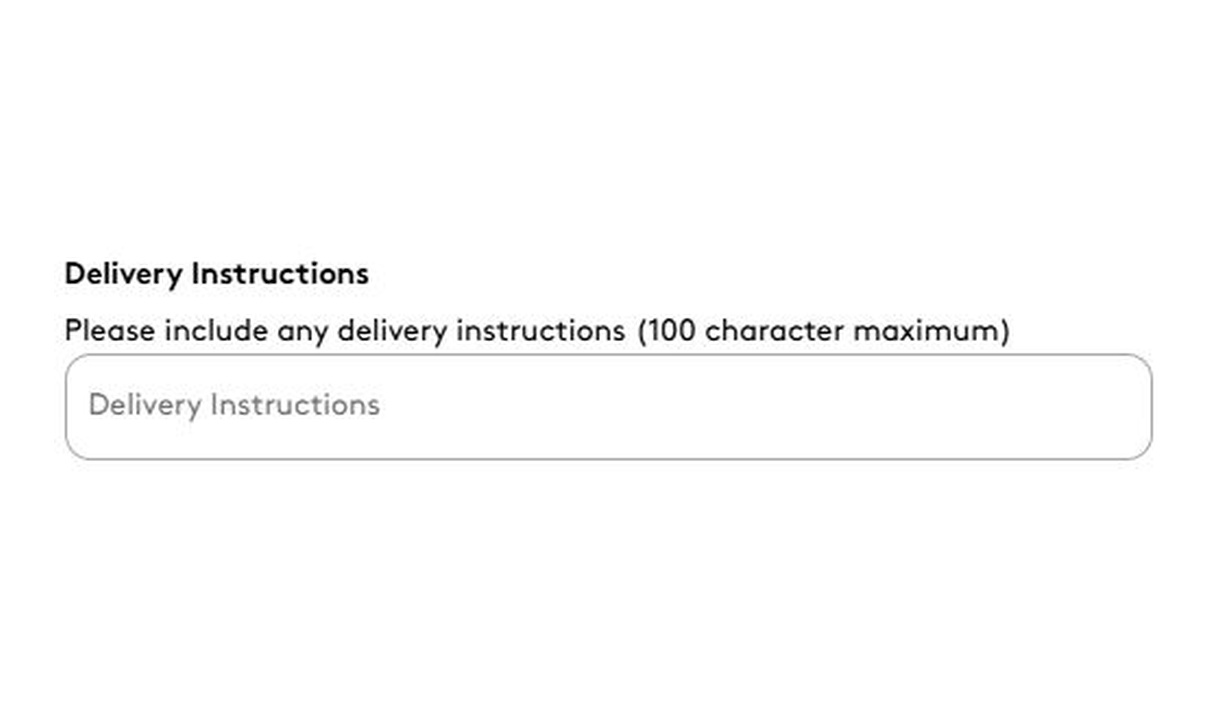

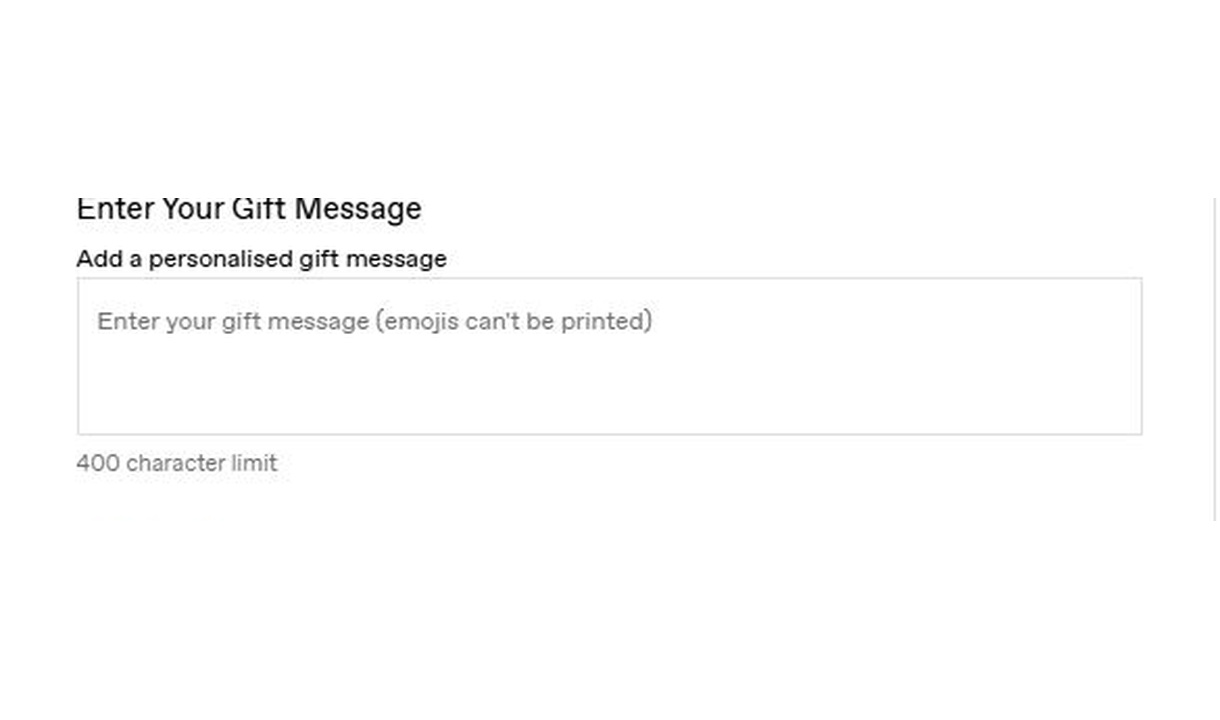

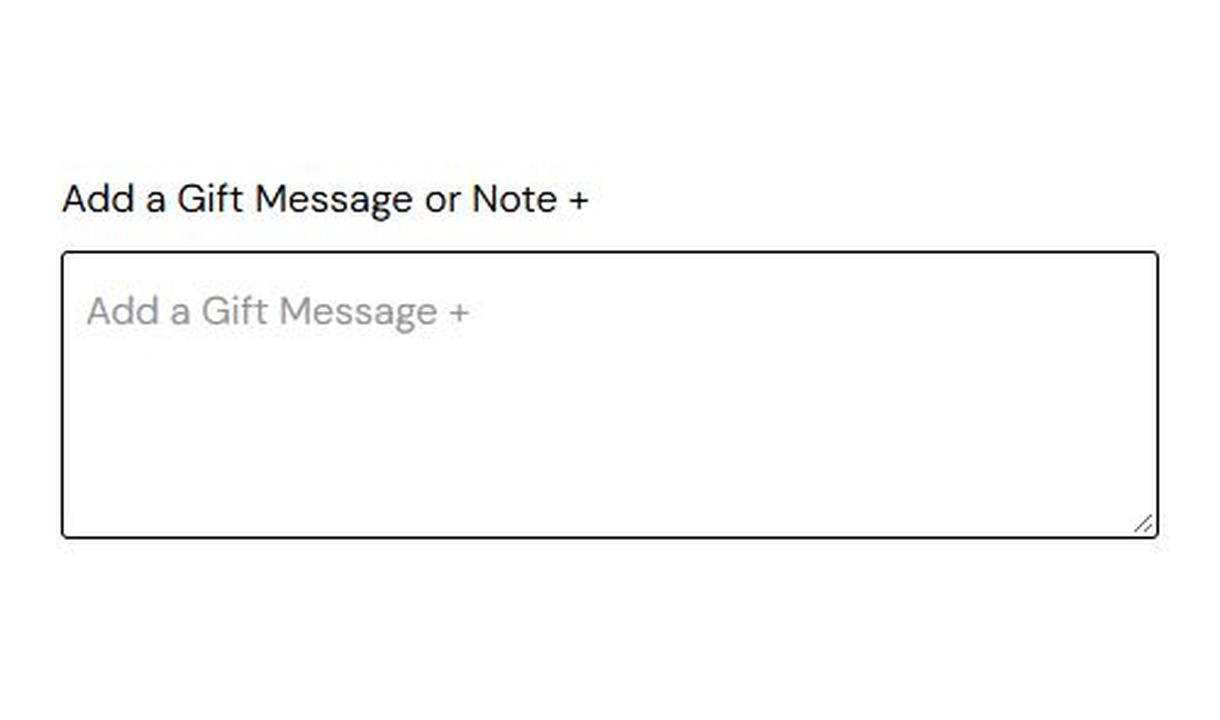

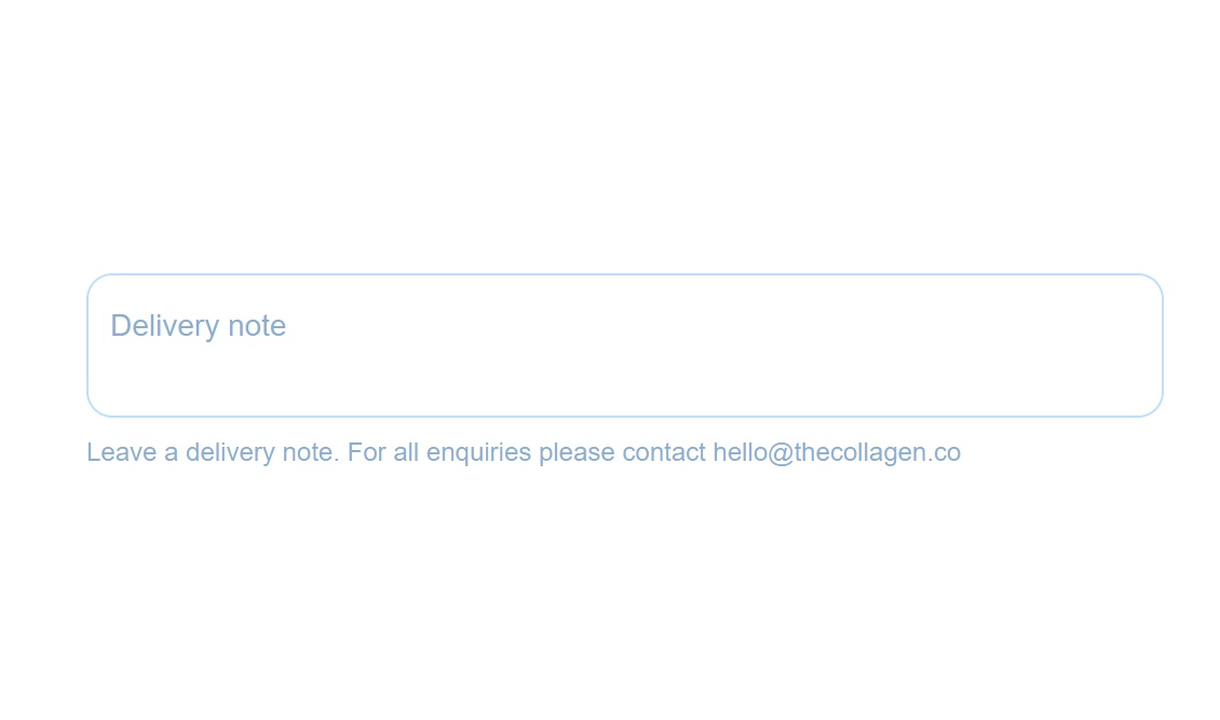

Collect gift messages, delivery instructions, and order notes in Shopify checkout. Give customers a clear place to add the details your team needs.
For Shopify Plus Checkout
See it in checkout.
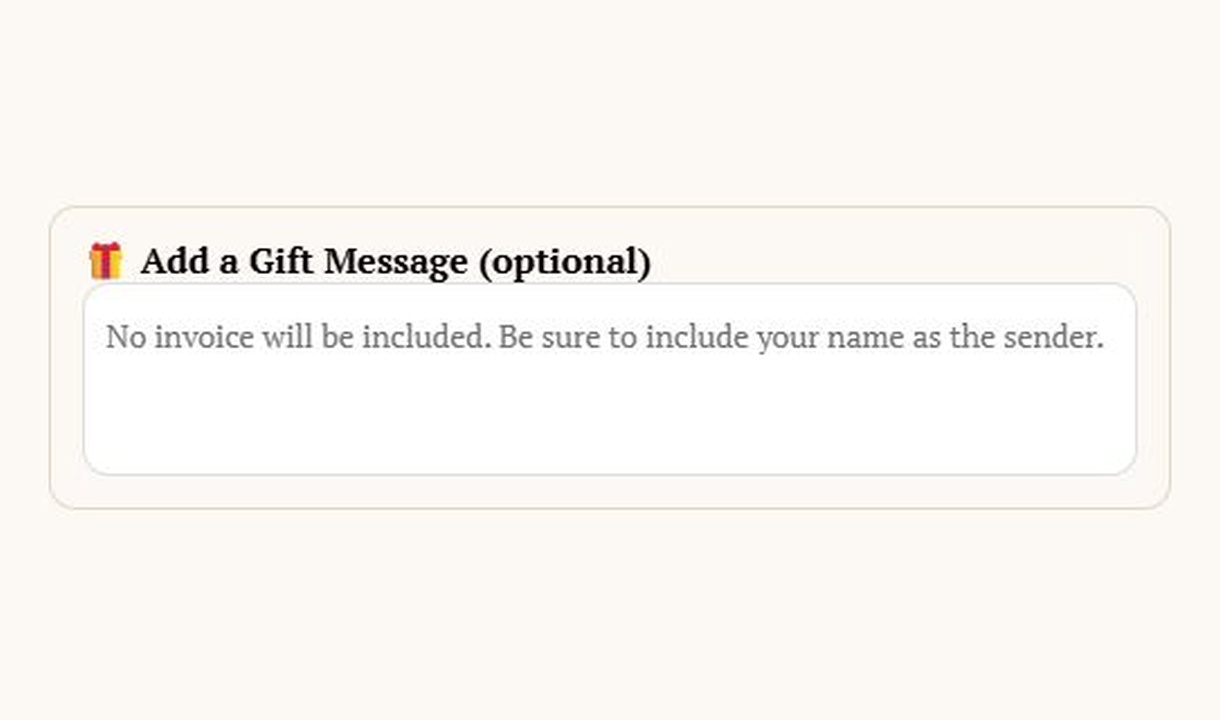

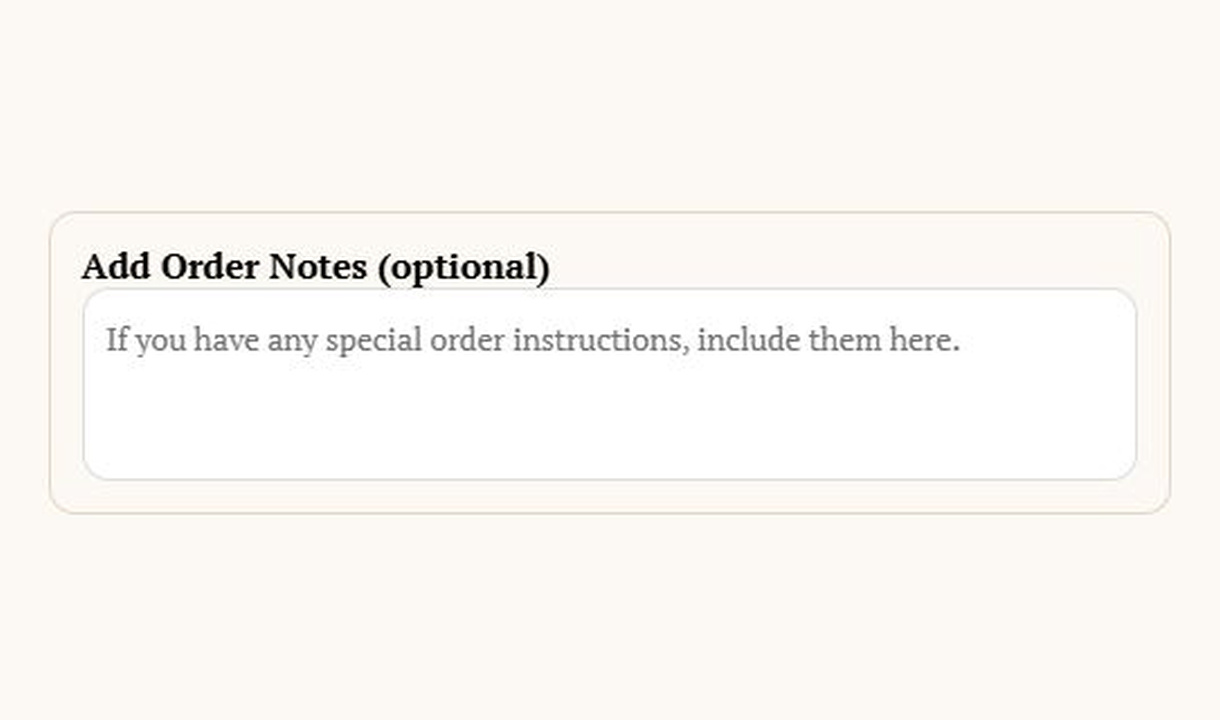
More merchant examples (4)
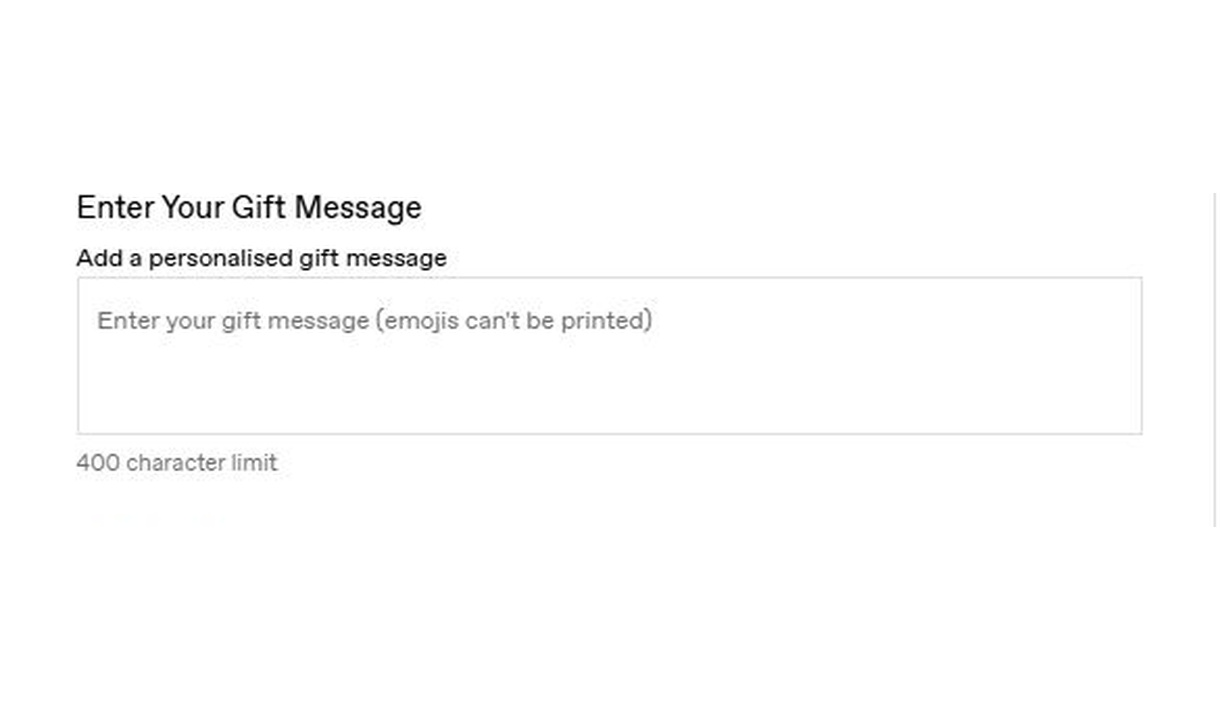
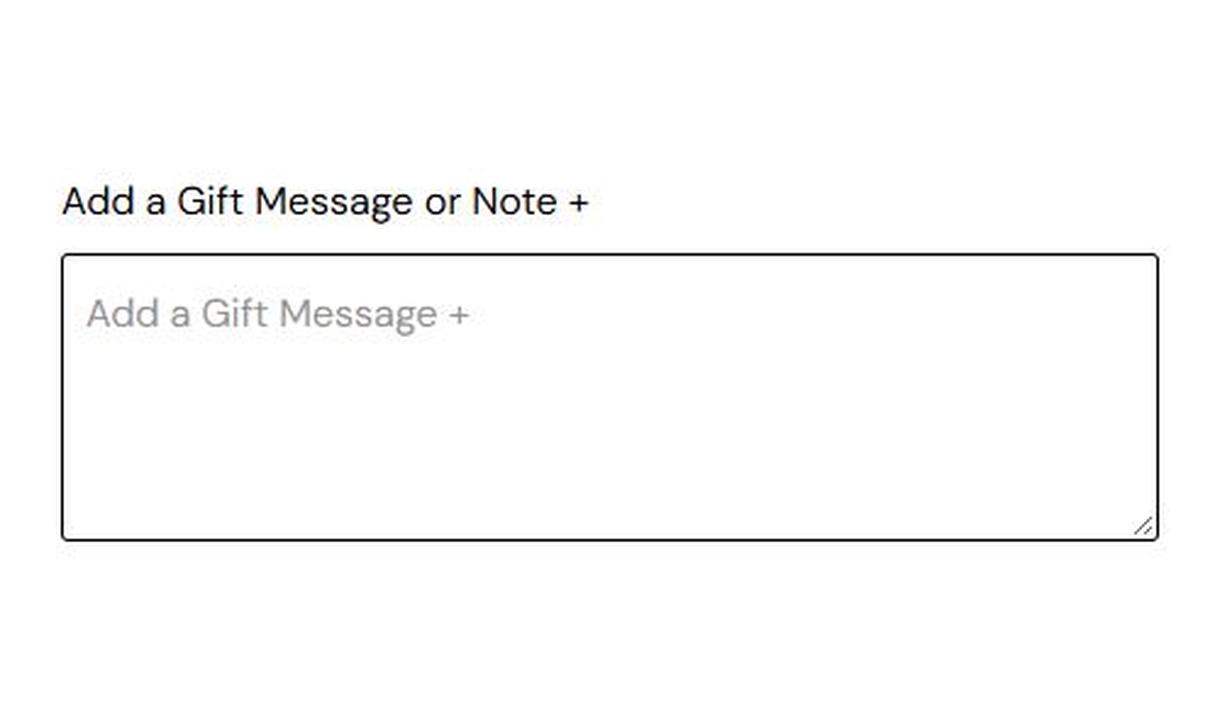
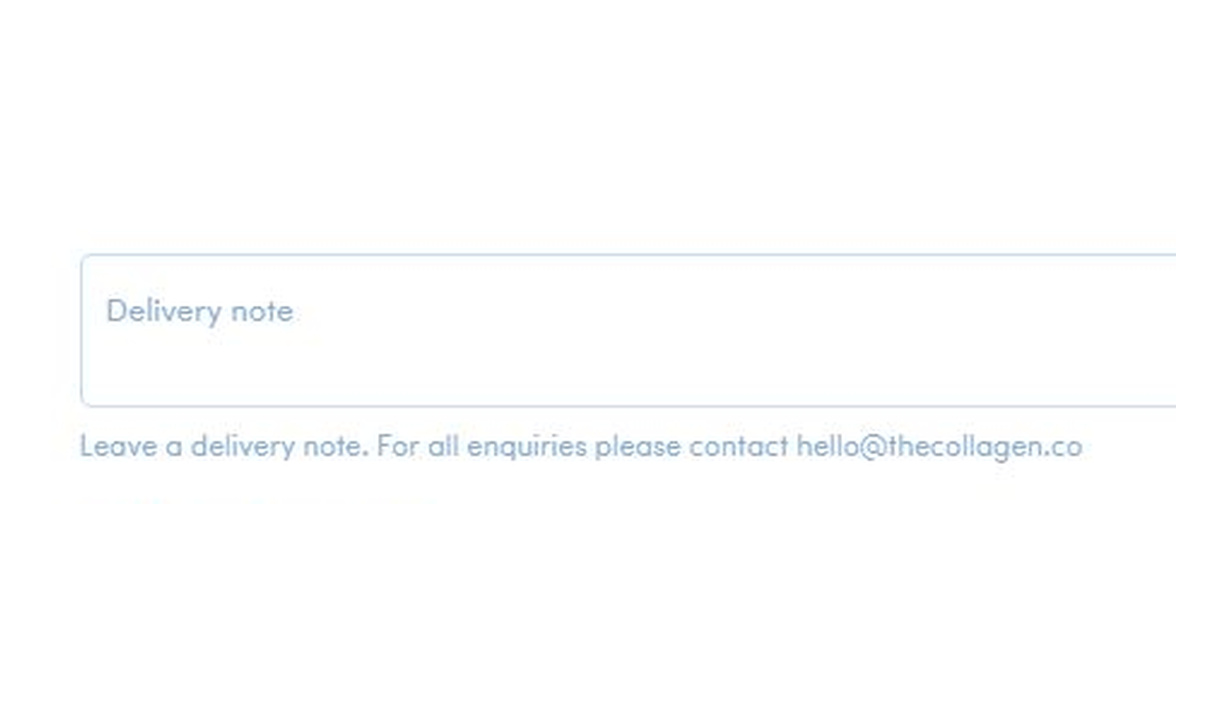
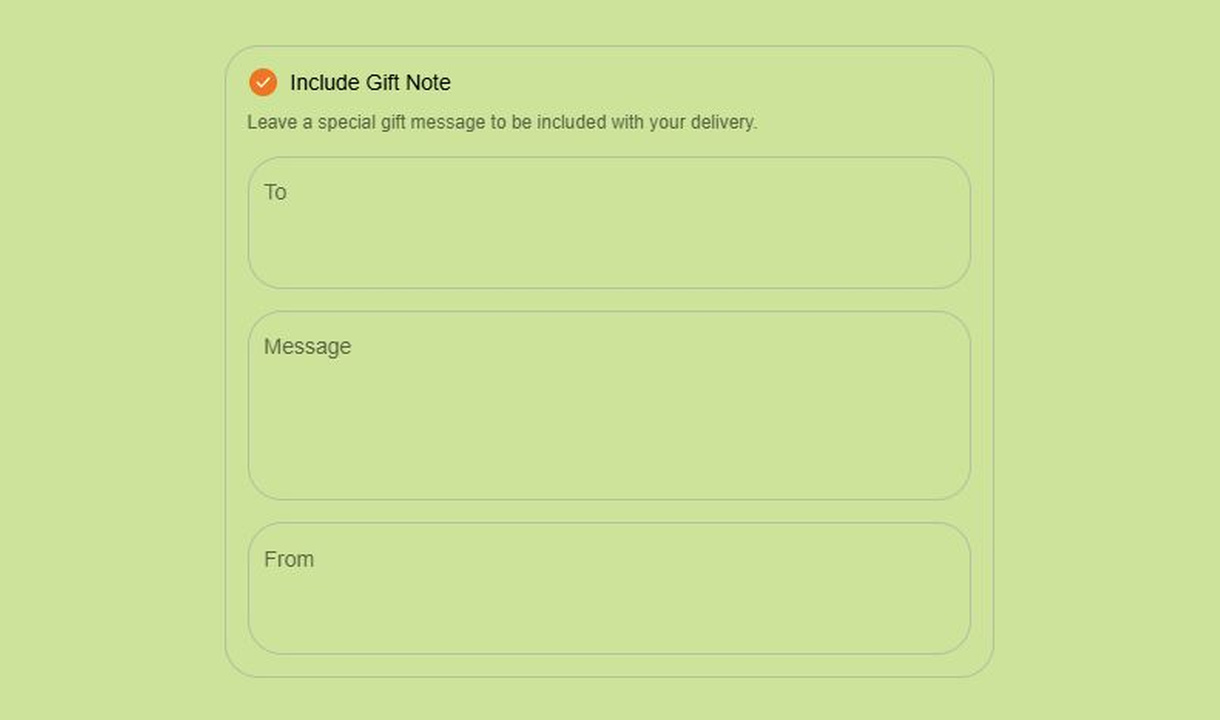

Configure your component.
Set the label and help text
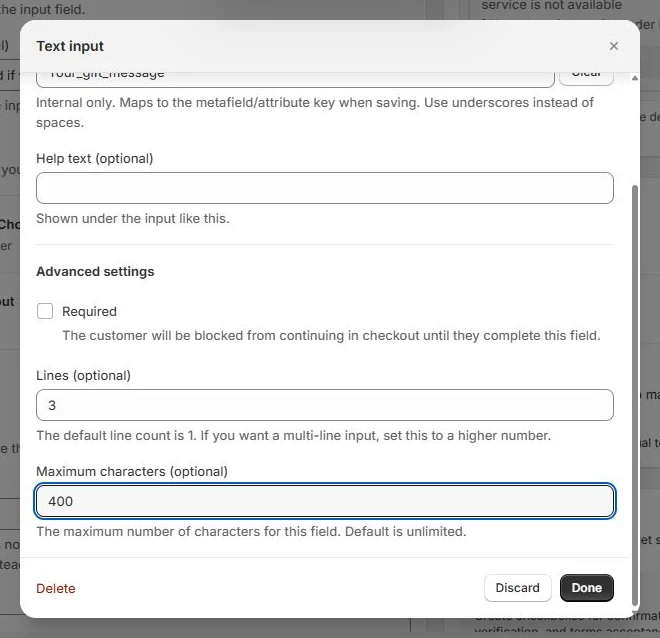
Write a clear field label and optional supporting instructions. Give the field an internal key using underscores instead of spaces, so the saved response is easy to identify.
Choose lines and character limits
Use one line for a short answer or increase the line count for a longer message. Set a maximum character count to match what your team can use or print; leaving it blank keeps the length unlimited.
Control completion and visibility
Make the field required when the order cannot proceed without an answer. Show all fields immediately or reveal them behind a checkbox, and optionally wrap them in a border.
Choose where the response is saved
Save responses to an order attribute, a metafield, or an order note. Give each field a key that your fulfilment tools can recognise. Order note storage is available for a single field; use attributes or metafields when combining multiple fields.
Choose how much space customers have, how long their response can be, and whether they must complete the field. Labels and help text explain what to enter; a separate internal key identifies the saved response for your order workflow.
The tools behind your components.
Connect content, audience, and presentation controls. Available settings depend on the component and its version.
Good together.
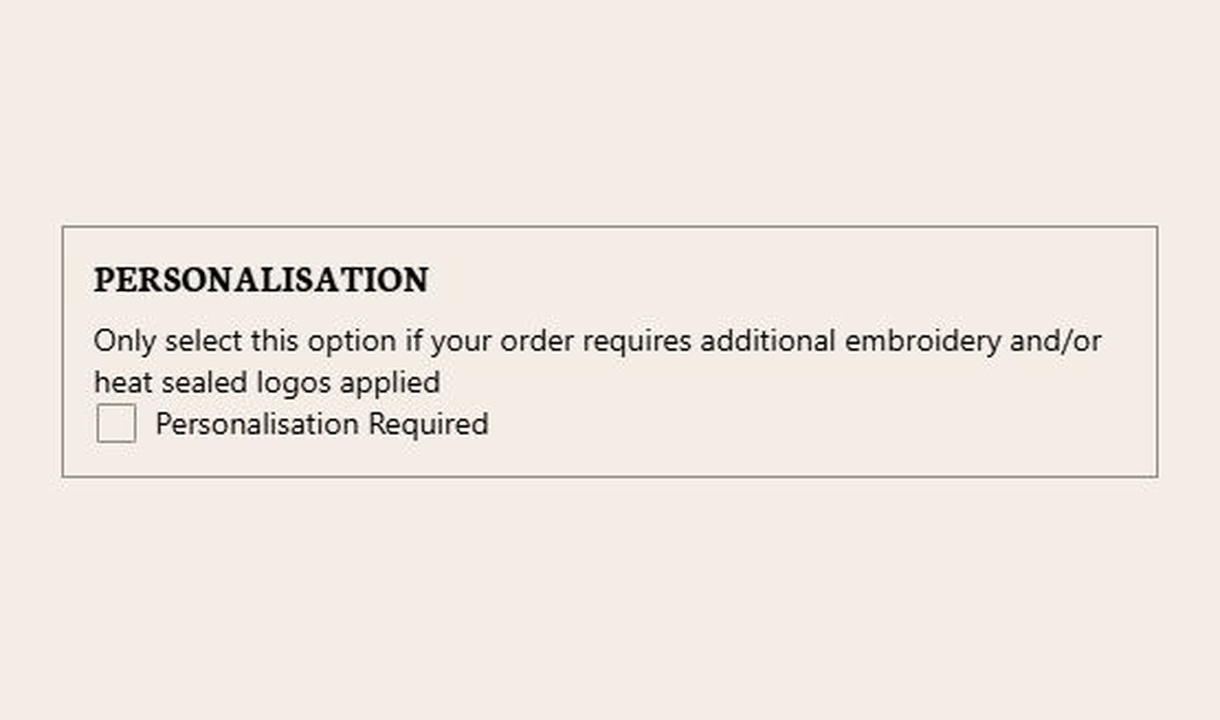
Checkbox
Collect an acknowledgement or a simple preference at checkout. Use checkboxes for terms, delivery permission, or instructions tied to selected products.
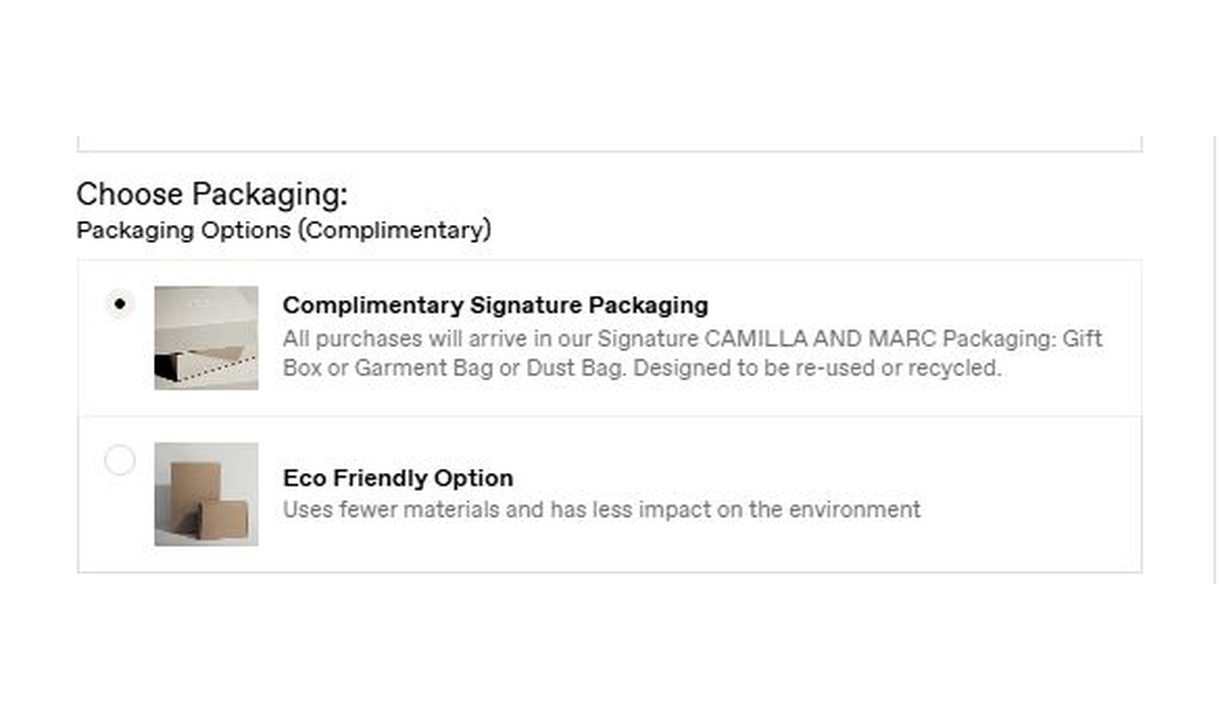
Radio buttons
Let customers choose one option from a visible set in Shopify checkout. Collect packaging choices, delivery preferences, or another structured response.
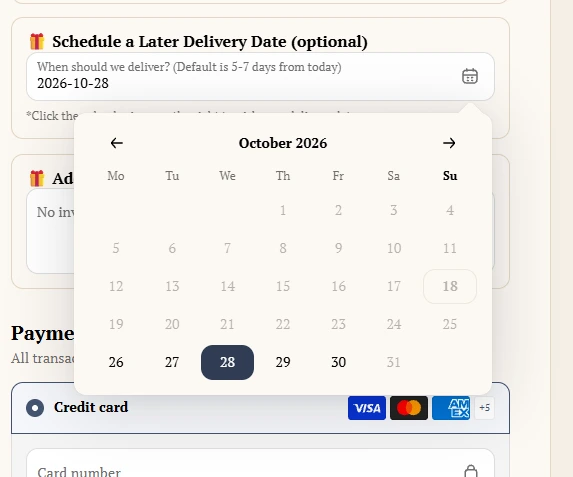
Date picker
Collect a preferred delivery or event date in Shopify checkout. Give customers a calendar-based input with clear wording about availability.
Your questions, answered.
What can I collect with a text field in Shopify checkout?
Collect short order information such as a gift message, purchase-order number, or delivery instruction. Use a clear label and help text, and collect only information your order workflow needs.
Can I use a single line or a longer message box?
Yes. Set the number of visible lines. Use one line for a short response or several lines for a longer gift message or delivery note.
Can I validate the text or limit its length?
Yes. Configure minimum and maximum character counts or a supported pattern. A character limit can keep a gift message within the space available on a printed card.
Can I make a text field required?
Yes. A required field prevents checkout from continuing until it is completed. Customers see a validation message when the required response is missing.
Can I reveal a gift-message field only when a customer wants it?
Yes. Put optional fields behind a checkbox, or use display rules to show the component for relevant carts, such as those containing gift wrap.
Where are custom field responses saved?
Choose an order attribute, a metafield, or an order note, and give each field a recognisable key. Order note storage is for a single field; use attributes or metafields for multiple fields. Confirm that your packing-slip or fulfilment app reads the chosen location.
How do I add a custom field to Shopify checkout?
Create and name the input component in Checkout Components. Add the Latest Custom Field block in Shopify's checkout editor and enter that component name in the block settings. Choose one of the placements Shopify makes available and preview it before publishing.
Can I translate the component into multiple languages?
Yes, on Growth and above. Add translations for the languages your store supports. Text without a translation uses your default wording; text embedded in uploaded images needs separate translated artwork.
Do I need Shopify Plus, and which app plan includes this component?
Yes. Checkout Components is built for Shopify Plus stores. Starter includes one content or input component; Growth and above include unlimited content and input components. Translations and thank-you page content are included on Growth and above.