Buy now pay later.
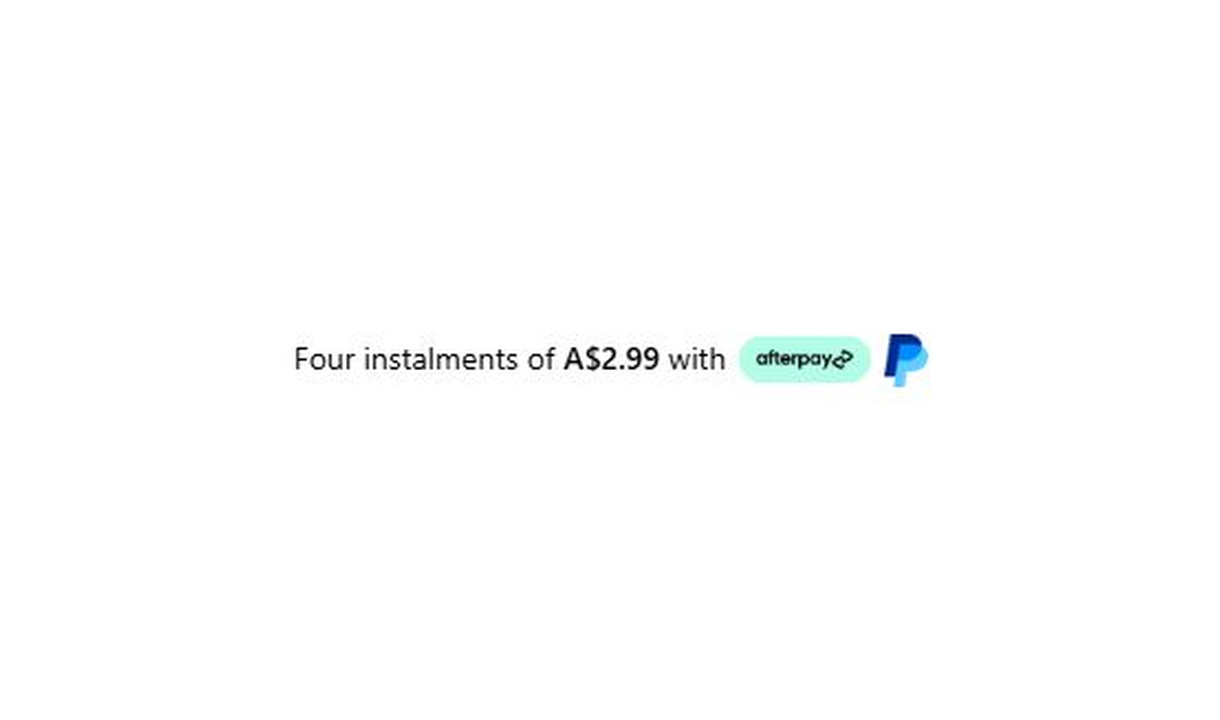

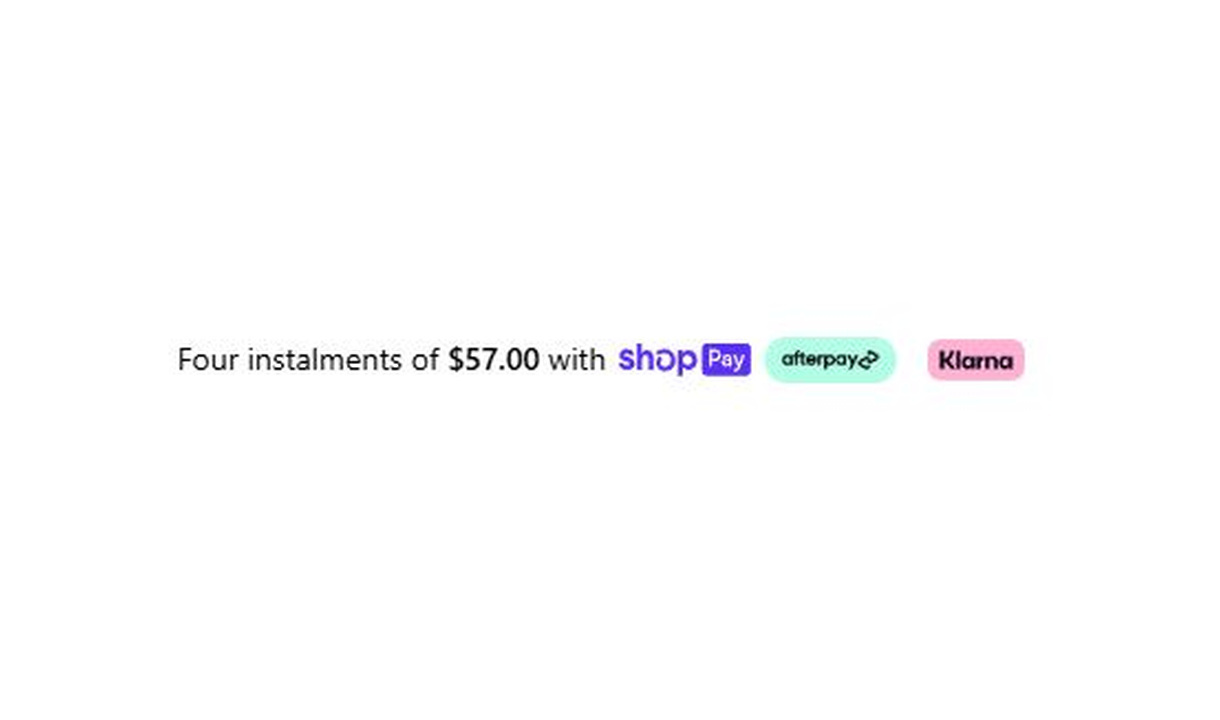

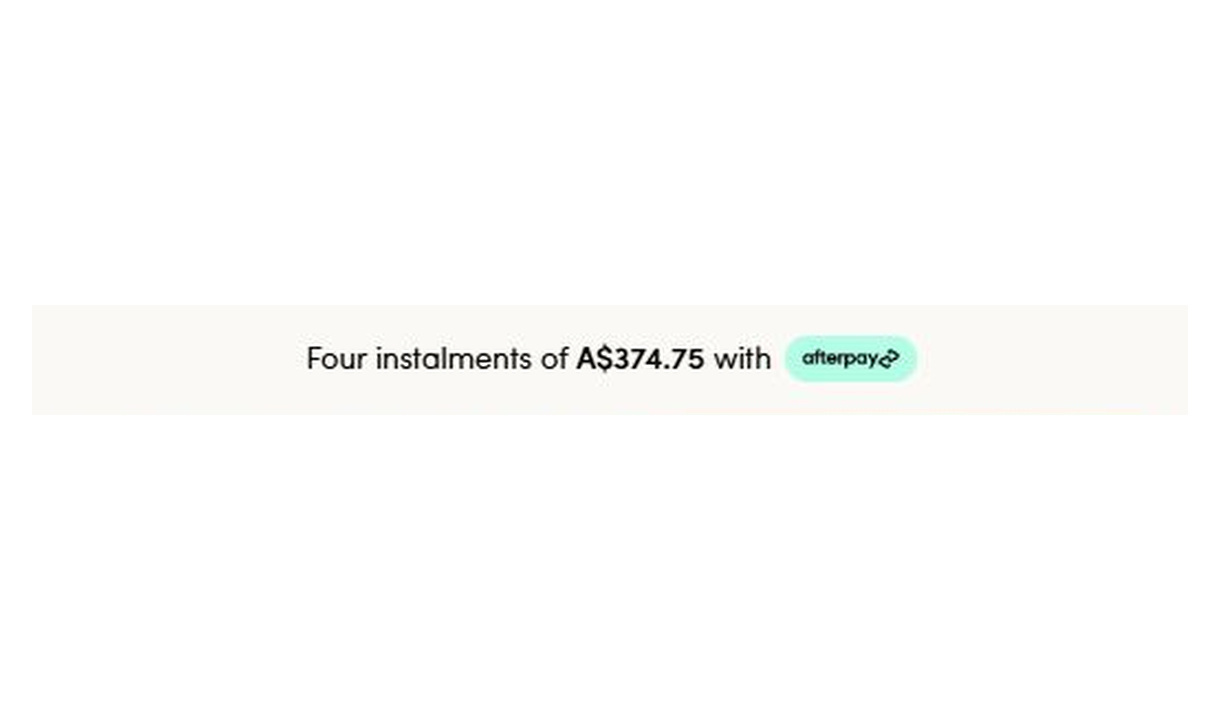

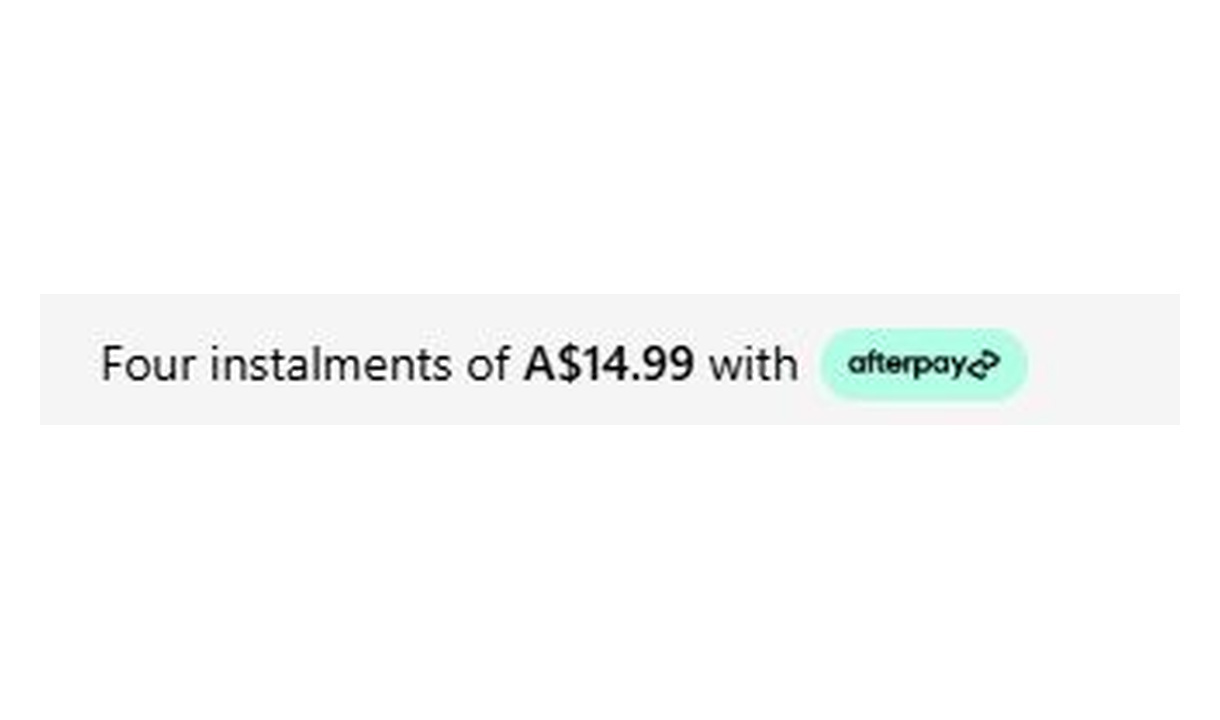

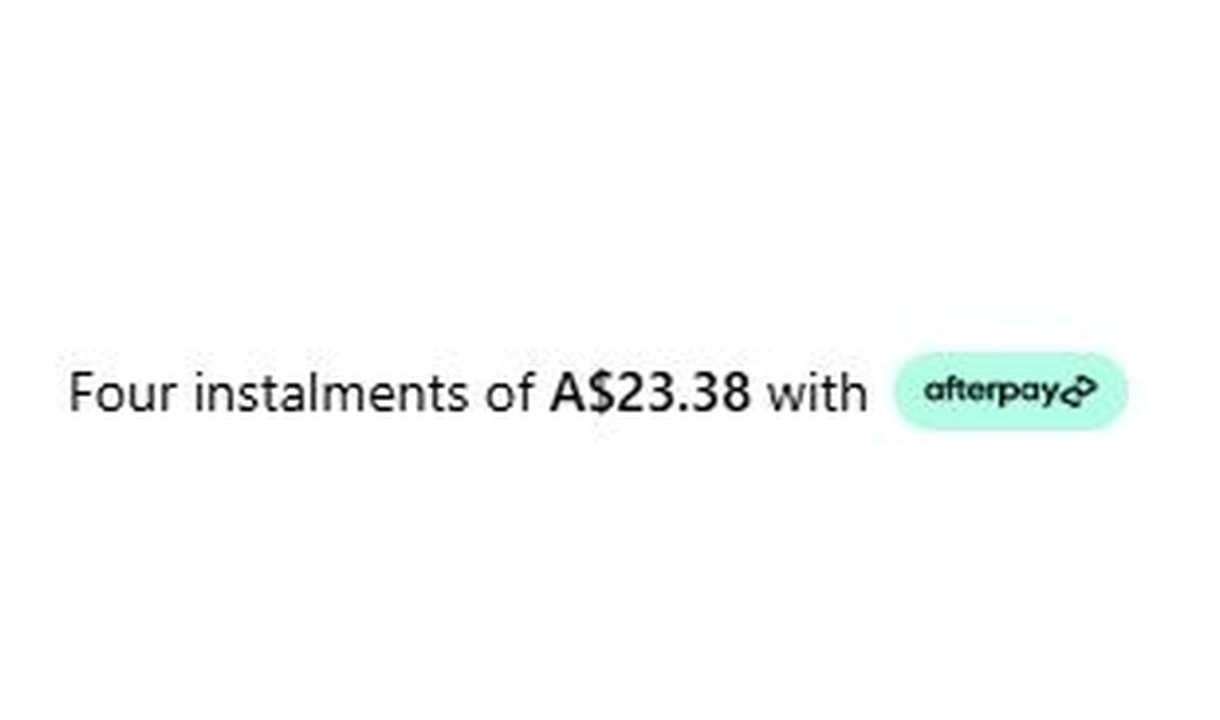

Show your store's supported BNPL methods, the amount per instalment, and the payment schedule.
For Shopify Plus Checkout
Configure your component.
Choose your payment methods
Show the BNPL methods your store supports.
Show the instalment amount
Display the amount per payment, calculated from the cart total.
Make the schedule clear
Show how many payments there are and how often they repeat.
Make the payment schedule clear at checkout. Show each supported BNPL method with the amount per instalment, the number of payments, and how often they repeat. Instalment amounts are calculated from the cart total.
The tools behind your components.
Connect content, audience, and presentation controls. Available settings depend on the component and its version.
Good together.
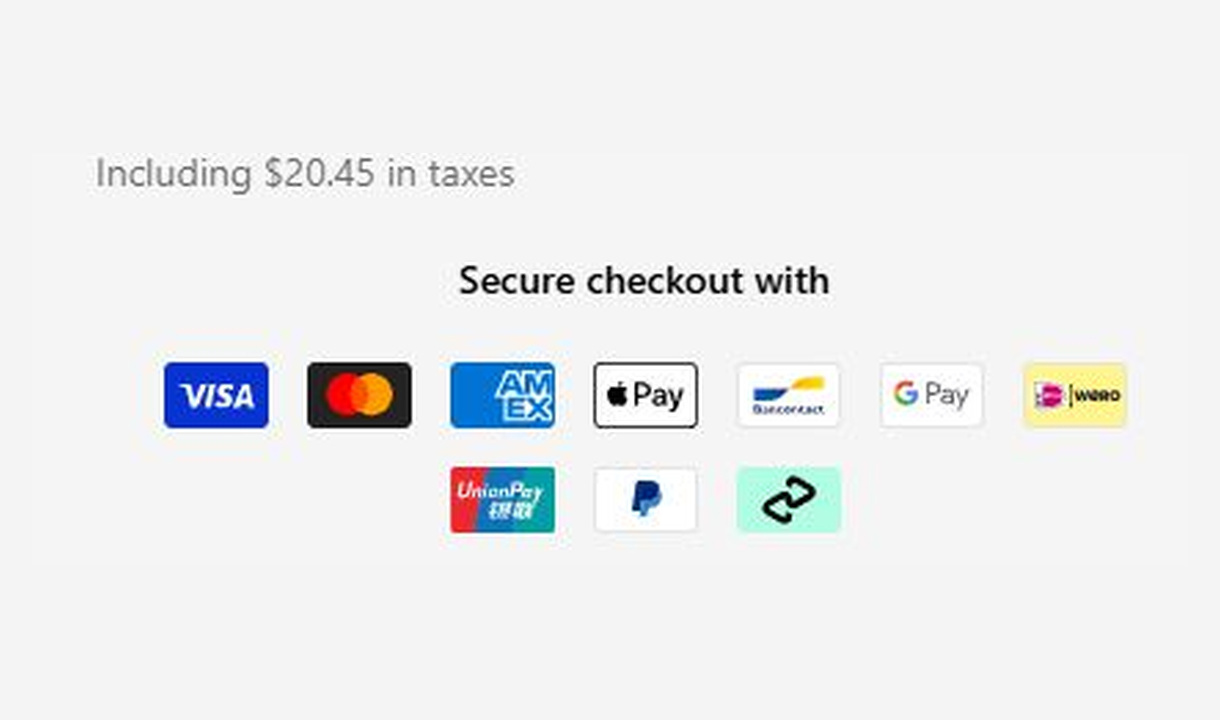
Payment icons
Show customers you accept their preferred way to pay. Choose payment icons to suit each market and customer group.
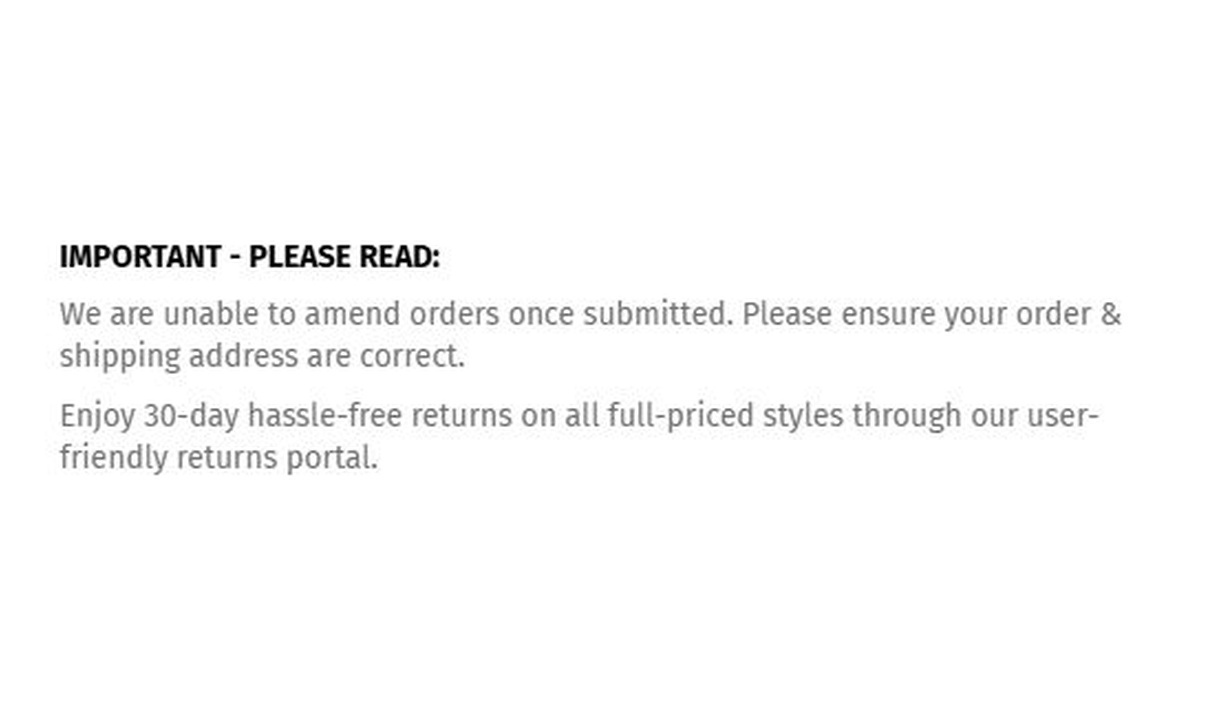
Simple message
Give customers the information they need to keep going. Share short support, order, or brand messages without adding clutter to checkout.
Trust badges
Show the reassurance that matters to each customer. Personalise trust badges around their cart, customer segment, or market.
Your questions, answered.
What does the Buy now pay later component display?
It shows supported instalment payment options with the amount per payment and the payment schedule. Instalment amounts are calculated from the live cart total.
Which instalment providers can I display?
The component supports Afterpay, Klarna, PayPal, and Shop Pay Installments. You can show several providers, but only display options your store actually supports.
Does this component add a payment method to Shopify?
No. Configure the provider separately in Shopify Payments or your payment settings. This component explains the instalment option; it does not activate the provider or approve a customer.
Will the instalment amount update when the cart changes?
Yes. The displayed instalment breakdown is calculated from the cart total. Check the displayed schedule against the provider's actual offer before publishing.
How is this different from Payment icons?
Payment icons displays recognisable method logos. Buy now pay later adds the instalment amount and schedule so customers can understand the payment breakdown.
Can I show the component only to certain customers or carts?
Yes. Use display rules based on products, cart value or quantity, customer tags, markets, or delivery details. Combine conditions with all or any logic and test representative carts before publishing.
Can I show it only on mobile or desktop?
Yes. In the matching Latest block in Shopify's checkout editor, set Show on devices to all, mobile, or desktop. Check the result in the editor's device previews before publishing.
Do I need Shopify Plus, and which app plan includes this component?
Yes. Checkout Components is built for Shopify Plus stores. Starter includes one content or input component; Growth and above include unlimited content and input components. Translations and thank-you page content are included on Growth and above.