Checkbox upsell.
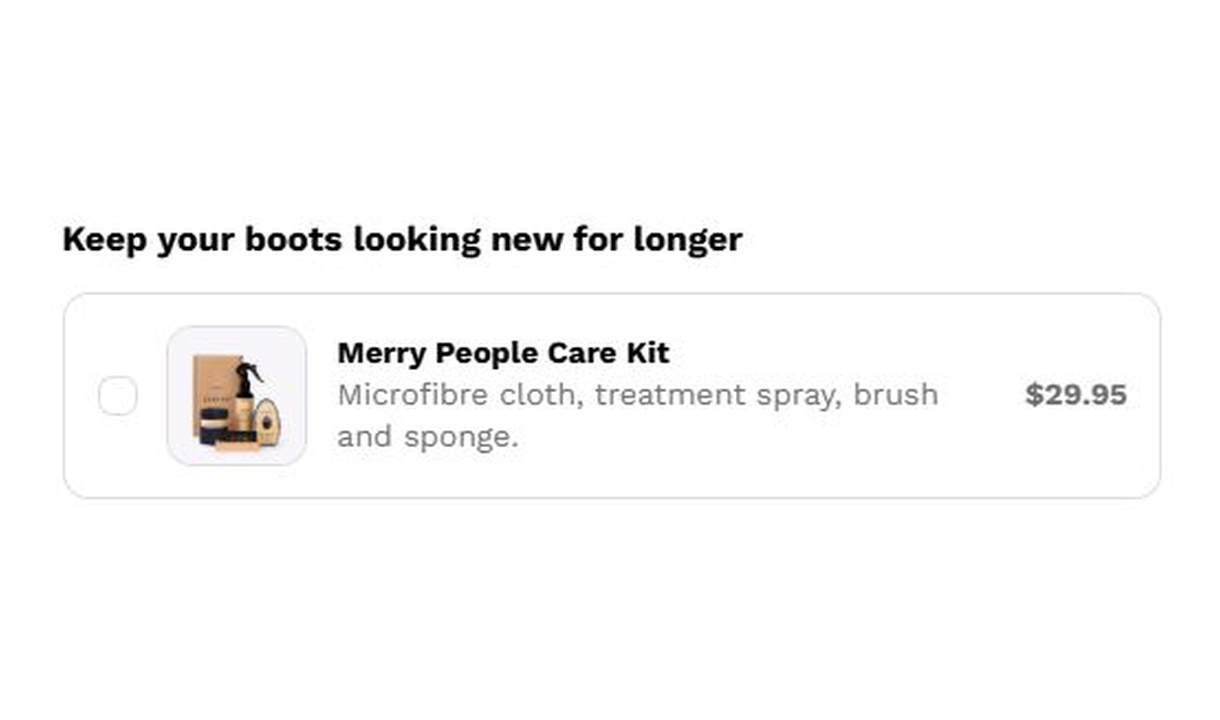

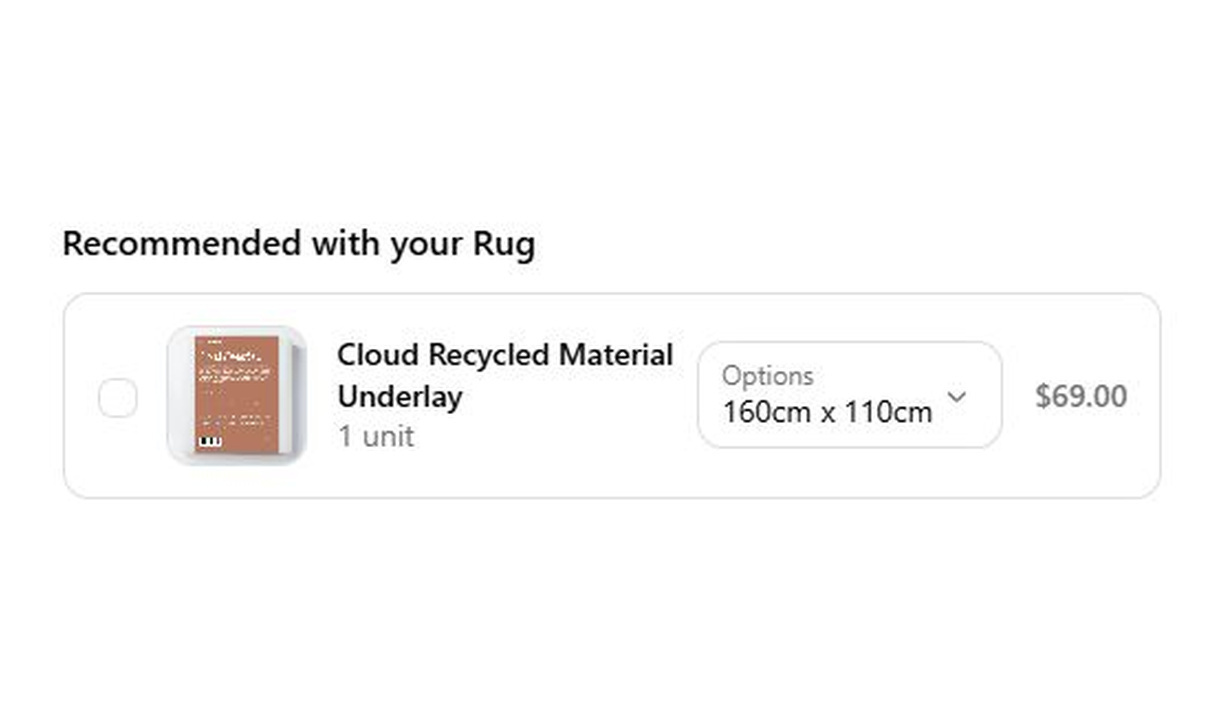

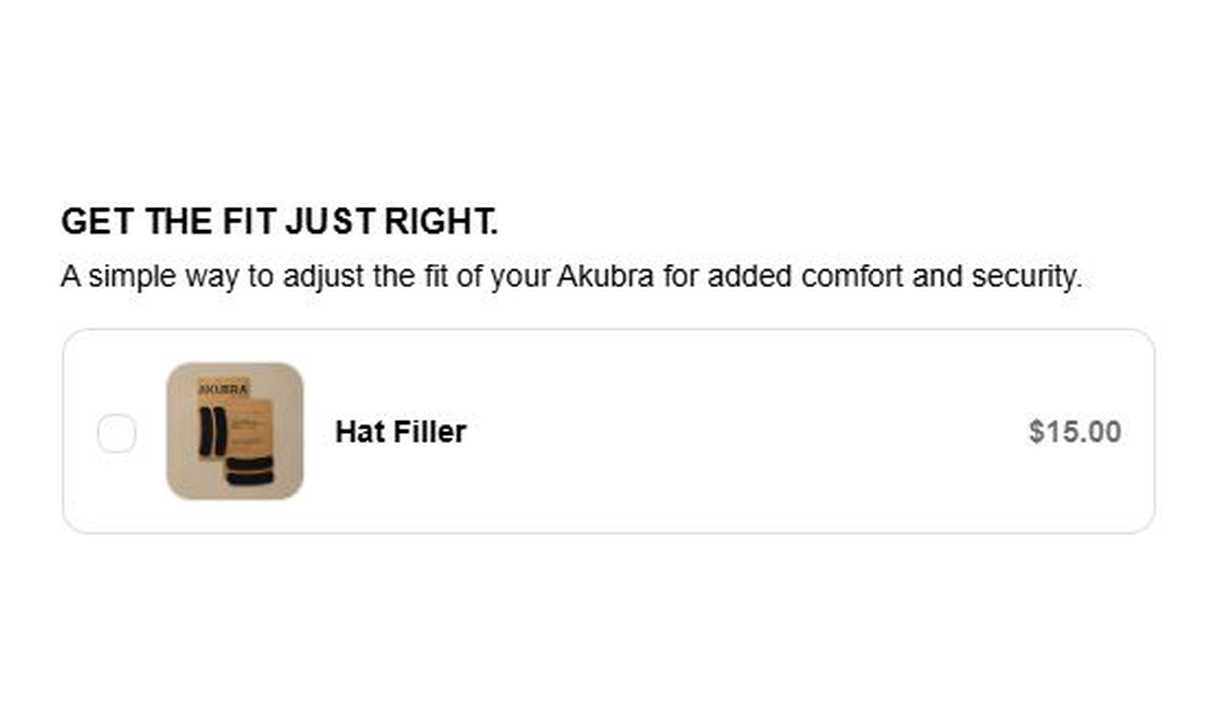

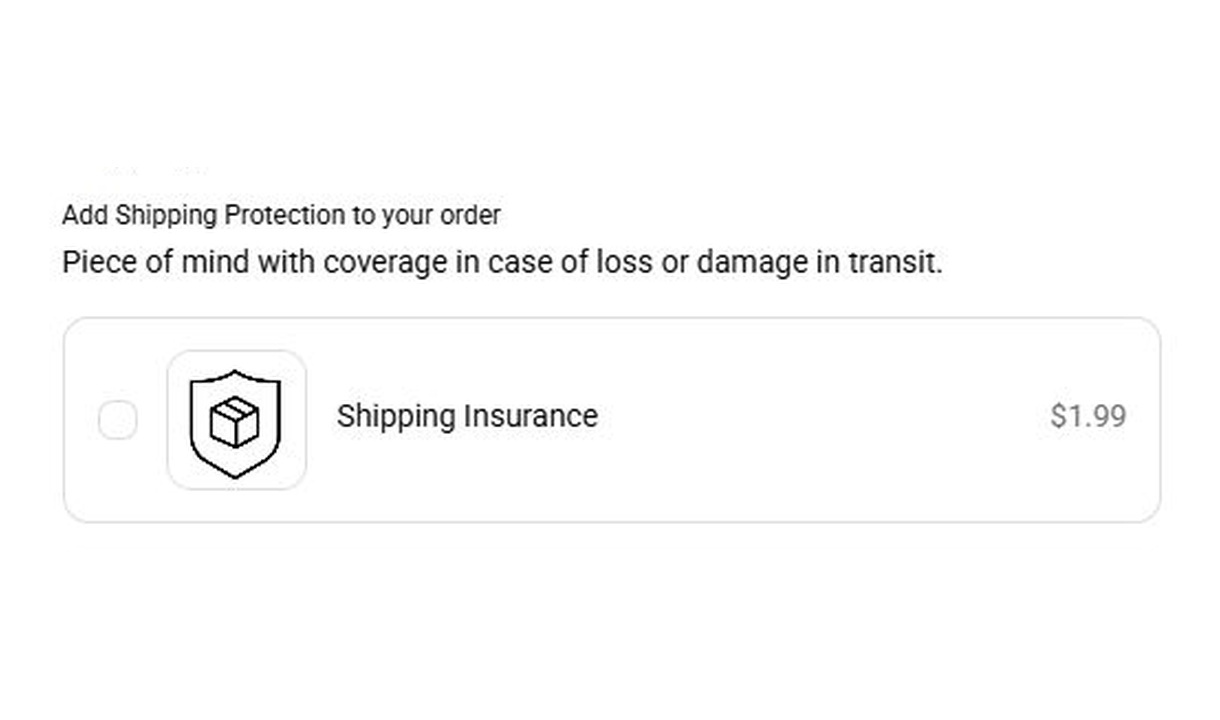

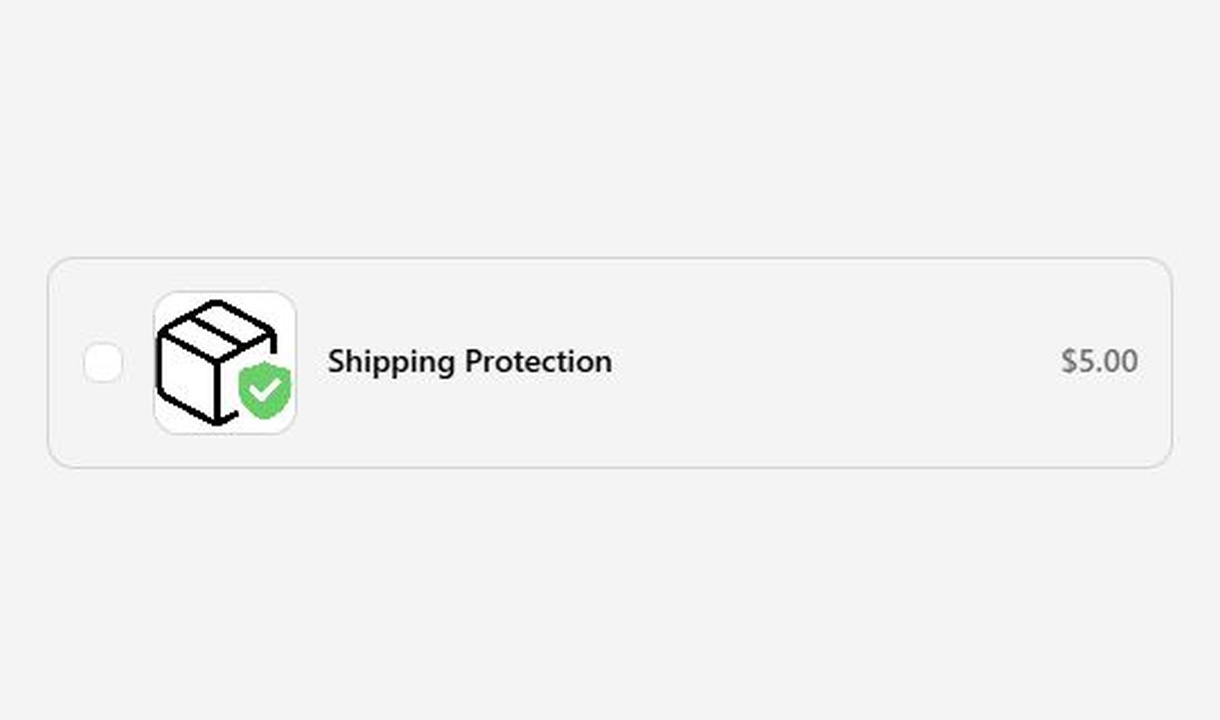

Offer a simple optional add-on in Shopify checkout with a checkbox upsell. Use it for product-based extras such as gift wrapping or a warranty.
For Shopify Plus Checkout
See it in checkout.
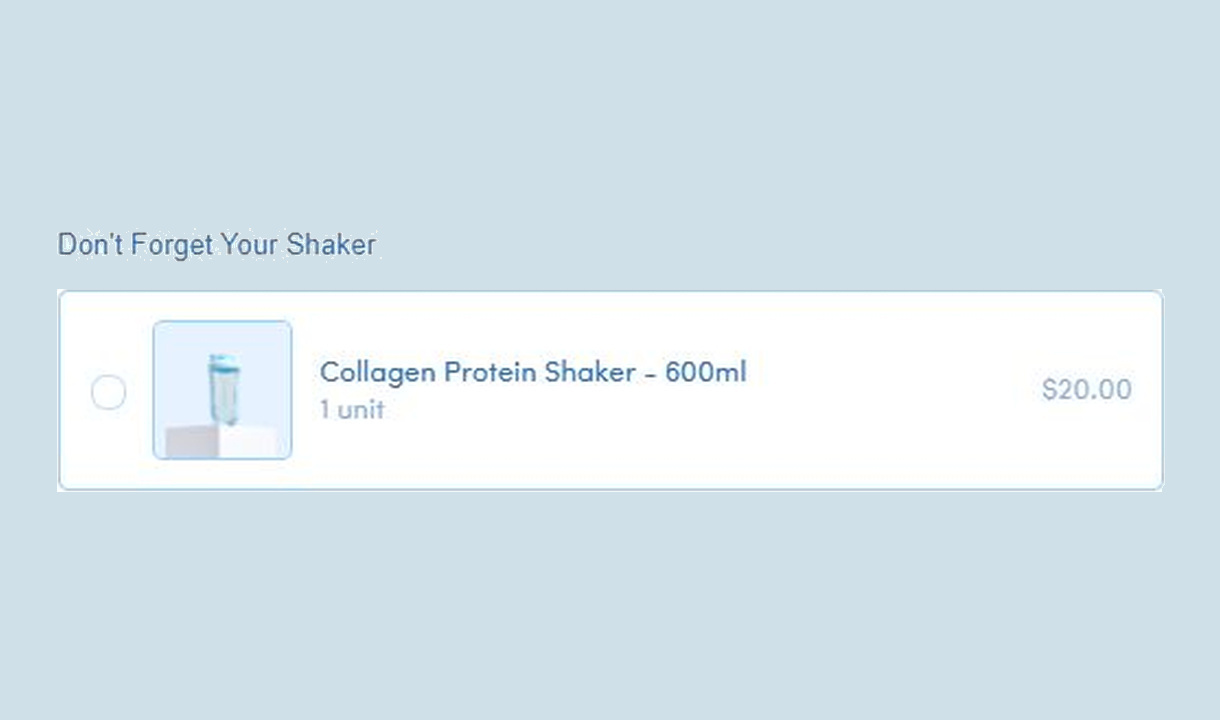

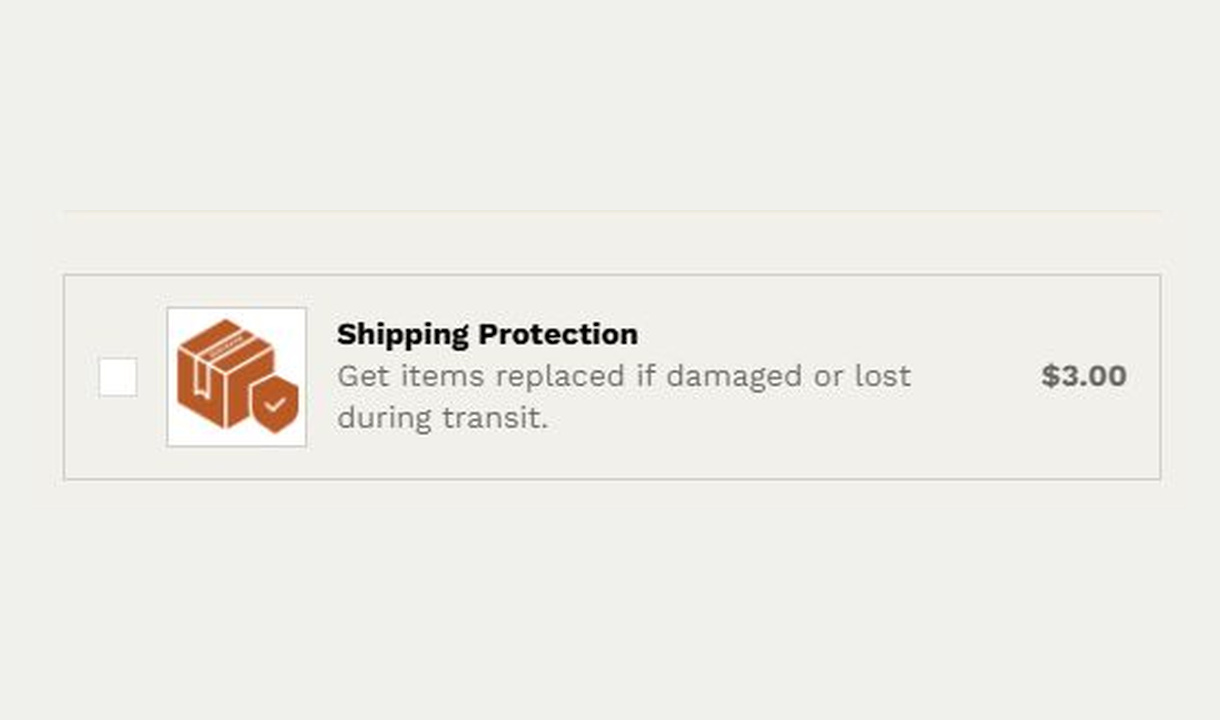

More merchant examples (1)
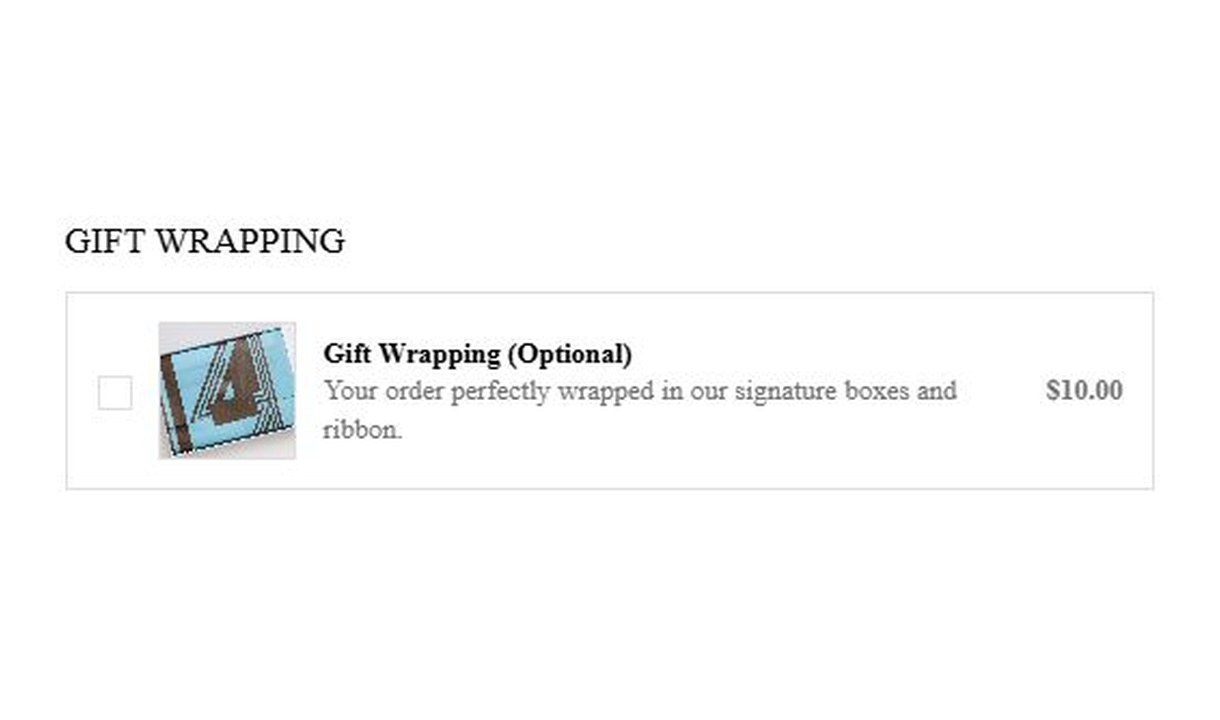

Configure your component.
Choose the add-on
Select the product that represents the extra, such as a gift-wrapping service.
Explain the choice
Use concise content that makes the extra and its price clear before the customer selects it.
Show it where it belongs
Use cart conditions or segments to present the extra only for relevant orders.
A checkbox upsell presents a straightforward yes-or-no product choice. It keeps a small extra close to the order, without asking customers to browse a larger recommendation set.
Select a manual product, hide its thumbnail, and add an optional customer message field.
The tools behind your components.
Connect content, audience, and presentation controls. Available settings depend on the component and its version.
Good together.
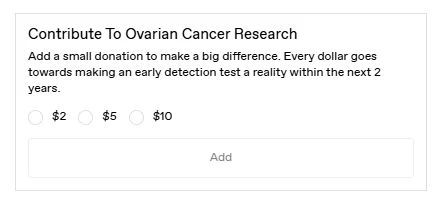
Radio upsell
Let customers choose one product-based add-on from a set of radio options in Shopify checkout, such as a donation amount or service tier.
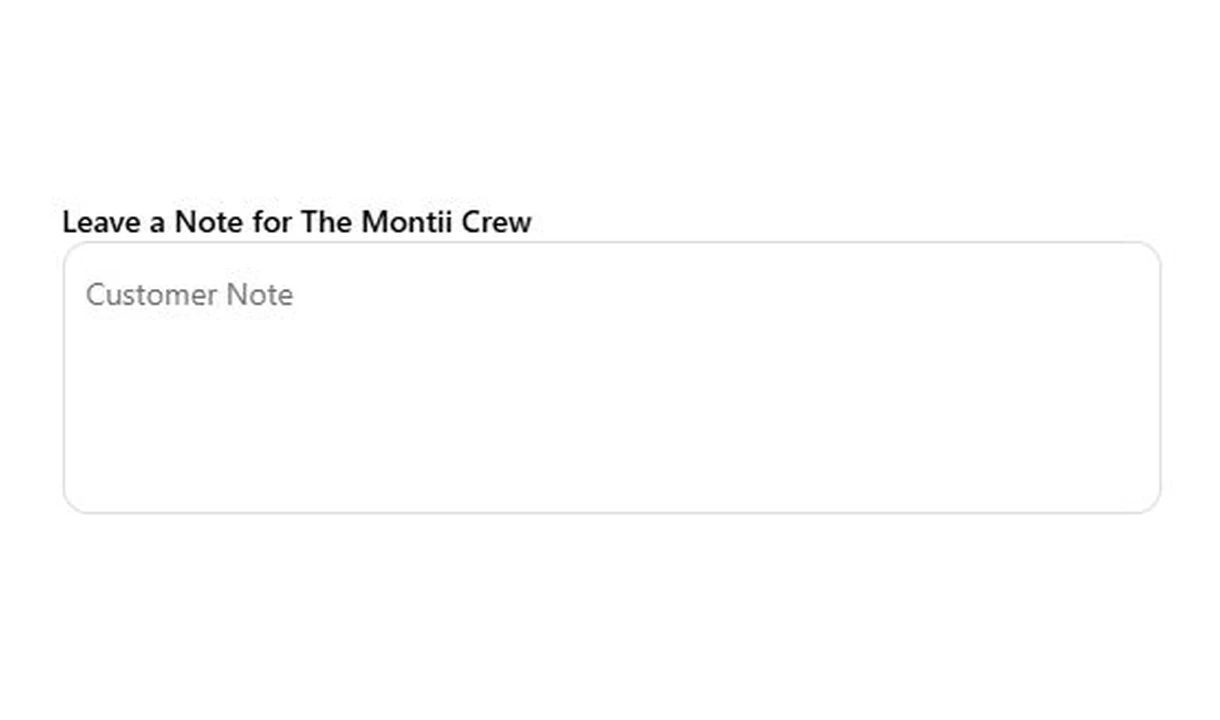
Text field
Collect gift messages, delivery instructions, and order notes in Shopify checkout. Give customers a clear place to add the details your team needs.
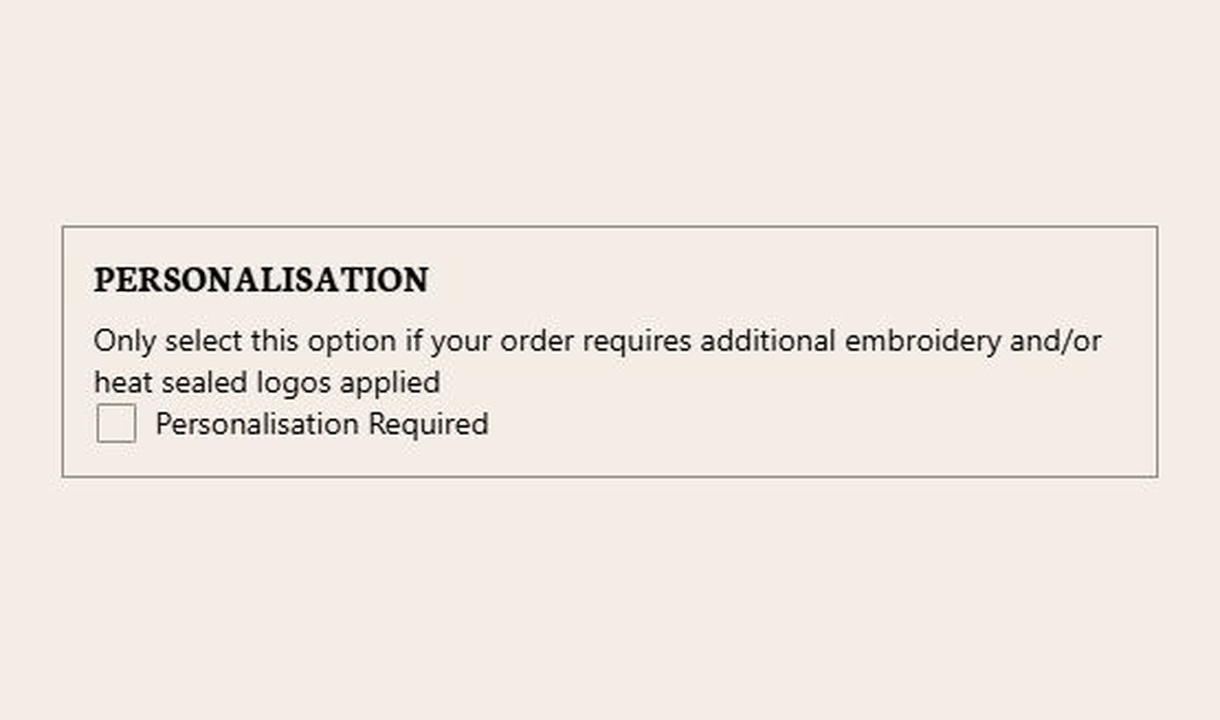
Checkbox
Collect an acknowledgement or a simple preference at checkout. Use checkboxes for terms, delivery permission, or instructions tied to selected products.
Your stack shouldn't stop at checkout.
Bring supported product recommendations, reviews, and other tools into your checkout components. Choose the integration that fits your setup.








Your questions, answered.
What is a checkbox upsell best for?
A checkbox upsell offers a simple optional product-based extra, such as gift wrapping, a warranty, or a small donation. It suits a clear yes-or-no purchase decision rather than a range customers need to browse.
Does selecting the checkbox add a product without leaving checkout?
Yes. Selecting the checkbox adds the configured product to the current order. Customers do not need to return to the cart or a product page.
Is a checkbox upsell the same as a custom checkbox field?
No. A checkbox upsell adds a product-based extra. A custom checkbox records an answer or acknowledgement, such as delivery permission, without selling an add-on.
Can I show product review stars on an upsell?
Yes. On Pro and above, connect Yotpo, Judge.me, Okendo, Reviews.io, or Loox. Stars appear when the product meets your configured minimum average rating, which defaults to four stars.
Can I offer a discount only on products added through the upsell?
Yes. Set a percentage for products added through the component, or individual discounts for manually selected products. The discount applies to items added through that component. Check your Shopify discount configuration before promising that it combines with another promotion.
Can I show the component only to certain customers or carts?
Yes. Use display rules based on products, cart value or quantity, customer tags, markets, or delivery details. Combine conditions with all or any logic and test representative carts before publishing.
Can I show it only on mobile or desktop?
Yes. In the matching Latest block in Shopify's checkout editor, set Show on devices to all, mobile, or desktop. Check the result in the editor's device previews before publishing.
Can I A/B test this checkout component?
Yes, on Pro and above. Create and schedule a checkout A/B test, then compare the recorded results. A test measures your own offer and audience; it does not guarantee an uplift.
Do I need Shopify Plus, and which app plan includes this upsell?
Yes. Checkout Components is built for Shopify Plus stores. Starter includes one manually selected checkout upsell. Growth and above include unlimited upsells and Recommendations rules; Pro and above add supported integrations, review stars, and A/B testing.