Radio upsell.
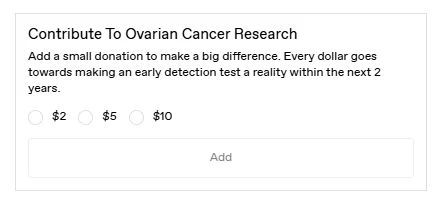

Let customers choose one product-based add-on from a set of radio options in Shopify checkout, such as a donation amount or service tier.
For Shopify Plus Checkout
Configure your component.
Define the alternatives
Choose product options that make sense as alternatives, not items customers need to buy together.
Make the difference clear
Describe each choice so the customer can understand its value and price.
Choose the context
Target the offer to the carts or audiences for which the choice is relevant.
Radio upsells present mutually exclusive product choices. Customers can compare the options together and select one, rather than adding several independent extras.
Select a manual product, add a component border, and open the radio image banner settings.
The tools behind your components.
Connect content, audience, and presentation controls. Available settings depend on the component and its version.
Good together.
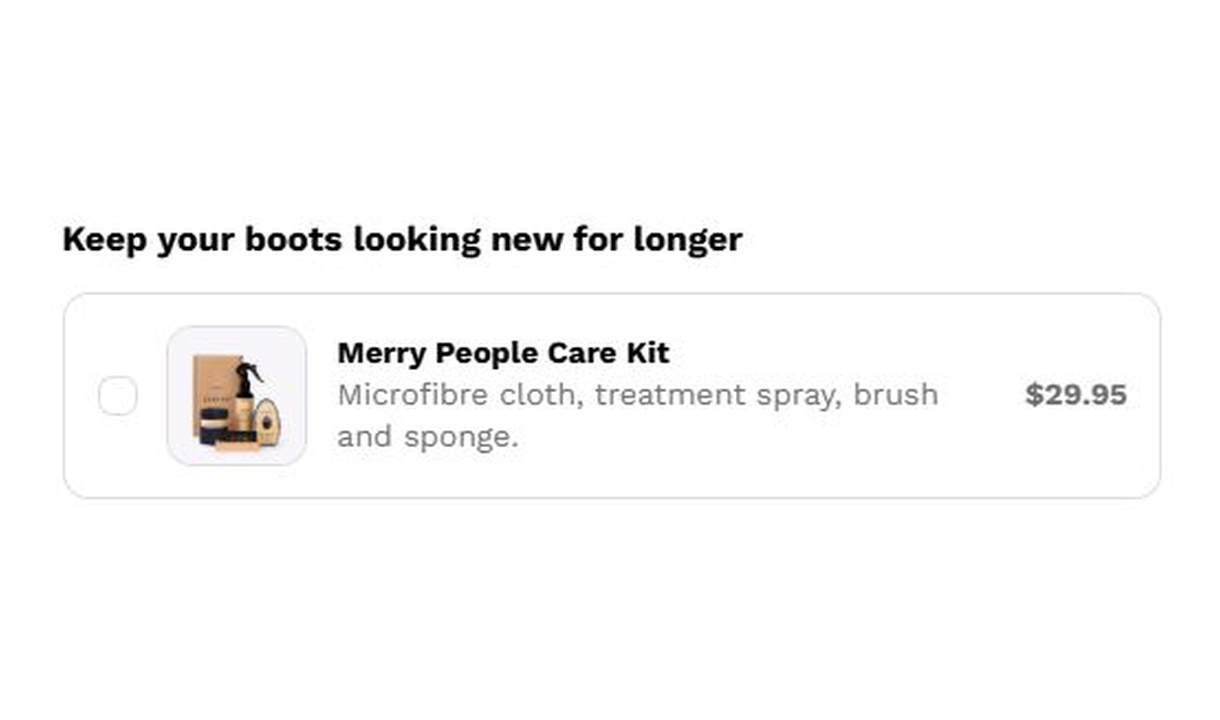
Checkbox upsell
Offer a simple optional add-on in Shopify checkout with a checkbox upsell. Use it for product-based extras such as gift wrapping or a warranty.
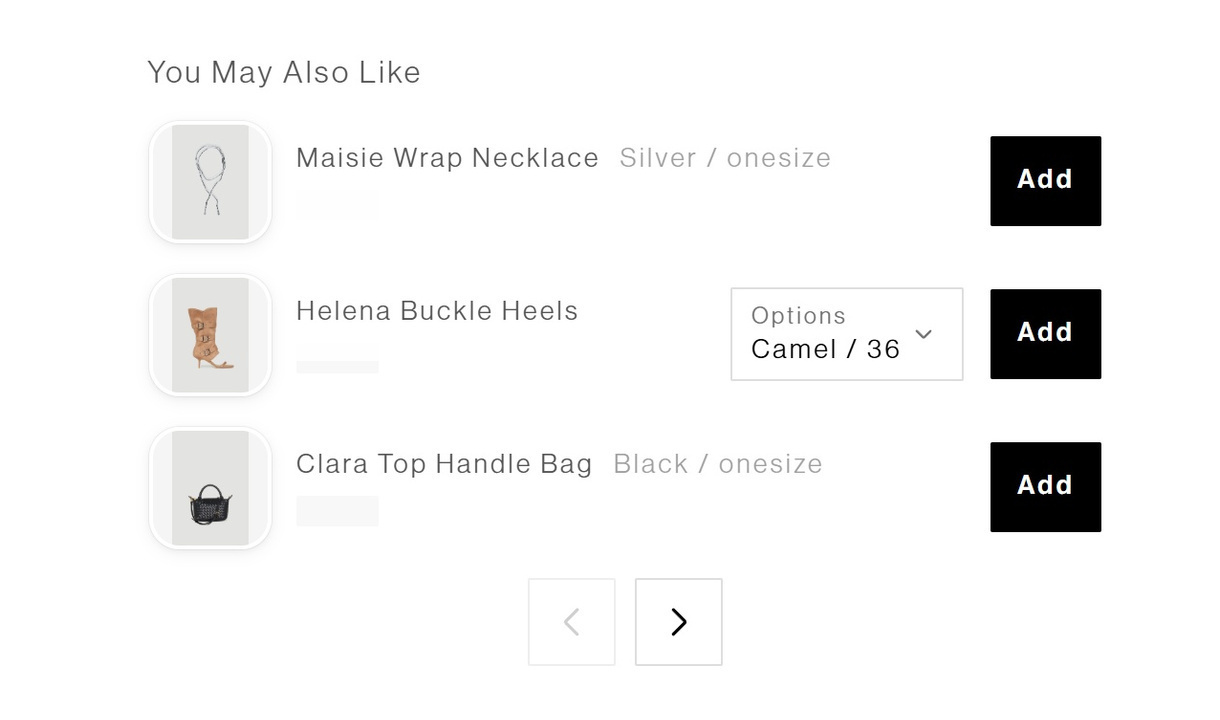
Upsell list
Present product recommendations in a compact, paginated list at Shopify checkout. Give customers a clear way to browse accessories and add-ons.
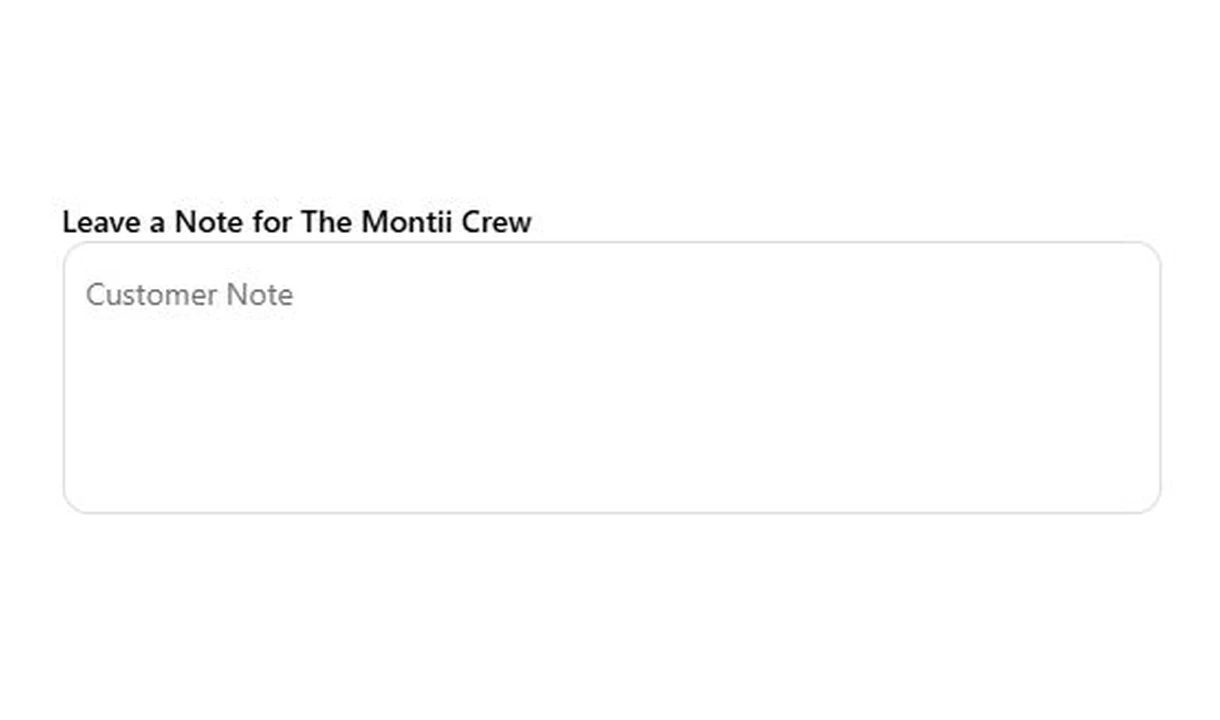
Text field
Collect gift messages, delivery instructions, and order notes in Shopify checkout. Give customers a clear place to add the details your team needs.
Your stack shouldn't stop at checkout.
Bring supported product recommendations, reviews, and other tools into your checkout components. Choose the integration that fits your setup.









Your questions, answered.
What is a radio upsell used for?
A radio upsell lets customers choose one product-based add-on from a set, such as a donation amount or service tier. Each choice is an alternative to the others.
Do I need products or variants for the radio options?
Yes. The choices are linked to products or variants. For a donation, for example, use a donation product with a variant for each amount.
What happens when a customer changes their radio selection?
The previously selected option is removed from the cart and the new option is added. Use a list or carousel when customers should be able to add several independent products.
Does a radio upsell show product prices automatically?
No. Radio upsells show the option label rather than a separate product price. Make each label clear about the choice and any charge.
Which checkout block does Radio upsell use?
Use the Latest Checkout Upsell block in Shopify's checkout editor. Radio upsell does not work on the old Checkout Components block.
Can Radio upsell create a shipping rate or payment method?
No. It adds a product-based choice. Use Shopify's shipping and payment setup, with supported Checkout Functions where appropriate, to manage actual methods.
Can I offer a discount only on products added through the upsell?
Yes. Set a percentage for products added through the component, or individual discounts for manually selected products. The discount applies to items added through that component. Check your Shopify discount configuration before promising that it combines with another promotion.
Can I show the component only to certain customers or carts?
Yes. Use display rules based on products, cart value or quantity, customer tags, markets, or delivery details. Combine conditions with all or any logic and test representative carts before publishing.
Do I need Shopify Plus, and which app plan includes this upsell?
Yes. Checkout Components is built for Shopify Plus stores. Starter includes one manually selected checkout upsell. Growth and above include unlimited upsells and Recommendations rules; Pro and above add supported integrations, review stars, and A/B testing.