Store credit kickback.
Offer Shopify store credit as a percentage of the cart subtotal. Give customers a reason to buy now, with or without a discount.
For Shopify Plus Checkout · Credit issued with Shopify Flow
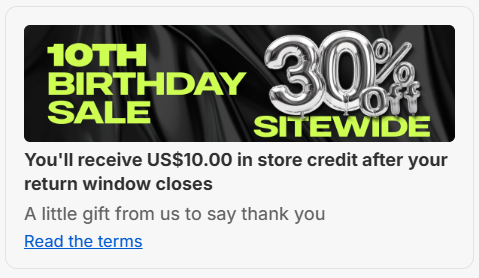
 A reward alongside a sale, available after the return window.
From setup to store credit.
Create the component, connect your workflow, then go live.
- 01
Create the component
Set your kickback percentage and write the reward message.
Kickback percentage10%of the subtotal after discounts$100 subtotal$10 credit - 02
Create your Flow
Build it manually, or ask Sidekick to generate it for you.
Shopify FlowBuild manuallyor SidekickDescribe your campaignOrder createdCheck eligibility and timingIssue 10% in store credit
 - 03
Review and go live
Test the reward, activate your Flow, and publish the component.
Campaign liveYou'll receive $10.00
Available after your return window closes.
in store credit.Component published·Flow active
Illustrative campaign. Match the percentage, eligibility, and issue timing in your component and Flow.
Creating a Shopify FlowThe tools behind your components.
Connect content, audience, and presentation controls. Available settings depend on the component and its version.
Good together.
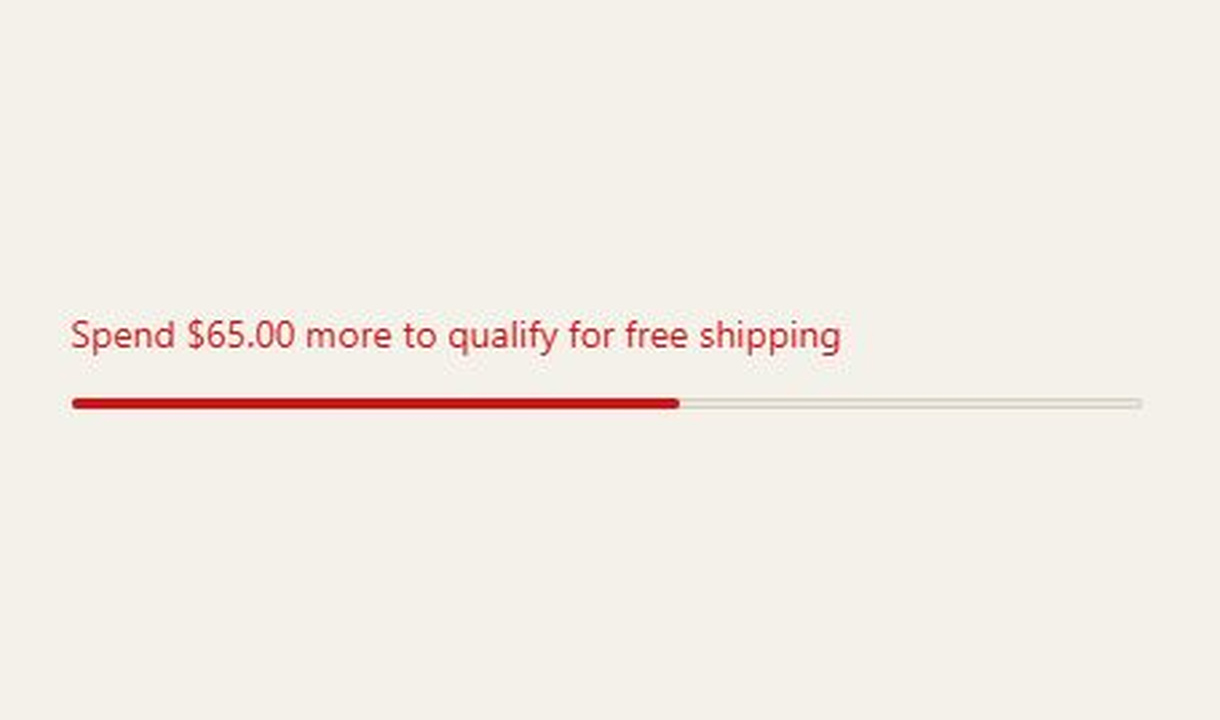
Progress bar
Show checkout progress towards cart-value, quantity, or tagged-product goals, with multiple steps and separate in-progress and completion messages.
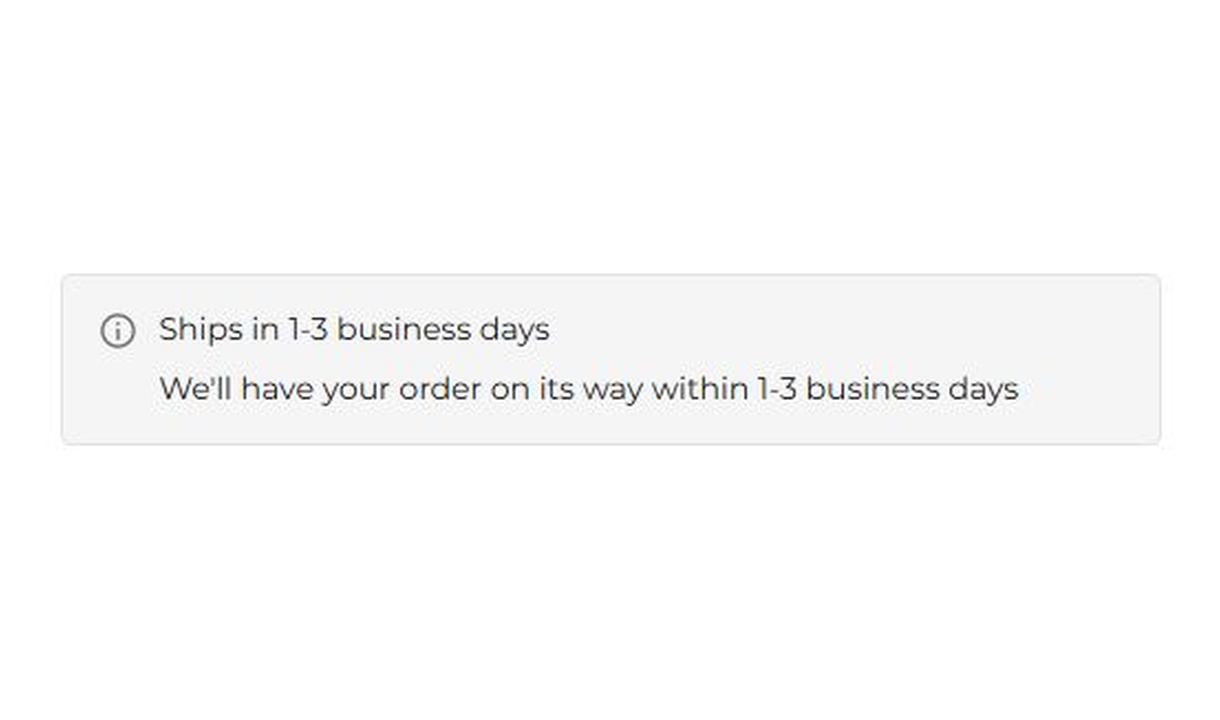
Banner
Keep customers informed before they order. Highlight dispatch delays, free shipping, and other important checkout alerts.
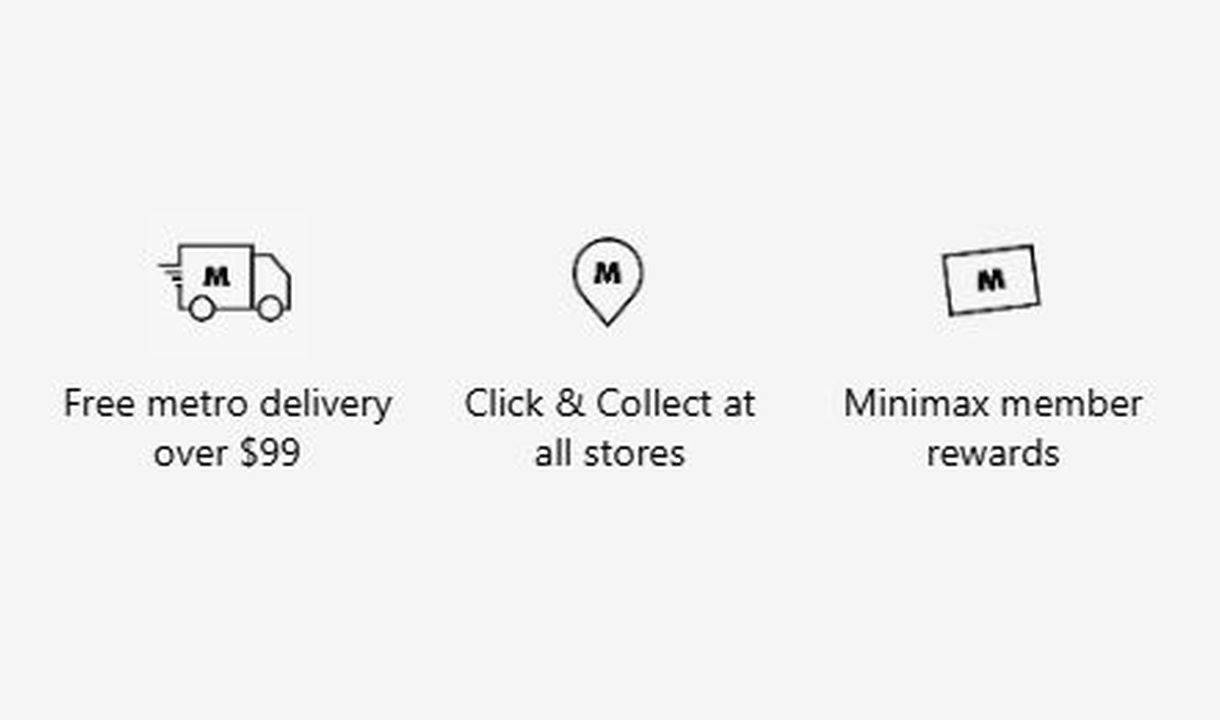
Trust badges
Show the reassurance that matters to each customer. Personalise trust badges around their cart, customer segment, or market.
Your questions, answered.
How is the displayed store credit calculated?
Store credit kickback calculates a percentage of the cart subtotal after discounts. It shows the reward the order is intended to earn, not a discount on the current payment.
Does Store credit kickback automatically issue the credit?
No. The component is display only. A separate Shopify Flow must issue the credit. Configure the Flow's percentage, eligibility, and issue timing to match the promise shown in checkout.
Can I offer store credit alongside a discount?
Yes. The component calculates the displayed credit from the subtotal after discounts. Make sure the issuing Flow uses the same calculation and campaign conditions.
Can I limit the credit offer to VIP customers?
Yes. Use a customer-tag or other relevant display rule. Apply the same eligibility to the Shopify Flow so customers outside the intended audience do not receive the reward.
How do I insert the calculated credit into my message?
Add [credit] to the title, optional subtitle, or details. Checkout Components replaces the token with the calculated amount in the customer's currency.
Can Shopify Sidekick help create the Flow?
Sidekick can draft a workflow from your instructions. Describe the percentage, eligible orders, and issue timing, then review and test the generated Flow before activating it.
Can I translate the component into multiple languages?
Yes, on Growth and above. Add translations for the languages your store supports. Text without a translation uses your default wording; text embedded in uploaded images needs separate translated artwork.
Do I need Shopify Plus, and which app plan includes this component?
Yes. Checkout Components is built for Shopify Plus stores. Starter includes one content or input component; Growth and above include unlimited content and input components. Translations and thank-you page content are included on Growth and above.
Make the next purchase part of this one.
Show the reward clearly, with a workflow that fulfils it.