A/B Testing for Checkout Components Is Here!
What if you could stop guessing which checkout experiences work and start proving it? Introducing A/B testing for Checkout Components: a powerful new way for our merchants to experiment, compare and optimise every component in checkout.

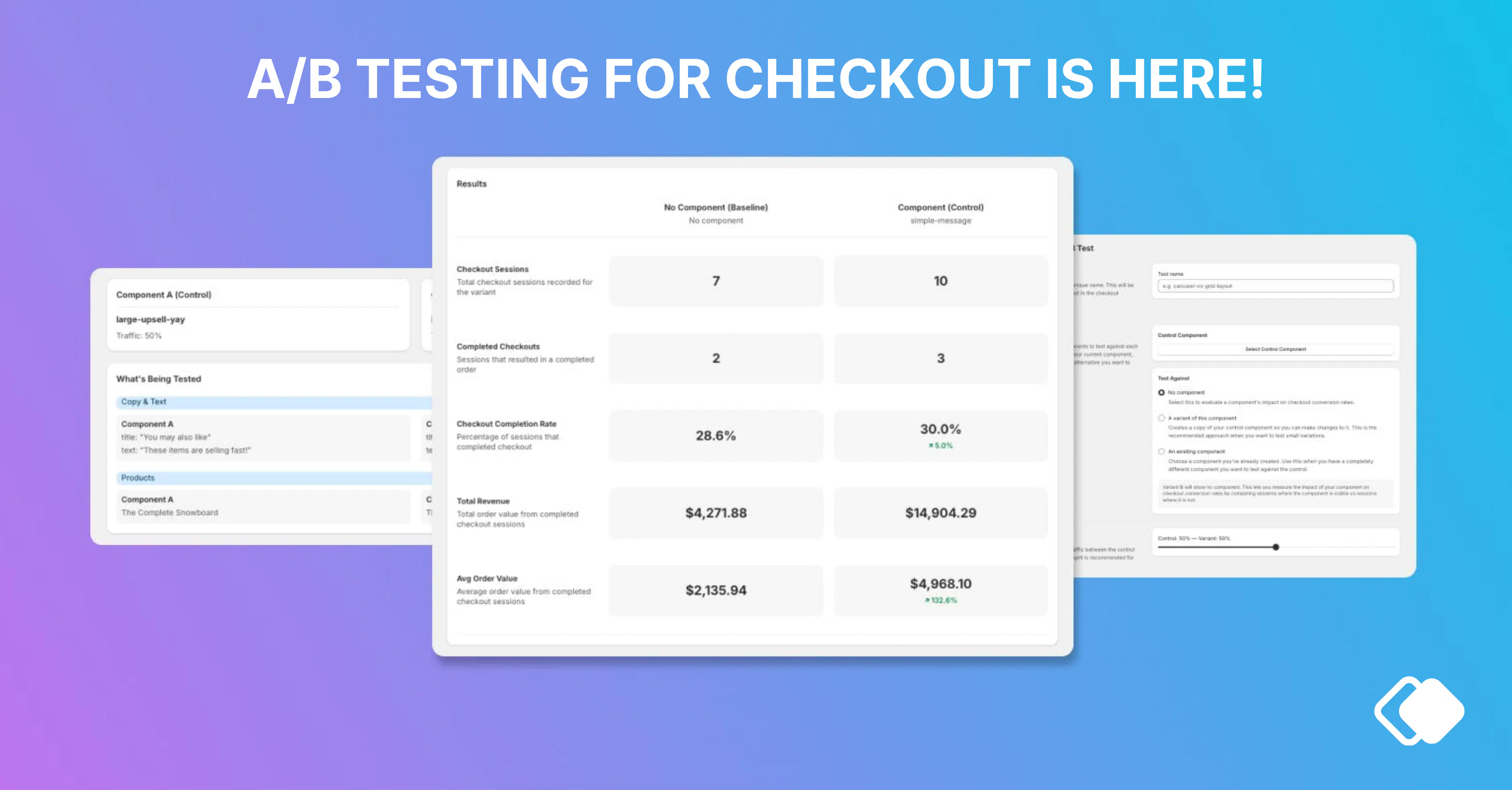
What if you could stop guessing which checkout experiences work and start proving it?
Introducing A/B testing for Checkout Components: a powerful new way for our merchants to experiment, compare and optimise every component in checkout. Instead of relying on intuition or one-off wins, you can now split traffic between different component variations or test against no component at all and see exactly what drives results.
Already merchants are jumping in to test components and we are so excited about the clear learnings for brands already!
Read the full feature changelog here.
Early test results
One of our fashion merchants tested a simple 'urgency message' copy update to a line item against one without. Already after just 2 days the component with urgency is clearly outperforming the alternate option:
✅ Higher conversion (52.5% vs 50.4%)
✅ Higher revenue (A$69k vs A$56k)
✅ Higher AOV (A$202 vs A$187)
We're loving how quickly insights are coming in and the different tests that brands are running to increase checkout performance.
How A/B testing works in Checkout Components
We’ve designed the new feature based on feedback and ideas from our merchants, with a simple setup and without the backend guesswork. Here’s how it works step by step:
1. Choose what you want to test
Start by selecting the checkout component you want to optimise. This could be an upsell, content block, or any other component in your checkout.
2. Create your variations
Set up variation of the control component. This could be different offers, messaging, designs, or even testing the presence of a component versus no component at all.
3. Split your traffic
Decide how you want to divide traffic between each variation. For example, a 50/50 split ensures each version gets equal exposure for a fair comparison.
4. Launch your test
Add the A/B test name to your control component in checkout, publish your A/B test and let it run. Checkout Components will automatically handle the traffic distribution in the background.
5. Monitor performance
Track how each variation performs in a dedicated analytics view. You’ll be able to clearly compare key metrics and see which version is driving better results. Our recommended testing time is a minimum of 7 days.
6. Choose a winner and optimise
When you have enough data, pick the winning variation and roll it out with confidence or keep iterating and test something new.
Whether you’re fine-tuning upsells, testing messaging, or experimenting with layout, the A/B testing feature gives you a clear answer to a simple question: what actually converts? With side-by-side performance insights in a dedicated analytics view, you can confidently implement what works and eliminate what doesn’t.
Examples of what you can test
- Does a carousel upsell convert better than a list layout?
- Does showing trust badges in checkout improve completion rates?
- Is a "Free Shipping" upsell bar worth the real estate?
- Do AI-powered recommendations outperform your manually curated picks?
- Does a bold, branded campaign banner drive more revenue than a minimal text callout?
Available on Pro and Enterprise plans. Navigate to the A/B Tests section in the app to create your first test.
How We Work with Merchants
At Checkout Components, we partner closely with our merchants to understand their customers, analyse performance and behaviours across devices, and continuously refine their checkout experience. We don’t believe in a setup and walkway approach.
Speak to our team on which components you should test in your checkout 🤝

Alex Lawson
An outcomes-driven marketing and growth leader with 15+ years of experience across B2B, B2C, retail, and FMCG, specialising in demand generation, digital strategy, and strategic partnerships. Proven track record in driving revenue growth, go-to-market strategies, and brand positioning, with expertise in account-based marketing (ABM), eCommerce, and integrated digital projects. Adept at simplifying complexity, fostering high-impact collaborations, and delivering measurable business results.